


If Docker returns error response from daemon: manifest unknown, the registry could not return a manifest for the exact image reference you requested: repository, tag or digest, and platform. Start with the boring checks first: the tag may not exist, your machine may be asking for the wrong architecture, or a private registry may be hiding the tag until you authenticate.
Fast answer: run
docker pull REPO/IMAGE:TAG, then inspect platforms withdocker buildx imagetools inspect REPO/IMAGE:TAG. If Compose is involved, isolate the failing service withdocker compose pull SERVICE_NAME.
Error variants you might see
manifest unknown/manifest not foundno matching manifest for linux/arm64(common on Apple Silicon / Raspberry Pi)ErrImagePull/ImagePullBackOff(Kubernetes wrapper symptoms)
Command cheat-sheet (copy/paste)
# 1) Check what you are actually pulling
docker pull REPO/IMAGE:TAG

# 2) Inspect platforms (if buildx is available)
docker buildx imagetools inspect REPO/IMAGE:TAG

# 3) Force a platform (only works if that manifest exists)
docker pull --platform=linux/amd64 REPO/IMAGE:TAG

# 4) Login (private registries)
docker login REGISTRY_HOST

# 5) Compose: isolate one service
docker compose pull SERVICE_NAME

# 6) Compose: show resolved images
docker compose config | sed -n '/image:/p'

Code language: Bash (bash)
Fast decision table
| Check | How to verify | Command | Fix |
|---|---|---|---|
| Tag exists | Look at tags list in registry UI | REPO/IMAGE:TAG |
Use an existing tag or publish the missing one |
| Platform mismatch | See supported platforms for that tag | docker buildx imagetools inspect ... |
Pick an arm64 tag or pull with --platform (emulation) |
| Permissions / auth | Private registries may hide manifests without auth | docker login ... |
Login / check repo permissions / token scope |
| Compose hides culprit | Pull one service at a time | docker compose pull SERVICE |
Fix one broken image: line |
If you see manifest unknown (or manifest not found) while running docker pull or docker compose up, Docker is not being vague. It’s telling you one very specific thing: the registry doesn’t have the manifest for the exact image reference you requested (name + tag/digest + platform).
Quick takeaway: 80% of the time this is either (1) a tag that doesn’t exist, or (2) an architecture mismatch (arm64 vs amd64). Fix those first.
TL;DR: fastest checklist (3 minutes)
- Confirm the image reference (no typos):
repo/name:tagorrepo/name@sha256:... - Check that the tag exists (Hub/GHCR/private registry UI). If there are no tags : you can’t pull it.
- Check platform: on M1/Raspberry Pi you need an
arm64manifest, not just “latest”. - Check auth: private registries often return “manifest unknown” when you’re not allowed to see the tag.
- Isolate the failing service (compose):
docker compose pull <service>
Decision tree: fix it fast (pick your branch)
If you just want the fastest path, follow this in order. Stop as soon as you find a match.
- Does the tag exist?
- Open the registry UI (Docker Hub / GHCR / your private registry) and check if
:TAGis listed. - If the tag is missing, that reference cannot be pulled. Pick an existing tag or build/publish the image.
- Open the registry UI (Docker Hub / GHCR / your private registry) and check if
- Is it a platform/architecture mismatch?
- On Apple Silicon / Raspberry Pi, assume
linux/arm64until proven otherwise. - Inspect platforms:
docker buildx imagetools inspect REPO/IMAGE:TAG - If the tag is
amd64-only, either choose anarm64tag or force emulation:docker pull --platform=linux/amd64 ...
- On Apple Silicon / Raspberry Pi, assume
- Is this a private registry / permission issue?
- Login and retry:
docker login REGISTRY_HOSTthendocker pull REGISTRY_HOST/ns/image:tag - If you pull through a proxy/mirror (Harbor/Nexus/Artifactory), check server logs; client-side errors can be misleading.
- Login and retry:
- Are you debugging a compose stack?
- Isolate the failing service:
docker compose pull SERVICE_NAME - Print resolved images:
docker compose config | sed -n '/image:/p' - Fix one broken
image:line, then rerun.
- Isolate the failing service:
What “manifest unknown” actually means (see also what Docker Engine does)
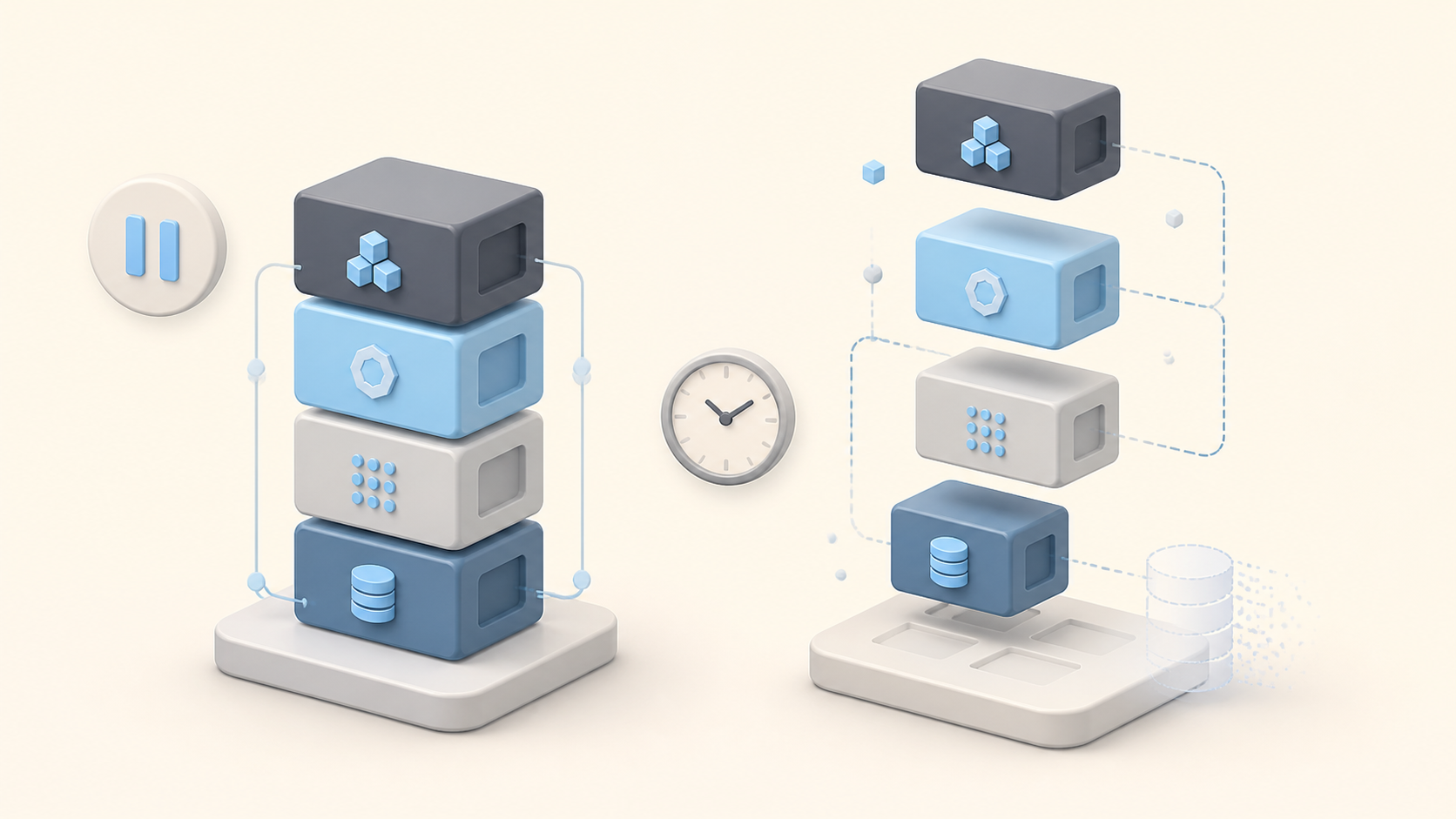
A Docker image is not a single file (if you want the mental model, here’s a deeper explainer on how Docker image layers work). A registry stores image manifests : metadata that points to the layers and config. When you request myapp:1.2.3, Docker asks the registry for the manifest for that exact tag and platform. If it is missing, not visible to your credentials, or not available for your architecture, you get manifest unknown.
For source context, Docker’s manifest command reference explains that manifests and manifest lists describe image metadata and platform variants. Docker’s buildx imagetools inspect reference shows how to inspect a registry image and list supported platforms before you guess at fixes.
Common causes (ordered by probability)
Start with #1 and go down. Most “manifest unknown” cases are boring, but the fix is fast.
1) The tag doesn’t exist (or was removed)
This happens more often than people expect : especially with develop, nightly, or broken CI builds. If there are no tags in that repo, there is nothing to pull.
Quick check: open the registry page and look for tags. If the tag isn’t listed, Docker can’t magically pull it.
2) Architecture mismatch (arm64 vs amd64)
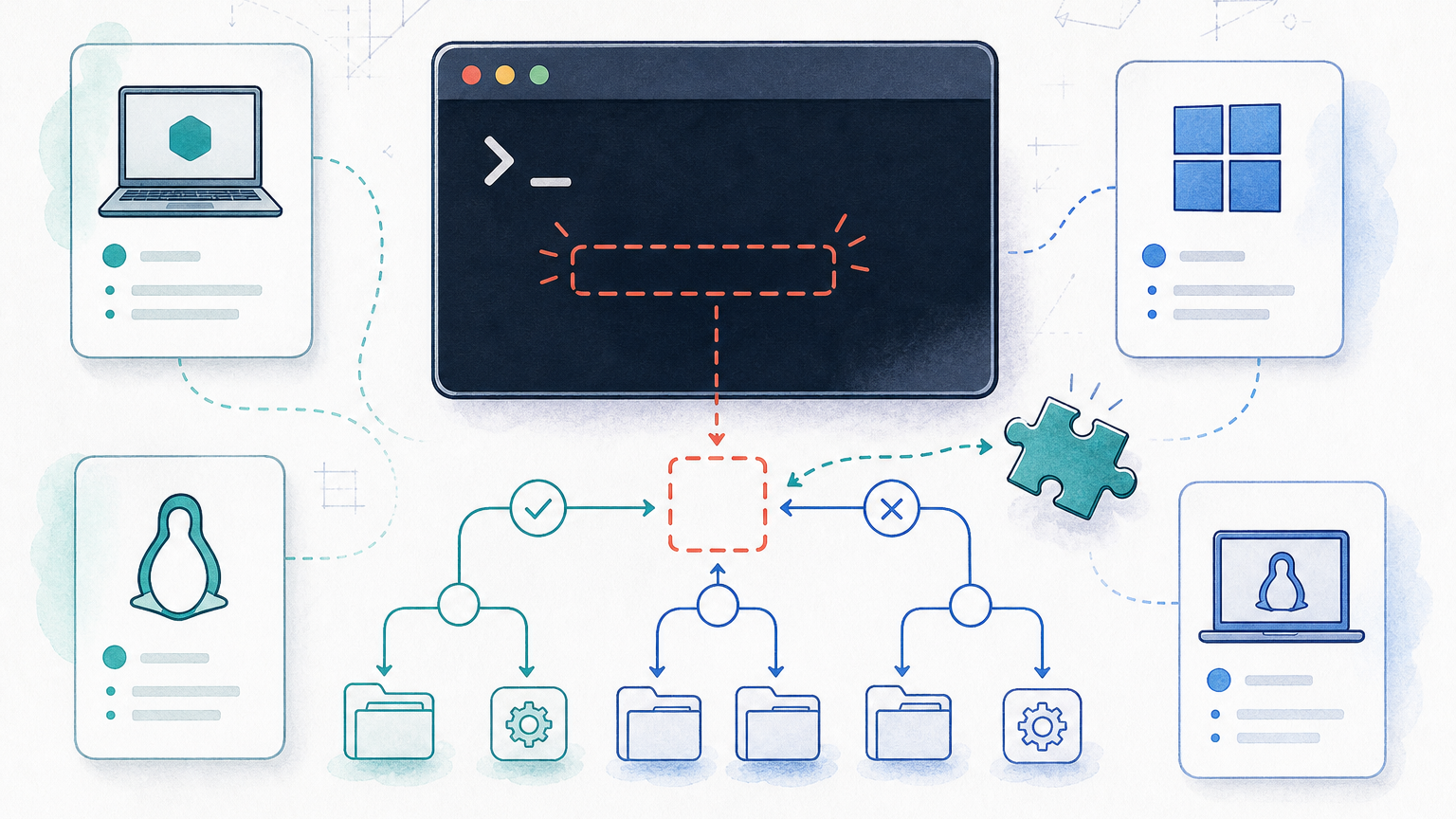
On Apple Silicon (M1/M2/M3) and many homelab boxes (Raspberry Pi), the default platform is often linux/arm64. Many images are published only for linux/amd64. The registry can have the tag : but not the manifest for your platform.
# Inspect which platforms exist for a tag (best tool when you have buildx)
docker buildx imagetools inspect REPO/IMAGE:TAG

# Or force a platform (works only if that platform actually exists)
docker pull --platform=linux/amd64 REPO/IMAGE:TAGCode language: Bash (bash)
3) Wrong image name / wrong namespace
It’s easy to mix up library/alpine vs alpine, or a private org namespace. A single wrong character can produce manifest unknown. (Related: if you’re still getting comfortable with builds, this quick primer on multistage Dockerfiles helps you reason about tags and outputs.)
4) Private registry / auth / permissions
Some registries deliberately hide tag existence without auth. You log in, the error changes, or the pull starts working.
docker login REGISTRY_HOST
# then retry
docker pull REGISTRY_HOST/namespace/image:tag
Code language: Bash (bash)
5) Proxy/mirror registry quirks (Harbor/Nexus/Artifactory)
If you’re pulling through a mirror/proxy, check server-side logs. A proxy can fail to fetch or cache manifests correctly, and the client only sees “manifest unknown”.
Compose-specific: don’t let one bad image ruin your whole stack (Compose vs Dockerfile)
First, find the one service that fails. Then pull services one by one. If you are not sure whether you should be using Compose here, see Docker Compose vs Dockerfile.
Do not debug the whole stack at once. A single bad image: reference can make docker compose up look like a networking, volume, or Docker daemon problem. Pull the suspected service directly, fix the tag/platform/auth issue, then rerun the stack.
# Pull a single service to isolate the failure
docker compose pull SERVICE_NAME

# Show the exact image resolved by compose
docker compose config | sed -n '/image:/p'
Code language: Bash (bash)
Common trap: if one image/tag is invalid,
docker compose upcan make it feel like “everything is broken”. It’s usually one badimage:line.
FAQ
These are the checks that usually separate a missing tag from a platform, Compose, or registry-permission issue.
Why do I get “manifest unknown” even though the image exists?
Most often you’re pulling a tag that doesn’t exist for that repository (typo, deleted tag, wrong namespace), or you’re requesting a platform that wasn’t built/pushed for that tag. Verify the exact repo+tag and inspect available platforms/manifest lists.
Why does this happen more on M1 / Raspberry Pi (arm64)?
Many images are only published for amd64. On arm64 hosts, Docker may try to pull an arm64 variant and fail if the manifest list doesn’t include it. Fix by choosing a multi-arch tag or forcing a compatible platform (with expected performance/compatibility tradeoffs).
I set platform: linux/amd64 in Compose but it still fails : why?
Either the tag truly doesn’t exist, the platform setting is applied in the wrong place for your Compose version, or you’re using a registry mirror/proxy that serves different manifests. Double-check the tag and try a direct pull from the upstream registry.
Why does docker compose fail the whole run because of one bad image?
Compose often resolves/pulls images for services before starting containers. If any pull fails, the run fails. Work around by fixing the broken image reference first, or temporarily disabling that service while you iterate.
How do I tell if it’s a registry outage vs my config?
Try pulling a well-known image from the same registry endpoint and compare from another network/runner. If only one repo/tag fails, it’s usually a tag/name/platform issue. If everything fails, suspect auth/network/outage.
Related guides on RepoNotes
If you want to go deeper, these are commonly related when debugging pulls and deployments: how to map ports in Docker, Docker Compose volumes, and docker compose up troubleshooting.
- Docker Compose vs Dockerfile when to use which
- What is Docker Engine? how Docker actually runs images
- Docker containers (complete guide) basics + mental model
- Docker LABEL instruction practical metadata patterns
- Dockerfile EXPOSE what it does (and what it doesn’t)


Leave a Reply