

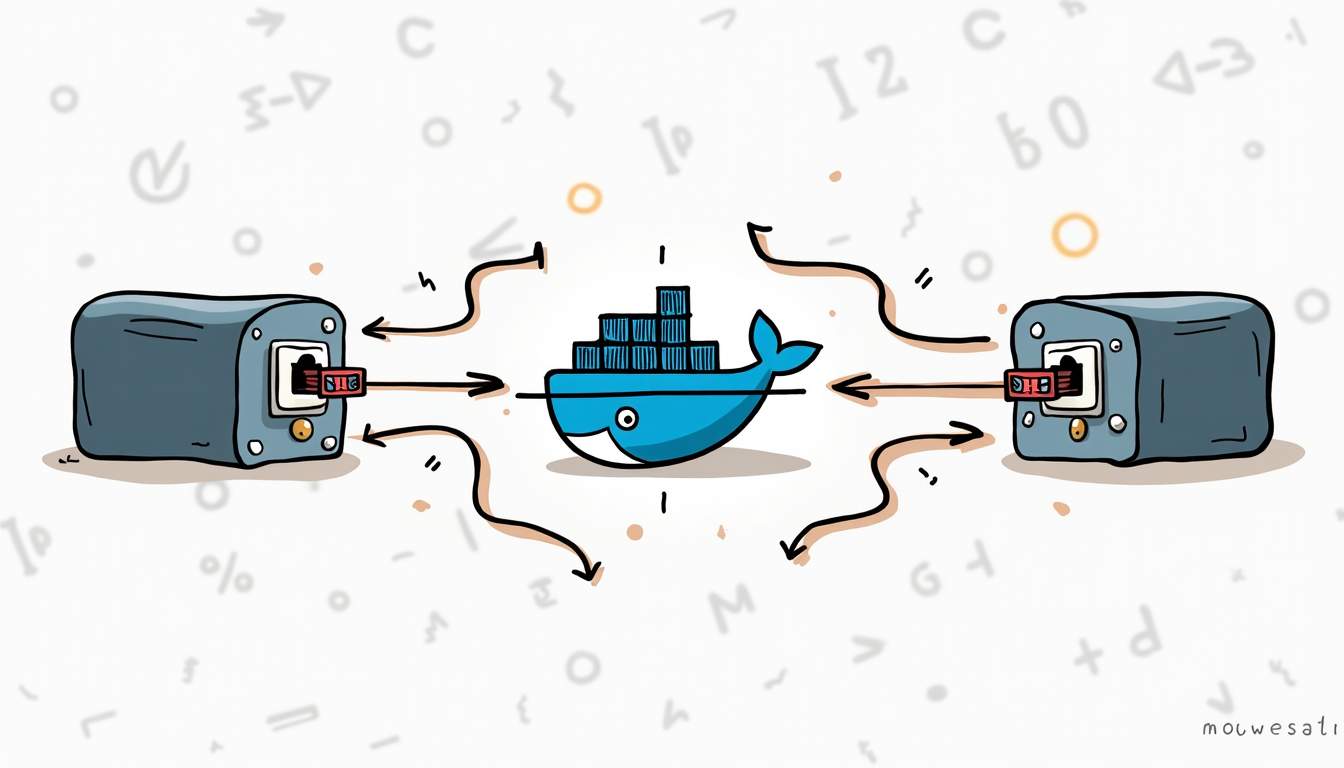
Docker port mapping is how you make a container’s internal port reachable from your host machine, your local network, or another service. In day-to-day work, it is the difference between “the app is running in a container” and “I can actually open it in a browser.”
Quick takeaway: for local development, start with
-p 127.0.0.1:8080:80or the Compose equivalent"127.0.0.1:8080:80". It is explicit, easy to debug, and avoids exposing the service to your whole network by accident.
What “Map Ports” Means in Docker
Containers have their own network namespace. Your app might listen on port 80 inside the container, while your laptop uses port 8080 to reach it. Port mapping connects those two sides.
- Container port: where the process listens inside the container.
- Host port: where your machine accepts traffic.
- Host IP: optional, but important when you want localhost-only access.
docker run -p 8080:80 nginx
# host port 8080 -> container port 80Code language: CSS (css)
The Most Common Docker Port Mapping Patterns
These are the patterns you will use most often when exposing a container from a local machine or test environment.
1. Map a Host Port to a Container Port
Use this when you want a predictable local URL, such as http://localhost:8080.
docker run --name web -p 8080:80 nginxCode language: CSS (css)2. Bind to Localhost Only
This is the safer default for local development and admin tools because it prevents other machines on the network from reaching the service.
docker run --name web -p 127.0.0.1:8080:80 nginxCode language: CSS (css)3. Let Docker Choose a Random Host Port
This is useful in tests or when you run multiple copies of the same service. Docker picks an available host port and maps it to the container port.
docker run -P nginx
docker ps
docker port <container_id>Code language: HTML, XML (xml)
Docker Compose Ports Syntax
In Docker Compose, the same idea lives under the ports: key. The common short syntax is HOST_PORT:CONTAINER_PORT.
services:
  web:
    image: nginx
    ports:
      - "8080:80"Code language: JavaScript (javascript)
That example maps localhost:8080 on the host to port 80 inside the web container.
Localhost-Only Binding in Compose
If the service is for local development only, bind it to 127.0.0.1.
services:
  web:
    image: nginx
    ports:
      - "127.0.0.1:8080:80"Code language: CSS (css)
Random Host Ports in Compose
If you specify only the container port, Compose can publish it on a random available host port. Inspect the assigned port with docker compose ps.
services:
  web:
    image: nginx
    ports:
      - "80"

# then check the assigned host port
docker compose psCode language: PHP (php)
TCP, UDP, and Multiple Ports
TCP is the default. Add /udp when the service actually uses UDP, and list multiple mappings when the service exposes more than one port.
services:
  dns:
    image: coredns/coredns
    ports:
      - "1053:53/tcp"
      - "1053:53/udp"Code language: JavaScript (javascript)
Docker Compose: Ports vs Expose
ports: publishes a container port to the host. expose: does not. It only documents or exposes the port inside the Compose network, where other services can reach it by service name.
services:
  app:
    build: .
    ports:
      - "8080:8080"

  db:
    image: postgres:16
    expose:
      - "5432"Code language: JavaScript (javascript)
In that example, the app is reachable from the host on port 8080. The database is reachable by other Compose services on the internal network, but not published to the host.
Debug a Port Mapping in 3 Minutes
- Check the container is running:
docker psordocker compose ps. - Check the mapping:
docker port CONTAINERor thePORTScolumn in Compose output. - Check the app listens on the expected container port.
- If the app listens only on
127.0.0.1inside the container, change it to0.0.0.0. - Check for host-port conflicts with another process or container.
docker compose ps
docker compose logs web
docker port <container_id>Code language: HTML, XML (xml)
Troubleshooting Common Port Mapping Problems
When a published port does not respond, start by separating host-port conflicts from application-level binding issues.
“Port Is Already Allocated”
The host port is already taken. Stop the conflicting container/process or choose another host port.
docker ps --format "table {{.Names}}	{{.Ports}}"
# Example fix: use 8081 on the host instead of 8080
ports:
  - "8081:80"Code language: PHP (php)
The Container Runs, but the Browser Cannot Connect
The app may be listening on the wrong interface or port. Inside containers, web apps should usually bind to 0.0.0.0, not only 127.0.0.1.
The Port Works Locally but Not From Another Machine
You may have bound the service to localhost only, or a host firewall/router is blocking traffic. For dev machines, localhost-only is often intentional. For shared environments, document the exposure explicitly.
Best Practices for Docker and Compose Port Mapping
- Prefer localhost-only bindings for local dev tools and admin UIs.
- Avoid exposing database ports publicly unless you have a clear access-control reason.
- Use explicit host ports for services humans need to open in a browser.
- Use random host ports for parallel test environments.
- Keep port mappings documented in the Compose file instead of relying on tribal knowledge.
For adjacent Compose workflows, see Docker Compose Up, Docker Compose Down, Docker Compose Volumes, and Docker Compose Restart Policy.
FAQ
Does EXPOSE publish a port?
No. EXPOSE documents that the container listens on a port, but it does not publish that port to the host. Use -p with Docker or ports: in Docker Compose.
What is the difference between Docker Compose ports and expose?
ports: publishes a container port to the host. expose: only makes the port available to other services on the same Compose network.
How do I bind a Compose service to localhost only?
Use a host IP in the mapping, for example 127.0.0.1:8080:80. That keeps the service reachable from your machine but not from the whole network.
Why do I get “port is already allocated”?
Another process or container is already using the host port. Pick a different host port, stop the conflicting process, or check running containers with docker ps.
Should databases be published with ports in production?
Usually no. Prefer private Docker networks or infrastructure-level networking. Publish database ports only when you have a specific access-control plan.
Port mapping is simple once you separate the host side from the container side. Start with explicit mappings, bind to localhost when possible, and use Compose networks for service-to-service traffic instead of publishing every internal dependency.






Leave a Reply