


Quick takeaway: Containers give DevOps teams a repeatable way to package and run software. They are not magic, and they are not Kubernetes by default. Think of them as the runtime unit that connects local development, CI/CD, testing, and production deployment.
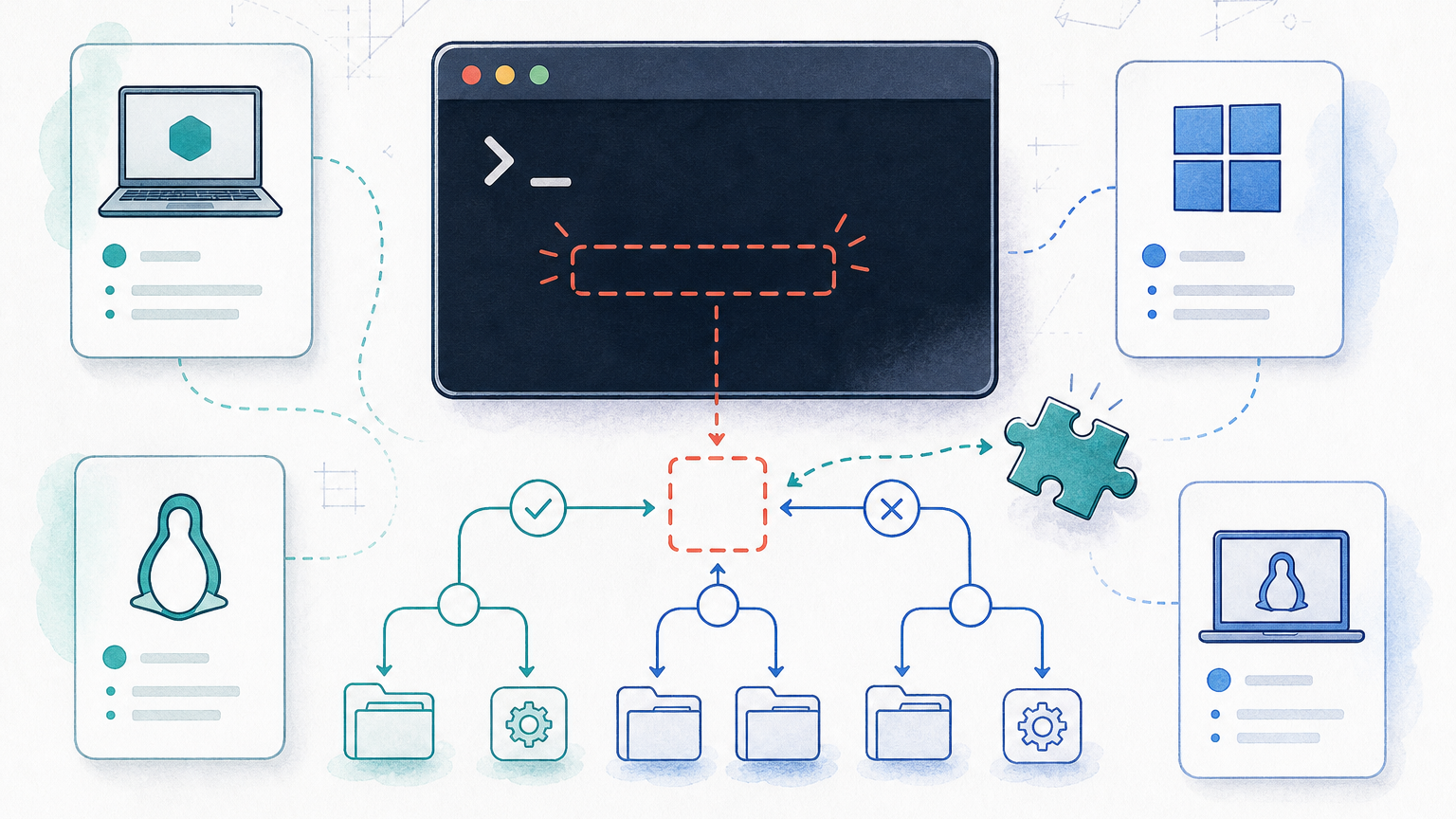
A container packages an application with the files, dependencies, runtime, and settings it needs to run. The goal is simple: if the container works in one environment, it should behave the same way in another environment with the same runtime assumptions.
That repeatability is why containers became central to DevOps. They reduce the old “works on my machine” gap, make CI/CD jobs easier to reproduce, and give operations teams a cleaner unit to deploy, monitor, and roll back.
This page is a foundation guide. It explains the container model and points you toward deeper RepoNotes pages when you need a specific Docker, Kubernetes, or troubleshooting workflow. For a direct Docker comparison, see Podman vs Docker. For image workflows, see Docker Commit.
What a Container Actually Is
A container is an isolated process with its own filesystem view, environment variables, network settings, and resource limits. It shares the host operating system kernel, but the application inside the container sees a controlled runtime environment. Docker’s own container documentation describes this model as a standardized unit for software and dependencies.
| Concept | Plain-English Meaning | DevOps Impact |
|---|---|---|
| Image | A read-only template used to create containers | Build once, then run the same artifact in CI, staging, and production |
| Container | A running instance of an image | Deploy, stop, restart, inspect, and monitor the app as a unit |
| Registry | A place to store and distribute images | Lets CI publish artifacts and servers pull the exact version to deploy |
| Runtime | The software that starts and manages containers | Connects the image format to the host machine |
| Orchestrator | A system that schedules and manages many containers | Handles placement, rollout, service discovery, and recovery at scale |
Containers vs Virtual Machines
Virtual machines and containers both isolate workloads, but they draw the boundary in different places. A virtual machine includes a full guest operating system. A container shares the host kernel and isolates the application process.
| Question | Container | Virtual Machine |
|---|---|---|
| Startup time | Usually seconds or less | Often slower because a full OS boots |
| Isolation boundary | Process and namespace isolation on the host kernel | Full guest operating system boundary |
| Typical use | Application packaging, CI jobs, microservices, repeatable environments | Different OS versions, stronger isolation needs, legacy workloads |
| Artifact | Container image | VM image or disk template |
| Operational model | Many small app units | Fewer larger machine units |
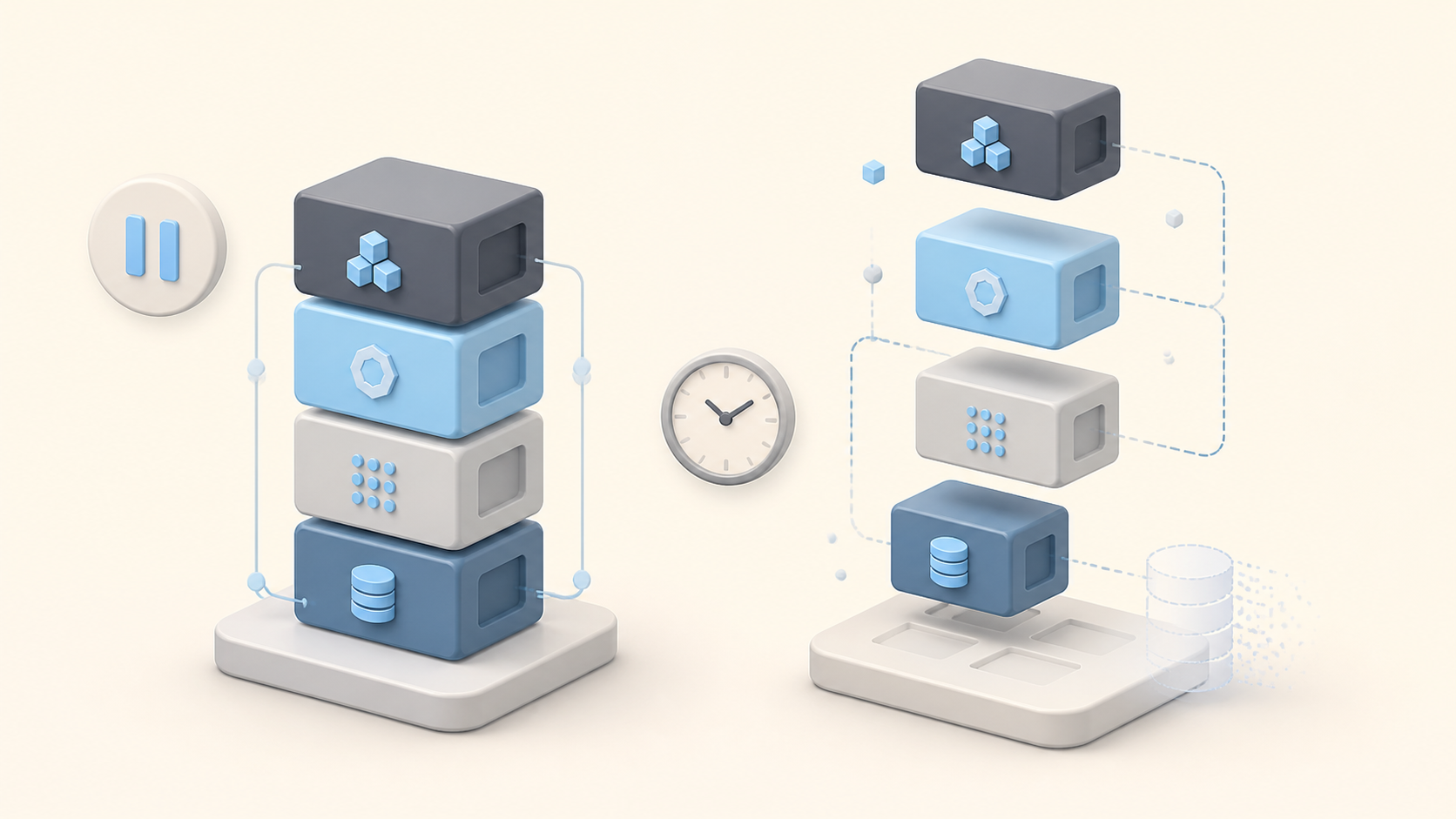
This does not make containers automatically better than VMs. They solve different problems. Containers are useful when the application and its dependencies need to move quickly. VMs are still useful when the operating system boundary matters more than deployment speed.
Why Containers Matter in DevOps
DevOps is partly about shortening the loop between code, test, deployment, and operations. Containers help because they turn the runtime into an artifact. The CI pipeline can build an image, scan it, push it to a registry, and deploy that same artifact later.
- Developers get a repeatable local environment instead of a long setup document.
- CI jobs can run the same app image that production will use.
- Operations teams can deploy a versioned artifact instead of rebuilding on the server.
- Rollback becomes easier when the previous image tag is still available.
- Security teams can scan images and enforce baseline rules before deployment.
Where Docker, Kubernetes, and Podman Fit
Docker popularized the developer workflow around building and running containers. Podman offers a daemonless alternative that many teams consider for rootless or Linux-native workflows. Kubernetes is an orchestration platform that schedules containers across a cluster.
| Tool or Platform | Primary Job | What It Is Not |
|---|---|---|
| Docker | Build images and run containers on a machine | Not the only container runtime and not the same thing as Kubernetes |
| Podman | Run and build containers with a daemonless model | Not a drop-in answer for every Docker Desktop workflow |
| Kubernetes | Schedule and operate containers across many nodes | Not required for every small app or local development setup |
| Docker Compose | Run multi-container apps on one machine or simple environments | Not a full cluster orchestrator |
| Container registry | Store and distribute images | Not a runtime or deployment platform |
For Kubernetes specifics, use the Kubernetes documentation on containers and pods. For Docker concepts, Docker’s guides on what a container is, image layers, and publishing ports are good starting points.
A Basic Container Workflow
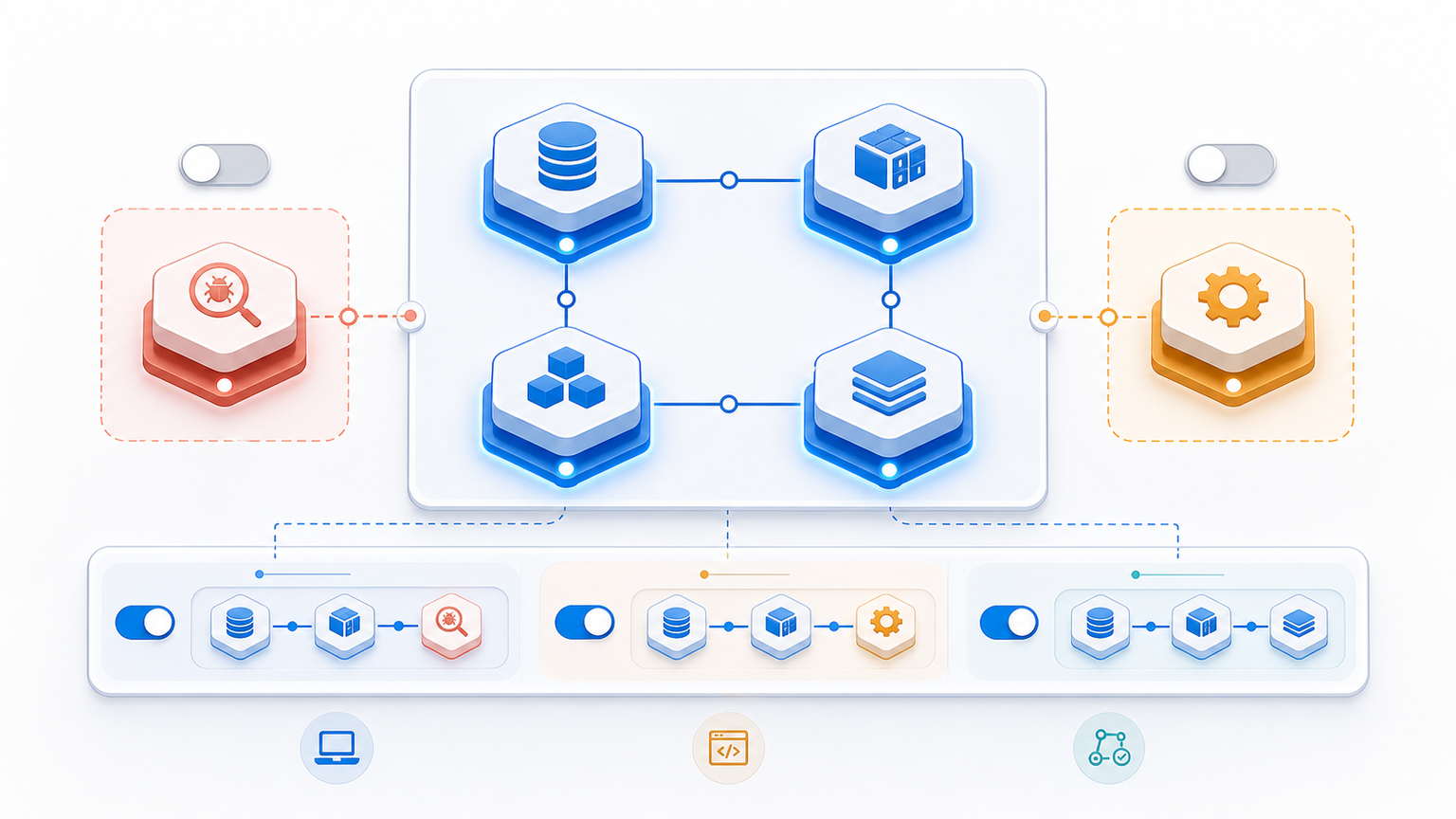
A normal DevOps container workflow has four stages: build the image, test it, push it to a registry, and deploy it to an environment. Teams can make this as simple or complex as they need, but the artifact should stay the same through the pipeline.
- Build: create an image from source code, dependencies, and runtime files.
- Test: run automated checks against the image or a container created from it.
- Publish: push the image to a registry with a clear tag or digest.
- Deploy: run the image in staging, production, or an orchestrated platform.
- Observe: monitor logs, metrics, errors, and resource usage after deployment.
Security Basics for Containers
Containers reduce some operational friction, but they do not remove security work. A bad image, exposed secret, broad runtime permission, or unpatched base layer can still become a production problem. NIST’s container security guidance is a useful reference when teams move from experiments to production.
- Use trusted base images and rebuild them when security updates land.
- Scan images in CI before they reach production registries.
- Run containers with the least privileges they need.
- Keep secrets out of images and source-controlled configuration files.
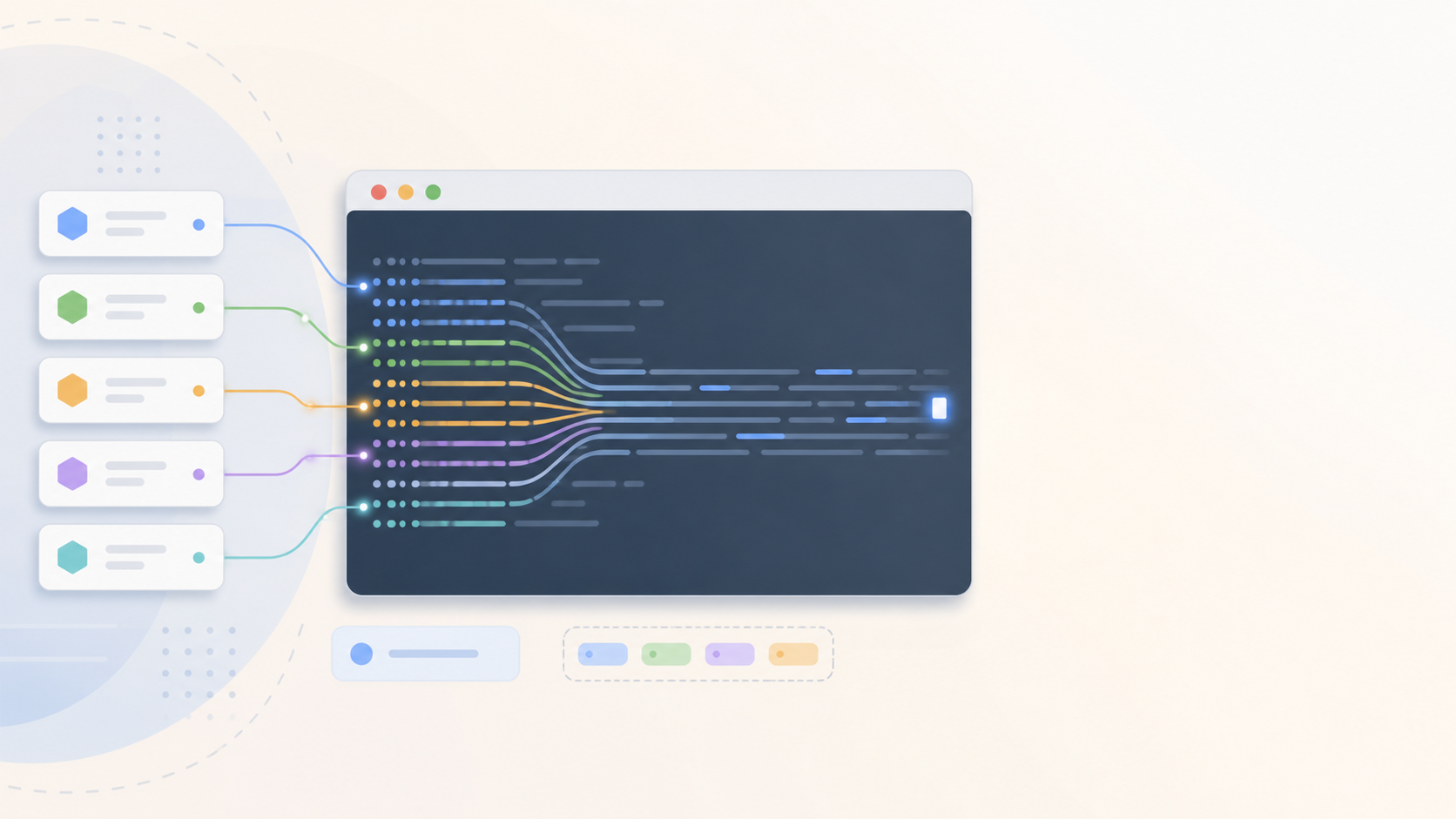
- Log container activity and monitor runtime behavior, not only build output.
- Pin images by digest for critical deployments when repeatability matters.
When Containers Are the Wrong Shortcut
Containers help with packaging and runtime consistency. They do not fix unclear ownership, weak tests, poor observability, or fragile architecture. A badly designed app inside a container is still a badly designed app.
They are also not always worth the operational overhead. A tiny static site, a simple cron task, or a legacy workload that already runs reliably may not need a container platform. Start with the deployment problem you actually have, then decide whether containers reduce it.
What to Read Next
Use this page as the map, then go deeper based on the task in front of you:
- Podman vs Docker for runtime/tooling tradeoffs.
- Docker Commit for image creation from running containers.
- Docker manifest unknown for a common registry/image pull failure.
- What Is Kubelet in Kubernetes? for the node-agent layer in Kubernetes.
- DevOps monitoring tools for observability after containers are deployed.
FAQ
These are the beginner questions that usually come up when a team starts moving from scripts and servers toward container-based delivery.
What is a container in DevOps?
A container is a packaged runtime environment for an application. It includes the app, its dependencies, and configuration needed to run the same way across a laptop, CI job, test server, or production platform.
How is a container different from a virtual machine?
A virtual machine includes a full guest operating system. A container shares the host operating system kernel and isolates the process, filesystem, network, and resource view. That usually makes containers faster to start and easier to move between environments.
Is Docker the same thing as a container?
No. Docker is a popular toolchain for building, running, and managing containers. Containers are the packaging and runtime model. Docker, Podman, containerd, and Kubernetes all work with container concepts in different ways.
Do containers replace Kubernetes?
No. Containers package and run applications. Kubernetes schedules and manages containers across multiple machines. Small teams can run containers without Kubernetes, but production platforms often add orchestration once scaling, rollout, and recovery needs grow.
When should a DevOps team use containers?
Use containers when teams need repeatable runtime environments, faster CI/CD, easier dependency management, and clearer handoff between development and operations. Do not use them as a shortcut around weak architecture, poor secrets handling, or missing observability.
Bottom Line
Containers are useful because they make the application runtime portable and repeatable. They give DevOps teams a cleaner artifact for CI/CD, testing, deployment, and rollback.
Keep the scope clear. Containers package and run applications. Docker and Podman help you build and run them. Kubernetes manages them across clusters. Registries distribute images. Security and observability still need deliberate work.
Primary references used for this draft include Docker documentation on containers, image layers, and port publishing; Kubernetes documentation on containers and pods; the Open Container Initiative overview; and NIST SP 800-190 on application container security.

Leave a Reply