


Looker is Google Cloud’s business intelligence platform for teams that need governed metrics, reusable data models, and dashboards that business users can trust. For RepoNotes readers, the useful question is not “is Looker a BI tool?” It is “when does Looker help an engineering or analytics team keep reporting consistent instead of creating another dashboard sprawl problem?”
Quick takeaway: Use Looker when the hard problem is governed metrics across teams. Use a lighter dashboard tool when the hard problem is only quick visualization.
What Is Looker?
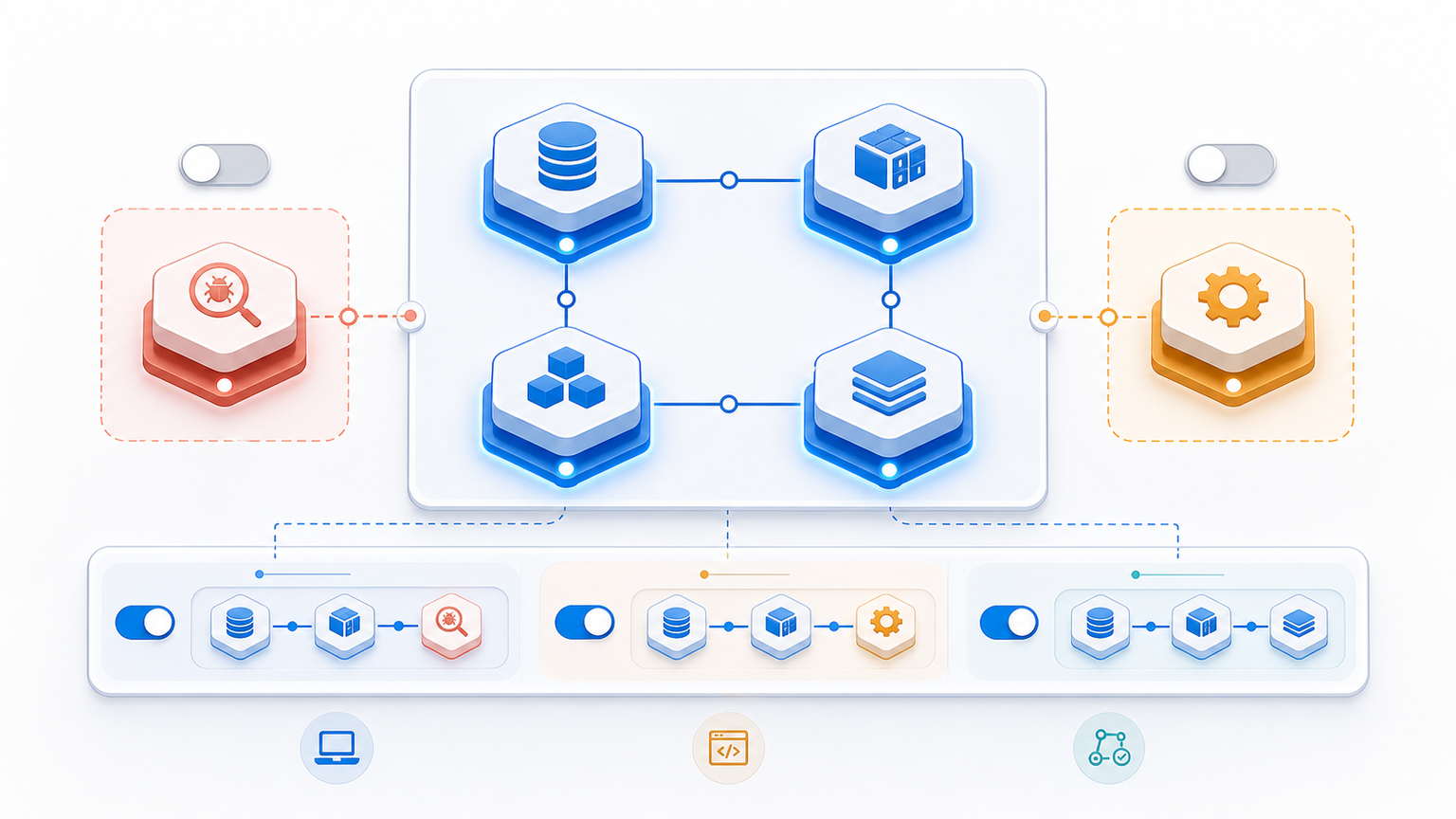
Looker is a BI and analytics platform in Google Cloud. It connects to data warehouses, lets teams define business logic in LookML, and exposes that logic through dashboards, explores, scheduled reports, embedded analytics, and APIs. Google describes LookML as the modeling layer that translates warehouse data into reusable business definitions.
That modeling layer is the main reason Looker matters to data platform and operations teams. Instead of every dashboard owning its own SQL logic, Looker lets a team define metrics once and reuse them across reporting workflows.
Why Looker Matters for Analytics Engineering
A generic BI article usually stops at “dashboards and reports.” In practice, Looker is more interesting because it sits between the warehouse and business-facing reporting. That makes it relevant when engineers, analysts, and operators need the same definition of revenue, active users, uptime impact, or migration progress.
| Need | How Looker helps | Ops caveat |
|---|---|---|
| Consistent metrics | LookML models define dimensions, measures, joins, and access patterns once. | The model needs ownership. Without review, LookML can become another messy codebase. |
| Self-service reporting | Business users can explore governed datasets without writing SQL for every question. | Self-service still needs permissions, naming standards, and training. |
| Embedded analytics | Dashboards and visualizations can be embedded into internal or customer-facing apps. | Embedding adds security, tenancy, and performance responsibilities. |
| Cloud data workflows | Looker fits naturally around BigQuery and other warehouse-first analytics stacks. | The warehouse cost and query-performance model still matters. |
Looker vs Looker Studio
Looker and Looker Studio are easy to confuse because both live under Google’s analytics ecosystem. The practical difference: Looker is the governed BI platform with a modeling layer, while Looker Studio is the lighter visualization and reporting product for fast dashboards.
| Question | Looker | Looker Studio |
|---|---|---|
| Best fit | Governed enterprise BI, modeled metrics, embedded analytics. | Fast dashboards, marketing reports, lightweight visualization. |
| Modeling layer | LookML semantic model. | No comparable central LookML model. |
| Ops concern | Model governance, permissions, query cost, release workflow. | Connector hygiene, report ownership, data freshness. |
| Typical user | Analytics engineering, data teams, BI owners, product analytics. | Marketers, analysts, operators who need quick reporting. |
Where Looker Fits in a Data Platform
Looker usually makes sense after the team already has a warehouse, agreed source systems, and enough repeated reporting questions to justify governed modeling. If the organization is still debating basic event tracking or source-of-truth tables, Looker will not fix that by itself.
Think of Looker as part of the same operating model as a cloud data platform: warehouse design, access control, cost governance, release review, and stakeholder reporting. If you are comparing platform responsibilities, the distinction between DevOps and data roles in DevOps vs Data Engineer Salary is a useful adjacent read.
When Looker Is a Good Choice
- Different teams need the same metric definitions and cannot keep reconciling spreadsheet logic.
- Analysts need a governed semantic layer instead of one-off SQL in every dashboard.
- Product or customer teams need embedded analytics with controlled permissions.
- The company already runs a warehouse-first stack and wants BI on top of it, not another disconnected reporting silo.
- Leadership wants self-service reporting, but engineering still needs versioned logic and access control.
When Looker May Be Overkill
- The team only needs a few quick charts from marketing or spreadsheet data.
- There is no clear data owner for the semantic model.
- Metrics change weekly and nobody is ready to maintain LookML as a product.
- The warehouse is slow, expensive, or poorly modeled. Looker will expose that problem faster, not hide it.
- A simpler dashboard in Looker Studio or another reporting tool would answer the business question with less overhead.
Implementation Checklist for Engineering Teams
Treat Looker rollout like a platform change, not a dashboard purchase. The BI layer will only be trusted if the definitions, permissions, and release process are clear.
| Step | What to decide | Why it matters |
|---|---|---|
| 1. Pick source-of-truth datasets | Which warehouse tables power the first models? | Bad source tables create bad dashboards, even with a good BI tool. |
| 2. Define model ownership | Who reviews LookML changes and metric definitions? | The semantic layer needs code-review discipline. |
| 3. Set access rules | Who can view, explore, schedule, or embed reports? | BI often exposes sensitive financial, customer, or operational data. |
| 4. Watch query cost | Which explores are expensive and need limits? | Self-service analytics can create surprise warehouse spend. |
| 5. Document metric definitions | What does each KPI mean and where is it used? | Trust drops fast when dashboards disagree. |
For cloud teams, this is similar to choosing between managed database services: the tool decision is only useful after the workload and operating model are clear. The same principle shows up in Amazon RDS vs DynamoDB, where the right answer depends on data model, access patterns, and operations tradeoffs.
Looker Pros and Cons
| Pros | Cons |
|---|---|
| Governed semantic model through LookML. | Requires model ownership and maintenance. |
| Strong fit for warehouse-first analytics teams. | Can be too heavy for simple reporting needs. |
| Supports dashboards, explores, APIs, and embedded analytics. | Poor warehouse design or loose permissions become visible quickly. |
| Helps align business users around shared metric definitions. | Rollout can stall if the team treats it as a dashboard-only project. |
Sources and Further Reading
- Google Cloud Looker documentation for the official platform overview.
- LookML terms and concepts for the modeling-layer basics.
- Google Cloud Looker product page for platform positioning and embedded analytics use cases.
- Cloud Computing vs Software Engineering if you are mapping where analytics platform work fits in engineering careers.
FAQ
These are the practical questions teams usually ask before adopting Looker.
Is Looker a business intelligence tool?
Yes. Looker is a business intelligence and analytics platform in Google Cloud. Its differentiator is the LookML modeling layer, which helps teams define governed metrics and reuse them across dashboards, explores, and embedded analytics.
What is LookML used for?
LookML is used to model dimensions, measures, joins, and business logic on top of warehouse data. The goal is to avoid rewriting metric definitions separately in every dashboard or SQL query.
What is the difference between Looker and Looker Studio?
Looker is better suited for governed enterprise BI and modeled metrics. Looker Studio is lighter and often better for quick reports, marketing dashboards, or simple visualization use cases.
Do DevOps teams need Looker?
DevOps teams usually do not need Looker for infrastructure monitoring. Looker becomes relevant when operational data, product analytics, cost data, or business KPIs need governed reporting across teams.
When should a team avoid Looker?
Avoid or delay Looker if the team has no clear data owner, no stable source-of-truth tables, or only needs a few lightweight dashboards. In those cases, the overhead of a governed BI platform may outweigh the benefit.

Leave a Reply