

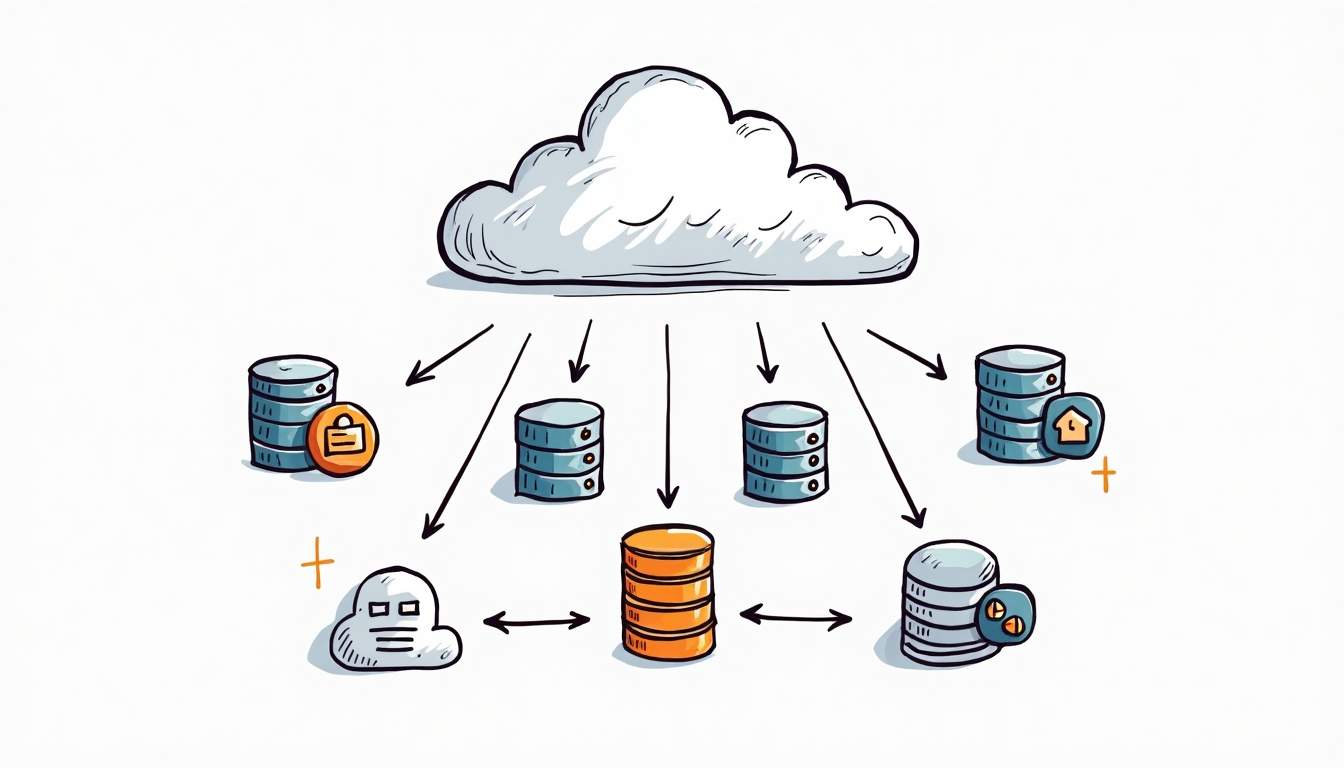
AWS Database Migration Service, usually shortened to AWS DMS, helps teams move databases to AWS, replicate data between databases, or keep a migration target in sync until cutover. The useful way to approach it is not as a “click migration” tool, but as a controlled runbook: source and target readiness, replication instance sizing, task design, validation, cutover, and rollback.
For the broader route map, see our AWS services for developers guide.
Quick takeaway: AWS DMS is useful when you need a repeatable database migration path with minimal downtime. It still needs schema planning, performance testing, validation, and a cutover plan.
What AWS DMS Does
AWS DMS can migrate data between supported source and target databases. That includes homogeneous migrations, such as one PostgreSQL database to another PostgreSQL database, and heterogeneous migrations, such as Oracle to PostgreSQL, when paired with the right schema conversion work. It can also run ongoing replication with change data capture, often called CDC, so the target keeps receiving source changes before the final cutover.
This is why AWS DMS belongs in the same planning conversation as database service selection. If you are still deciding what the target database should be, start with workload fit first. The tradeoff mindset in Amazon RDS vs DynamoDB applies here too: migration tooling cannot fix a mismatched target data model.
When AWS DMS Is a Good Fit
| Scenario | DMS fit | What to verify first |
|---|---|---|
| Lift a relational database into AWS | Good fit for many supported engines. | Source version, target engine, network path, schema compatibility. |
| Keep source online during migration | Good fit when CDC is supported and tested. | Transaction volume, replication lag, change rate, maintenance windows. |
| Move between different engines | Possible, but not DMS-only. | Schema conversion, data type mapping, application behavior. |
| One-time tiny migration | Maybe overkill. | A native dump/restore may be simpler if downtime is acceptable. |
AWS DMS Migration Runbook
A practical DMS migration should be run as a sequence of checks, not a single task launch. The sequence below keeps the migration measurable and gives the team places to stop before production cutover.
| Step | Decision | Output |
|---|---|---|
| 1. Assess | What source, target, downtime, and data-volume constraints exist? | Migration scope, success criteria, rollback owner. |
| 2. Prepare schema | Is this homogeneous or heterogeneous? | Target schema, indexes, constraints, conversion notes. |
| 3. Configure connectivity | Can the replication instance reach both databases? | VPC, subnet group, security group, endpoints, test connection pass. |
| 4. Create task | Full load only, CDC only, or full load plus CDC? | Task settings, table mappings, validation setting, logging. |
| 5. Test and tune | Can the task sustain source change rate? | Lag baseline, throughput numbers, error handling notes. |
| 6. Cut over | When do writes stop or redirect? | Final validation, application switch, rollback checkpoint. |
Full Load, CDC, and Cutover
DMS tasks commonly use full load, CDC, or full load plus CDC. Full load copies the existing data. CDC captures ongoing changes after a start point. Full load plus CDC is often the practical migration mode because it copies the baseline and then keeps the target close to current until cutover.
| Mode | Use it when | Main risk |
|---|---|---|
| Full load | Downtime is acceptable or the source can pause writes. | Target becomes stale if source keeps changing. |
| CDC only | The target already has the baseline data. | A wrong start point can miss or duplicate changes. |
| Full load plus CDC | You need lower downtime and a controlled cutover. | Lag, task errors, and validation gaps can delay cutover. |
Operational Checks Before Production
- Confirm AWS DMS supports the source and target engines and versions you plan to use.
- Test endpoint connectivity from the replication instance before creating the final task.
- Enable useful task logging so errors are visible during the rehearsal, not only during cutover.
- Run a migration rehearsal with production-like data volume, not only a small sample.
- Track replication lag and task throughput under expected write load.
- Validate row counts and business-critical queries on the target before application cutover.
- Keep a rollback path until the application, reporting, and downstream jobs are verified.
Common AWS DMS Failure Modes
| Failure mode | Signal | Fix direction |
|---|---|---|
| Endpoint cannot connect | Test connection fails or task never starts. | Check VPC routing, subnet group, security groups, credentials, and database listener settings. |
| Replication lag grows | CDC falls behind source writes. | Review replication instance sizing, task settings, LOB handling, indexes, and source change rate. |
| Schema mismatch | Rows fail, data types differ, or app queries break. | Handle schema conversion separately and test application-critical queries. |
| Cutover confusion | Teams disagree on when source writes stopped. | Define freeze window, owner, validation checklist, and rollback checkpoint in advance. |
AWS DMS Best Practices
The strongest DMS projects treat migration as an engineering release. That means rehearsals, logs, rollback notes, and a short final checklist. If your team already uses CLI-driven infrastructure workflows, the operational style in AWS CLI for EC2, EBS, and S3 is a useful companion: verify before you cut over.
- Start with a small representative table set, then scale to the full task.
- Separate schema conversion from data replication decisions.
- Prefer explicit table mappings over vague “migrate everything” assumptions.
- Measure replication lag during a busy period before you approve the cutover window.
- Keep validation queries and owner names in the runbook, not only in chat messages.
Validation and Rollback Checklist
The most common DMS mistake is treating a green task status as proof that the migration is safe. A task can run while the application still fails because indexes, constraints, sequences, permissions, or downstream jobs were not validated. Keep validation and rollback in the runbook before the cutover window starts.
| Check | Owner | Pass signal |
|---|---|---|
| Row-count and checksum checks | Database owner | Critical tables match within the expected tolerance. |
| Application smoke tests | App owner | Login, writes, reads, reports, and background jobs work on the target. |
| CDC lag review | Platform or data engineer | Lag is stable and low enough for the approved cutover window. |
| Rollback checkpoint | Incident lead | Source write state, DNS/app switch, and fallback steps are documented. |
AWS also documents DMS data validation and premigration assessments. Use those checks as inputs, but do not stop there. Production validation should include the application paths and business queries that actually matter.
Sources and Further Reading
- AWS DMS User Guide for the official service overview.
- AWS DMS task documentation for full load and CDC task behavior.
- AWS DMS best practices for operational guidance from AWS.
- AWS DMS data validation for validation behavior and limitations.
- AWS DMS premigration assessments for task assessment reports.
- Amazon RDS vs DynamoDB for target database selection tradeoffs.
FAQ
Use these checks before treating an AWS DMS migration as production-ready.
What is AWS DMS used for?
AWS DMS is used to migrate and replicate database data between supported source and target databases. Teams commonly use it for cloud migration, database modernization, and lower-downtime cutovers with change data capture.
Can AWS DMS migrate between different database engines?
Yes, AWS DMS can support heterogeneous migrations, but schema conversion and application testing still need separate planning. DMS moves and replicates data; it does not magically make every schema or query compatible.
What is CDC in AWS DMS?
CDC means change data capture. In AWS DMS, CDC captures ongoing source database changes and applies them to the target so the target stays close to current before cutover.
Does AWS DMS guarantee zero downtime?
No. AWS DMS can reduce downtime, especially with full load plus CDC, but it does not guarantee zero downtime. Downtime depends on validation, source freeze, application switch, replication lag, rollback planning, and how the application behaves after the target switch.
When should I avoid AWS DMS?
Avoid AWS DMS if a simple dump and restore is enough, if the source and target are unsupported, or if there is no plan for schema conversion, validation, and cutover ownership.

Leave a Reply