


Azure CI/CD pipeline optimization is not about adding more YAML or buying another tool. It is about making Azure Pipelines faster, safer, easier to debug, and harder to misuse when a release is under pressure.
Quick takeaway: optimize Azure CI/CD by fixing the bottleneck that hurts delivery most: slow builds, flaky tests, unsafe secrets, manual release handoffs, missing rollback signals, or weak production verification.
Who This Guide Is For
Use this guide if you work with Azure DevOps, Azure Pipelines, platform engineering, release engineering, or DevOps delivery teams. It is narrower than a broad DevOps maturity model discussion and more Azure-specific than a general DevOps testing guide.
What Azure CI/CD Optimization Actually Means
A good Azure CI/CD pipeline gives engineers fast feedback while protecting production. That means builds should be repeatable, tests should fail for useful reasons, deployment approvals should match risk, and every failed release should leave evidence the team can learn from.
| Optimization area | What to improve | Azure DevOps signal to watch |
|---|---|---|
| Build speed | Cache dependencies, split long jobs, remove duplicate setup work | Queue time, job duration, cache hit rate |
| Test reliability | Separate unit, integration, and smoke tests; quarantine flaky checks | Failure rate by stage, rerun frequency |
| Deployment safety | Use environments, approvals, checks, and rollback criteria | Rollback rate, failed deployment reason |
| Security | Limit service connections, protect secrets, review variable groups | Secret exposure risk, permission drift |
| Observability | Review logs, artifacts, release notes, and post-release metrics | Mean time to detect failed release |
Azure Pipeline Bottlenecks to Fix First
Start with evidence, not preference. A pipeline that takes 35 minutes may be acceptable if it catches critical integration failures. A five-minute pipeline is not acceptable if it frequently deploys broken builds.
- Measure queue time separately from execution time. Queue time points to agent capacity or scheduling problems.
- Break down build duration by job. One oversized job is harder to optimize than several smaller stages.
- Track failure reasons. A pipeline that fails because of missing secrets has a different fix than one that fails because of flaky tests.
- Look at deployment rollback evidence. Release safety matters more than a green build badge.
Build Speed: Caching, Parallel Jobs, and Templates
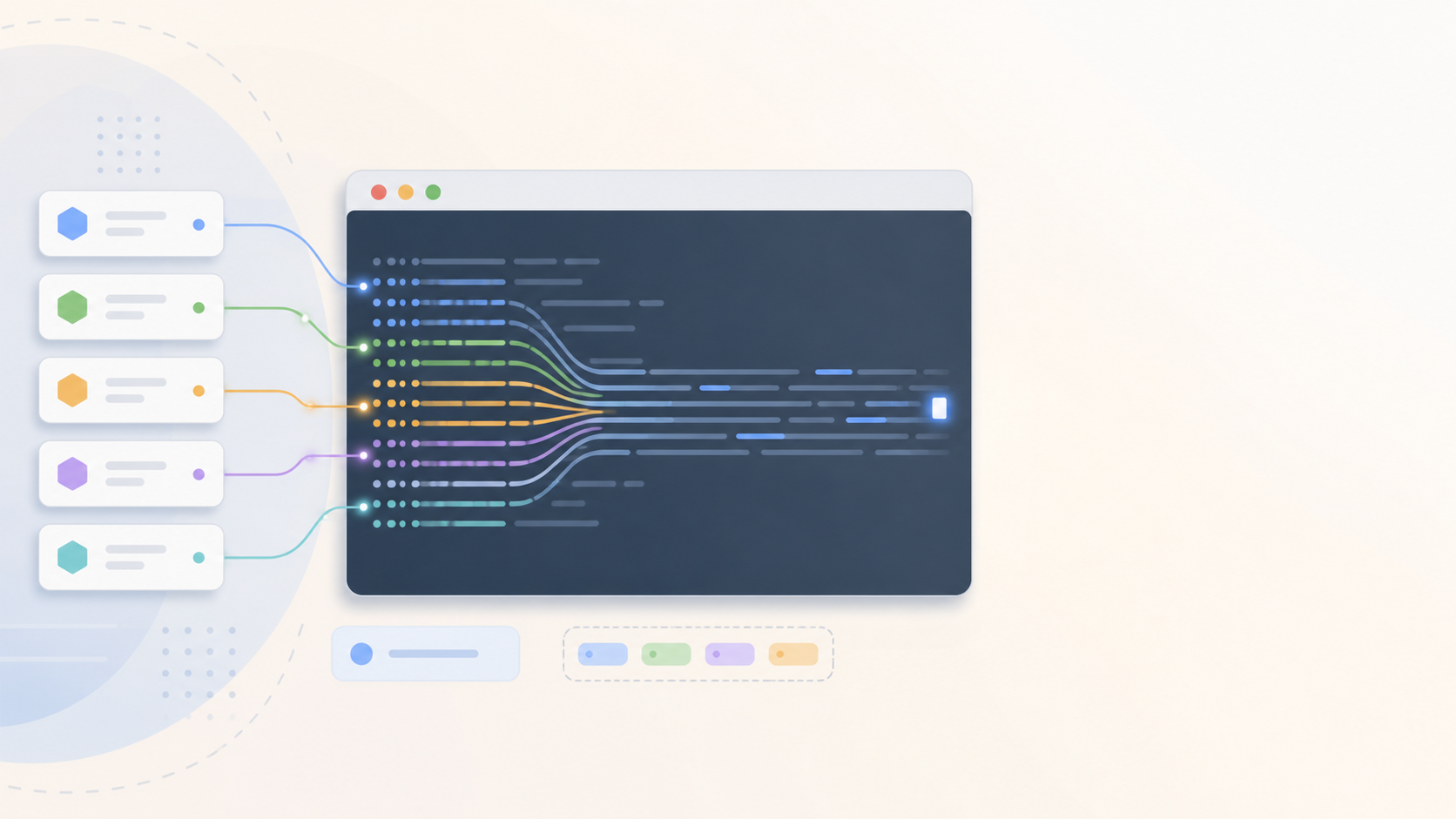
Azure Pipelines supports dependency caching, reusable templates, parallel jobs, and hosted or self-hosted agents. Use those features to remove repeated setup work and make common steps consistent across repositories. Microsoft documents pipeline caching as a way to reduce dependency download time in repeat builds.
| Problem | Practical fix | What not to do |
|---|---|---|
| Every run reinstalls the same dependencies | Use cache tasks and stable lock files | Cache unstable folders that change every run |
| One job does build, test, package, and publish | Split independent checks into jobs or stages | Parallelize steps that depend on each other |
| Teams copy YAML across repositories | Move shared patterns into templates | Create a template so abstract nobody can debug it |
| Hosted agents are slow for large workloads | Evaluate self-hosted agents for heavy builds | Use self-hosted agents without patching and access controls |
Deployment Safety: Environments, Approvals, and Gates
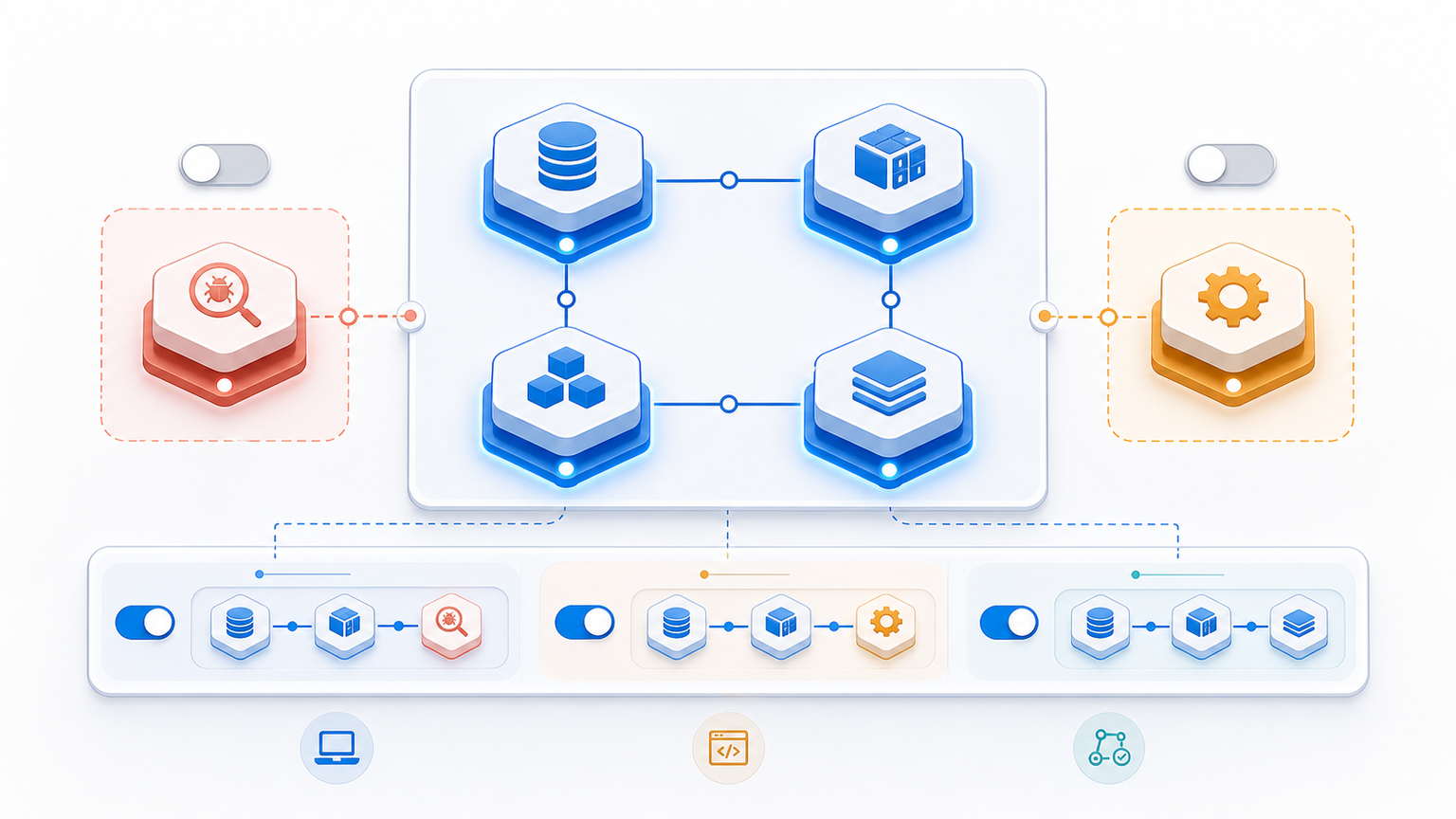
The biggest optimization mistake is treating deployment safety as a manual meeting. Azure DevOps has environments, deployment jobs, approvals, and checks that can make release control visible without turning every deployment into a bureaucracy.
Use approvals where the blast radius is real: production deployments, regulated systems, infrastructure changes, database migrations, and customer-impacting releases. Keep lower environments fast so developers still get useful feedback.
Security: Secrets, Service Connections, and Policy Checks
Pipeline security is part of optimization because insecure pipelines create rework and release risk. Review who can edit pipeline YAML, who can use service connections, where secrets live, and whether production deployments require the right checks. Microsoft’s documentation on service connections is a useful starting point for access review.
| Control | Azure DevOps practice | Why it matters |
|---|---|---|
| Secrets | Use secret variables or approved secret stores, not plain YAML | Prevents credentials from leaking into logs and pull requests |
| Service connections | Limit who can create, edit, and use them | Reduces accidental production access |
| Approvals | Attach approvals to environments, not random manual steps | Keeps release control visible and auditable |
| Templates | Centralize security checks in reusable templates | Reduces drift across repositories |
Observability: Pipeline Metrics and Failed Deployment Review
Optimizing a pipeline without measuring failure patterns is guesswork. Track which stages fail, how often failures are retried, which deployments roll back, and whether production verification catches issues before users do. If release coordination is a frequent interview topic for your team, this connects directly to release management interview questions: strong engineers can explain how they know a release is safe, not just how they trigger it.
Azure CI/CD Optimization Checklist
- Set a clear target: faster feedback, safer production releases, lower failure rate, or easier debugging.
- Audit queue time, build time, test time, deployment time, and rollback reasons separately.
- Use caching only where dependencies are stable and cache invalidation is understandable.
- Move repeated YAML into templates, but keep templates readable.
- Use environments, approvals, and checks for production risk, not every small validation step.
- Review service connections and secret handling before expanding automation.
- Add a short post-release review loop for failed or rolled-back deployments.
FAQ
These quick answers cover the questions teams usually ask when they move from “our Azure pipeline works” to “our Azure pipeline is reliable enough to scale.”
How do you optimize an Azure CI/CD pipeline?
Start with the slowest and riskiest part of the pipeline. In Azure DevOps, that usually means improving build caching, splitting long jobs, standardizing templates, adding environment approvals where needed, and tracking failed deployment patterns instead of only measuring total run time.
What Azure DevOps features help with safer deployments?
Azure Pipelines environments, approvals, checks, variable groups, service connections, templates, deployment jobs, and artifact handling all help reduce release risk when they are used deliberately.
Should every Azure pipeline use approvals?
No. Use approvals for production, regulated environments, high-risk infrastructure changes, or releases with customer impact. Overusing approvals on every environment slows feedback and teaches teams to bypass the process.
What metrics matter most for Azure pipeline optimization?
Useful metrics include queue time, build duration, test failure rate, deployment frequency, rollback rate, lead time for changes, and the percentage of failures caused by configuration or environment drift.
How is Azure CI/CD optimization different from generic DevOps improvement?
Generic DevOps improvement can cover culture, hiring, tooling, and operating model. Azure CI/CD optimization is narrower: it focuses on how Azure Pipelines builds, tests, packages, approves, deploys, and verifies changes.

Leave a Reply