


AWS Lambda layers let you share libraries, custom runtimes, and configuration across multiple functions without bundling everything into every deployment package. This article covers when layers are useful, when they are not, how they compare to deployment packages and container images, and the operational best practices that keep them manageable.
For the broader route map, see our AWS services for developers guide.
Quick takeaway: Lambda layers are a packaging mechanism that lets you share libraries, custom runtimes, and configuration across multiple Lambda functions. They reduce deployment size, centralize dependency management, and support versioned rollbacks. Use them when several functions need the same dependencies : but don’t treat them as a catch-all for unrelated code.
What Are AWS Lambda Layers
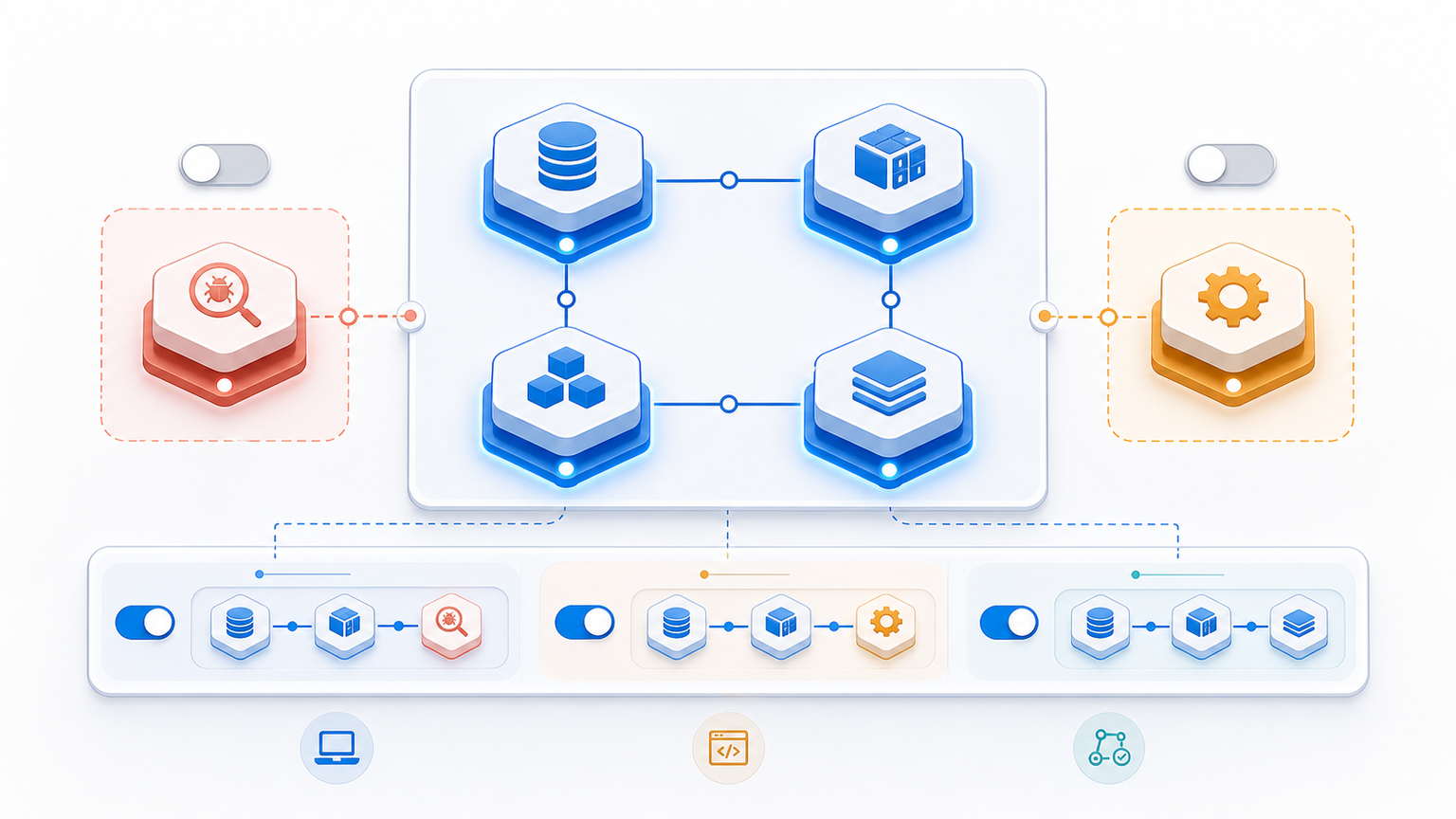
A Lambda layer is a ZIP archive that contains additional code, libraries, or runtime dependencies. You create a layer once and attach it to any Lambda function in the same AWS account. At invocation time, Lambda extracts the layer into /opt and merges it with the function’s own code, making the libraries available at runtime without being part of the function’s deployment package.
Key benefits of using layers:
- Smaller deployment packages: shared libraries stay in the layer, not in every function ZIP : faster uploads and fewer size-limit issues.
- Centralized updates: update a library in one layer version and all attached functions get it (after you update their layer ARN).
- Versioned rollbacks: each layer update creates a new version. If a new version breaks a function, point the function back to the previous version.
- Consistency across teams: teams share the same tested layer instead of vendoring slightly different copies of the same library.
When to Use Lambda Layers : and When Not To
Lambda layers are useful, but they are not a universal dependency-management solution. The table below compares layers against the other two packaging options.
| What you need | Use Lambda layers | Use deployment package | Use container image |
|---|---|---|---|
| Shared libraries across many functions | ✅ Best fit | ❌ Duplication | ⚠️ Overhead |
| Custom runtime or large binary | ✅ Good | ⚠️ Size limit (250 MB unzipped) | ✅ Up to 10 GB |
| Single-function dependency | ⚠️ Overkill | ✅ Simplest | ⚠️ Overkill |
| Full OS-level control | ❌ Not possible | ❌ Not possible | ✅ Full control |
| Quick iteration / small team | ⚠️ Adds layer management | ✅ Easiest | ⚠️ Build overhead |
Good use cases for layers:
- Several functions share the same Python packages, Node.js modules, or SDK distributions.
- You maintain a custom runtime that multiple functions use.
- You need to deploy monitoring agents, log processors, or sidecars that attach to every function.
Avoid layers when:
- Only one function needs a dependency : a plain deployment package is simpler.
- The total unzipped size of your code + all layers exceeds 250 MB : switch to a container image.
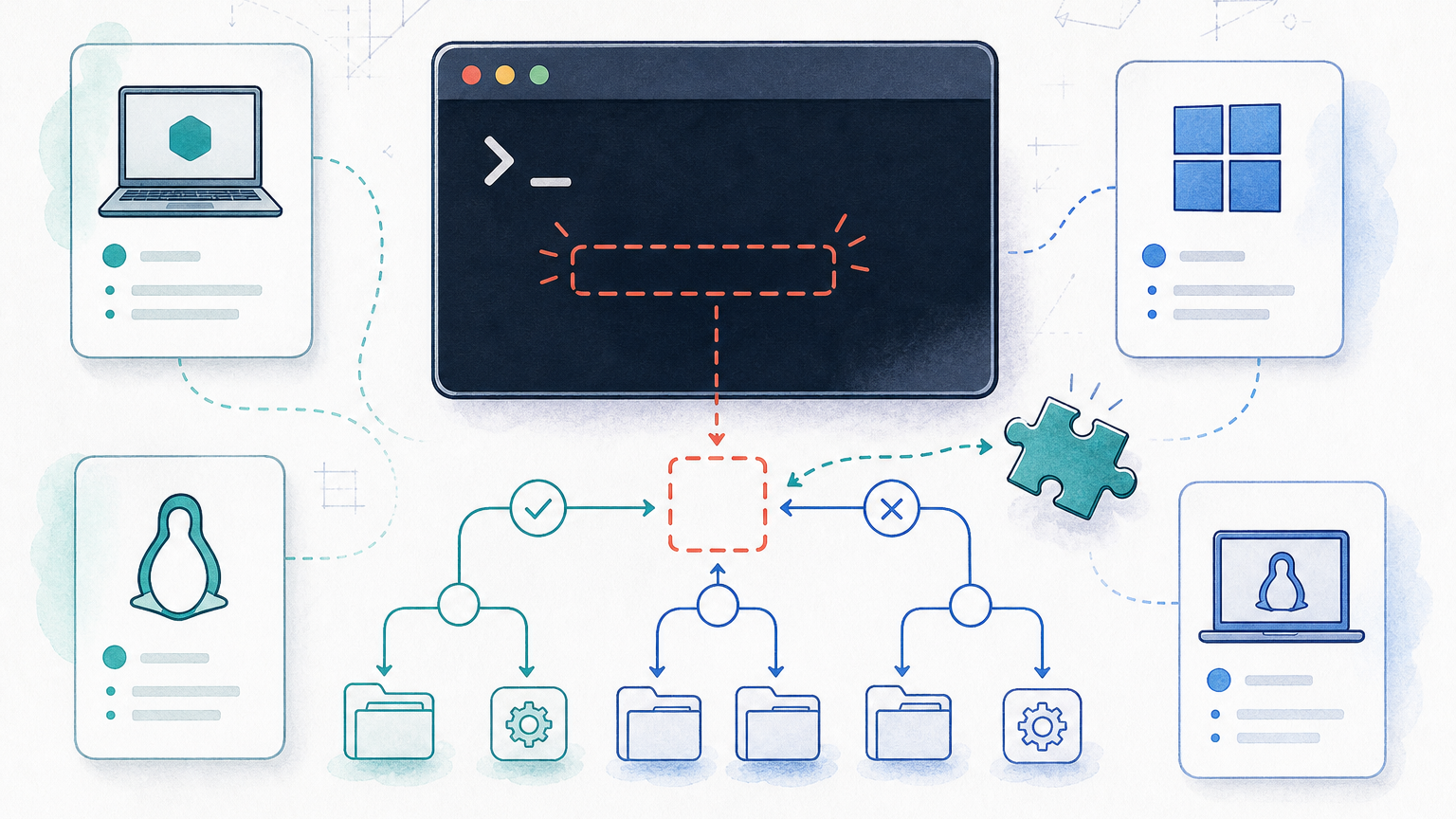
- You need operating-system-level packages : layers can’t provide those.
How Layers Work in Practice
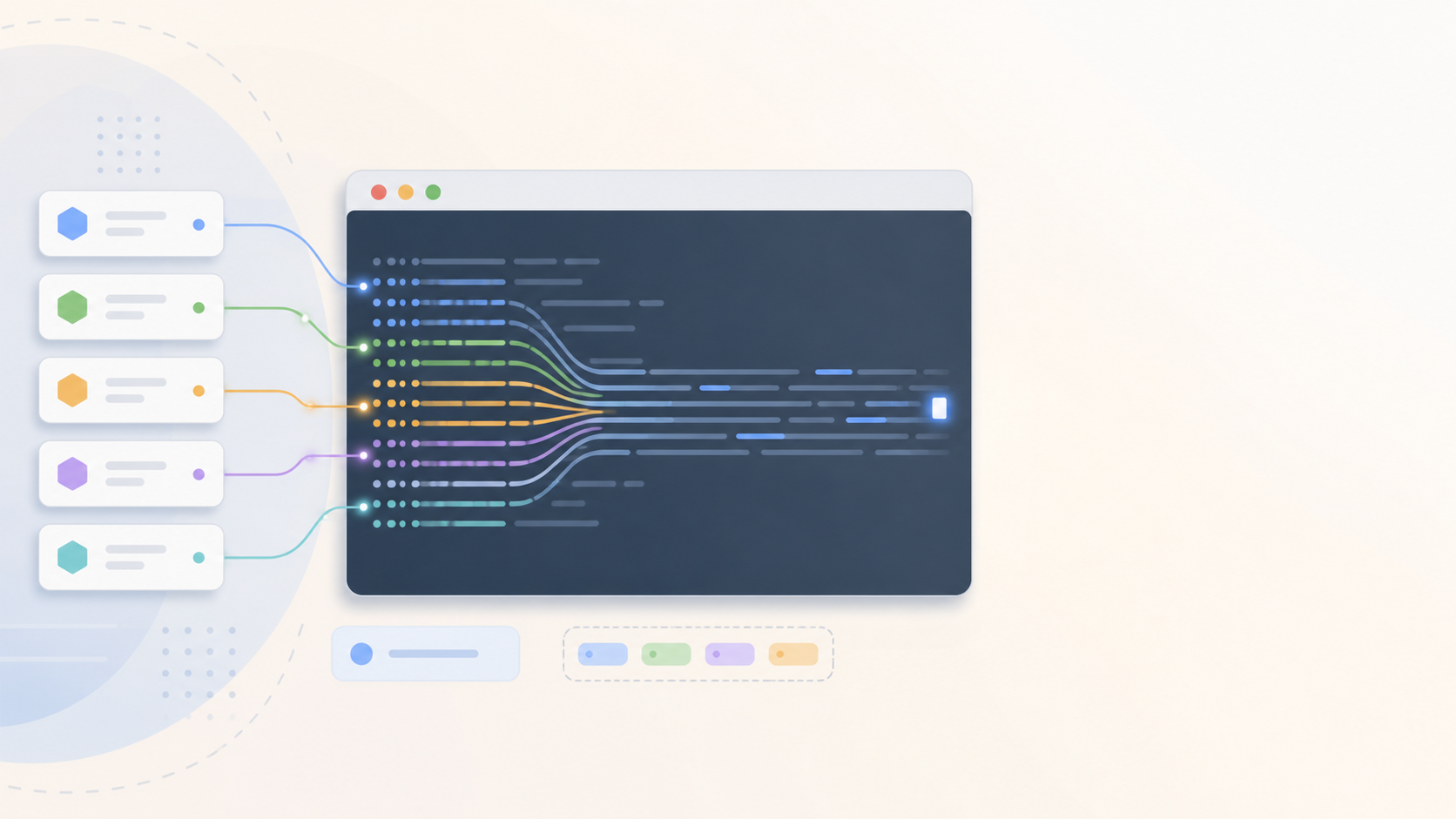
When you attach a layer to a function, Lambda places its contents in /opt before running your handler. The layer-merging behavior follows the order you specify: if two layers contain a file with the same path, the one listed later wins.
A single function can use up to five layers. Common production patterns include:
- Base layer: your organization’s shared utilities.
- Dependency layer: third-party libraries (e.g.,
boto3extension packages too large to bundle per-function). - Monitoring layer: OpenTelemetry collector, Datadog extension, or a custom observability sidecar.
Each layer is published as a numbered version. Functions reference a specific version ARN, so you control when a function picks up a layer update : update the ARN in the function configuration, test, and deploy.
Best Practices for Lambda Layers
- Keep layers small. Cold-start latency increases with layer size. Only include what multiple functions actually need.
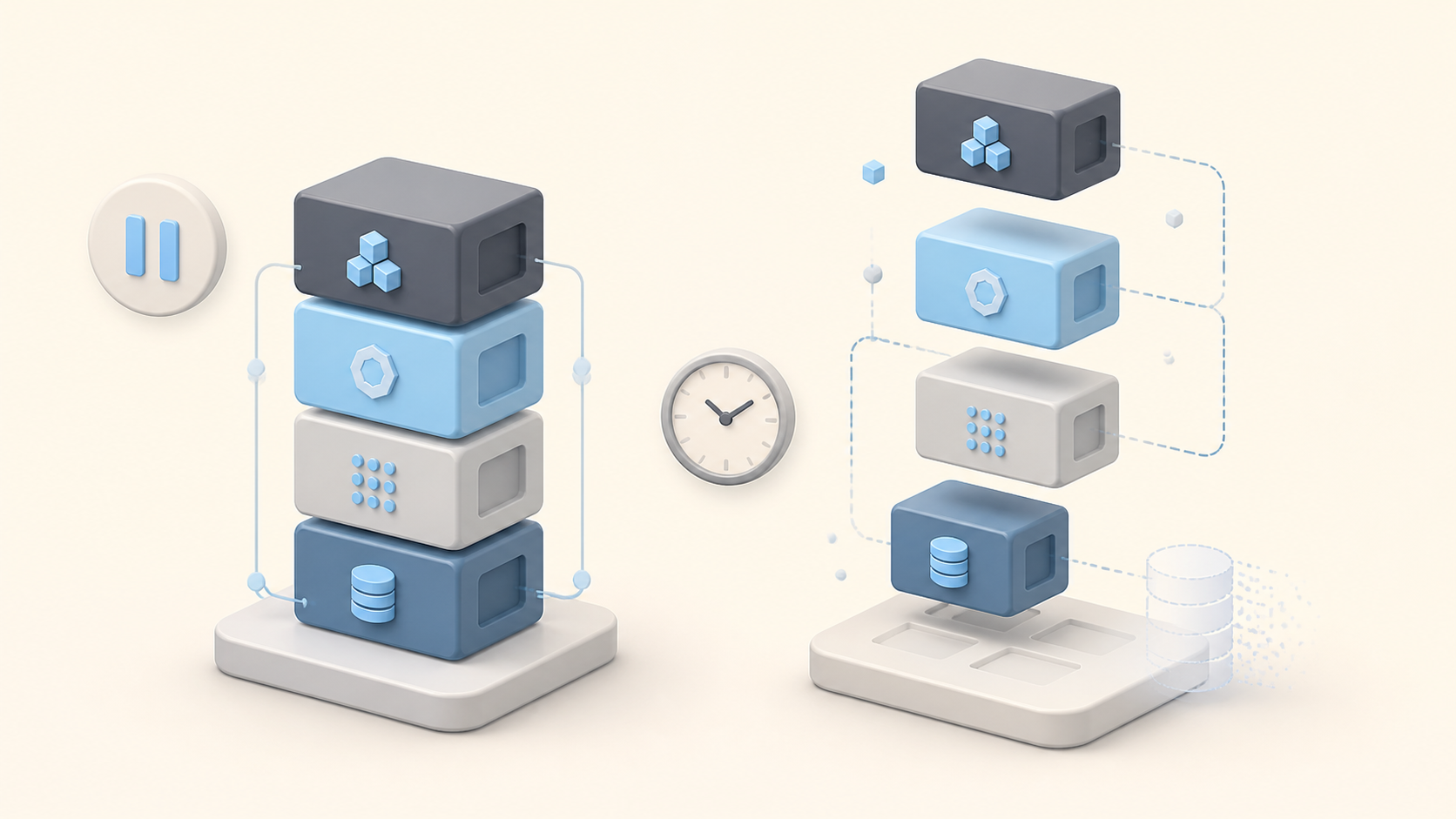
- Version every update. Never overwrite a layer : publish a new version. This gives you a clean rollback path.
- Test layers independently. Run unit and integration tests against the layer itself before attaching it to production functions.
- Never put secrets in layers. Use AWS Secrets Manager or environment variables. Layers can be shared across accounts and regions : a secret in a layer is a secret everywhere.
- Document dependencies. For each layer version, record: what it contains, which functions use it, and the last-tested date. This makes triage faster when something breaks.
- Watch layer quotas. Lambda limits an account to 75 GB of total layer storage and a maximum of 5 layers per function. Plan your layer strategy around these numbers.
Layers vs Lambda Extensions vs Environment Variables
It is common to confuse layers with Lambda Extensions and environment variables. They solve different problems:
- Layers : ship code and libraries that run as part of your function’s execution.
- Lambda Extensions : run alongside your function in a separate process, typically for monitoring, telemetry, or configuration fetching. Extensions are themselves delivered as layers, but their lifecycle is different.
- Environment variables : pass plain-text key/value configuration. They are not suitable for shipping code or libraries.
Lambda layers usually work alongside other AWS compute services in a serverless stack : for example, a function that processes events from EventBridge might share a common validation layer. If your serverless application touches authentication, Cognito identity pools are a typical companion pattern. For serverless data workloads, check how AWS Keyspaces handles Cassandra-compatible storage with minimal operational overhead. If you need IAM permissions to call between Lambda and other AWS services, IAM roles provide the access-control model.
Summary
Lambda layers are a practical mechanism for sharing code across serverless functions. They reduce deployment size, centralize library updates, and give you clean versioned rollbacks. They are not a replacement for deployment packages or container images : each packaging option has a clear place. The rule of thumb: if more than one function needs the same dependency, a layer is worth the management overhead.
What is an AWS Lambda layer?
A Lambda layer is a ZIP archive containing libraries, custom runtimes, or other dependencies that can be shared across multiple Lambda functions. Instead of bundling the same libraries into every deployment package, you create a layer once and attach it to any function that needs it. Layers support versioning, so you can update a library without redeploying every function.
When should I use Lambda layers instead of a deployment package?
Use layers when multiple Lambda functions share the same dependencies (Python libraries, SDKs, custom runtimes). Use a deployment package when a dependency is specific to one function. Layers keep deployment packages smaller and let you update shared libraries centrally, but they add management overhead : for a single function, a plain deployment package is simpler.
How do Lambda layers compare to container images?
Layers work within Lambda’s standard execution environment and are limited to 250 MB unzipped per function (including layers). Container images support up to 10 GB and give you full OS-level control. Use layers for lightweight code reuse across functions; use container images when you need custom operating system packages or large dependencies that exceed layer limits.
Can I use multiple layers in one Lambda function?
Yes. A single Lambda function can use up to five layers at once. The layers are extracted in order : later layers can override files from earlier ones. This lets you compose a function from a base runtime layer, a shared utilities layer, and a monitoring/observability layer, for example.
What are the best practices for Lambda layer security?
Keep layers lightweight to minimize cold starts. Never store secrets or credentials in a layer : use AWS Secrets Manager or environment variables instead. Version every layer so you can roll back if an update breaks a function. Test layers independently before attaching them to production functions, and document which functions depend on each layer.

Leave a Reply