

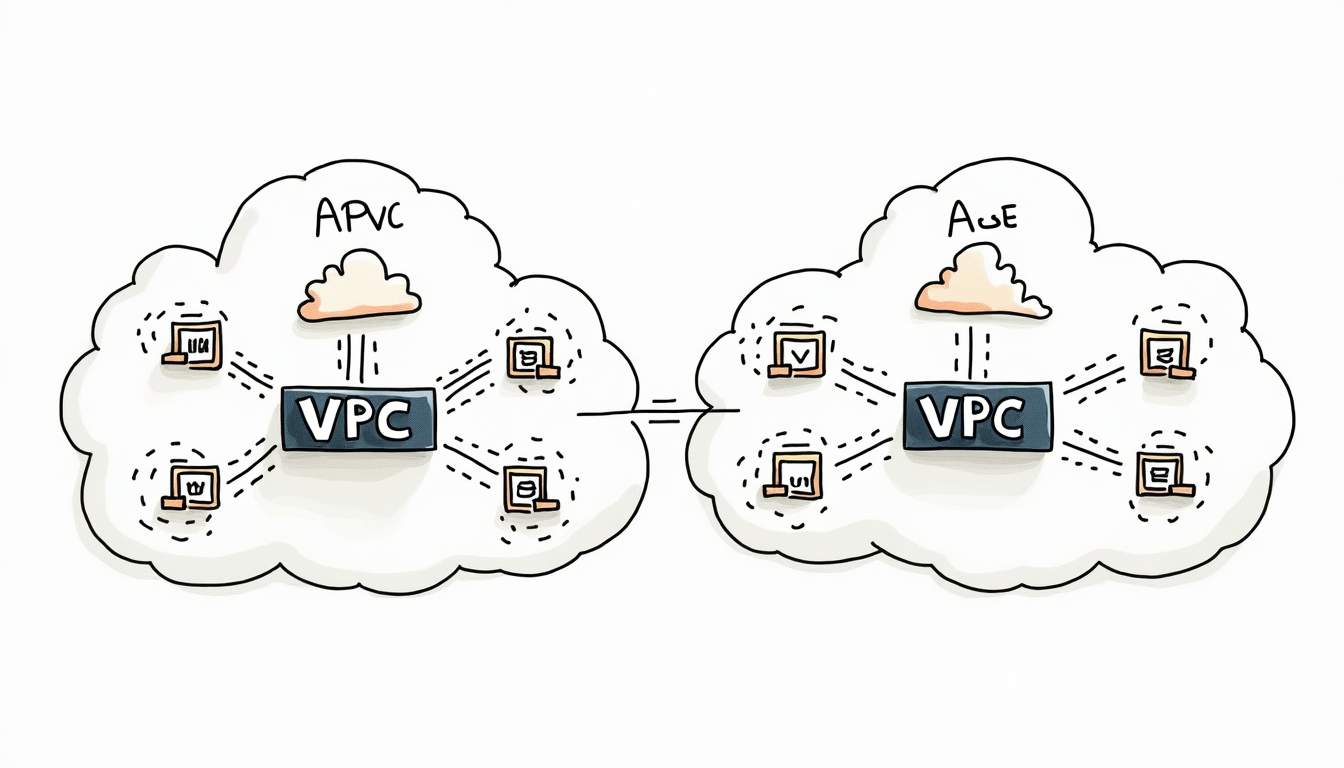
Amazon VPC gives you a private network boundary inside AWS. VPC peering is one way to connect two of those networks so workloads can talk over private IP addresses, but it is not the right answer for every network design.
For the broader route map, see our AWS services for developers guide.
TL;DR: Use VPC peering when two VPCs need direct private connectivity and their CIDR ranges do not overlap. Avoid it for hub-and-spoke networks, transitive routing, or large multi-account designs where AWS Transit Gateway, VPN, or PrivateLink gives cleaner control.
What Is Amazon VPC?
Amazon Virtual Private Cloud is the networking layer where you define subnets, route tables, internet access, NAT paths, security groups, and network ACLs for AWS resources. It lets teams separate workloads, isolate environments, and control how traffic enters or leaves the cloud network.
If you need a broader grounding in subnets, route tables, internet gateways, and NAT gateways, see the RepoNotes guide to Amazon VPC networking components.
What Is VPC Peering?
VPC peering creates a direct network connection between two VPCs. After the peering request is accepted, each side adds routes that point traffic for the other VPC CIDR block to the peering connection. Instances then communicate with private IP addresses rather than public internet paths.
A peering connection can work across AWS accounts and across supported Regions. The core constraint is simple: the VPC CIDR ranges must not overlap. If they overlap, AWS cannot route traffic cleanly between the two private networks.
How VPC Peering Works
The peering connection itself is only the control plane object. Traffic does not start flowing until both VPCs have route table entries for the other network. Security groups and network ACLs also need to allow the intended ports and protocols.
| Step | What to check | Why it matters |
|---|---|---|
| 1. Confirm CIDR ranges | VPC CIDR blocks must be non-overlapping. | Overlapping networks make routing ambiguous and block the peering design. |
| 2. Create and accept peering | One side requests, the other accepts. | A pending or rejected connection cannot carry traffic. |
| 3. Update route tables | Each subnet route table needs a route to the peer CIDR. | Routes are not added automatically for every subnet. |
| 4. Review security controls | Security groups and NACLs must allow traffic. | A valid route can still fail if security rules block it. |
| 5. Validate DNS behavior | Enable DNS options if services need private DNS names. | Name resolution issues can look like network failures. |
When VPC Peering Is a Good Fit
VPC peering is a good fit when the network relationship is direct and limited. Common examples include connecting a shared services VPC to one application VPC, linking a production account to a tightly scoped tooling account, or connecting two workloads that need private low-friction traffic without a central hub.
It works best when the number of connections is small enough that route tables stay readable. Once many VPCs need to talk to many other VPCs, the peering model becomes harder to operate.
VPC Peering vs Transit Gateway, VPN, and PrivateLink
The main mistake is treating VPC peering as a universal AWS networking answer. It is a direct VPC-to-VPC connection, not a routing hub and not an application-level service exposure model.
| Option | Best for | Main limitation |
|---|---|---|
| VPC peering | Direct private connectivity between two VPCs. | No transitive routing; route tables can sprawl as connections grow. |
| AWS Transit Gateway | Hub-and-spoke networks across many VPCs, VPNs, and accounts. | More design overhead and cost than a simple two-VPC peer. |
| Site-to-Site VPN | Connecting AWS to on-premises or another external network. | Depends on VPN configuration and external network reliability. |
| PrivateLink / VPC endpoint | Private access to a specific service without exposing whole networks. | Not a full network-to-network connection. See the RepoNotes guide to AWS VPC endpoints. |
Common VPC Peering Failure Points
Most VPC peering problems are not caused by the peering object itself. They usually come from missing routes, blocked security rules, DNS assumptions, or a design that needs transitive routing.
CIDR overlap
Two VPCs with overlapping address ranges cannot be peered in a useful way. Plan CIDR blocks before creating accounts and environments, especially if you expect future mergers, shared services, or multi-region expansion.
Missing route table entries
Adding a route in only one VPC creates one-way or failed connectivity. Check every subnet route table that should send traffic to the peer. Private subnets, public subnets, and specialized app subnets may use different route tables.
Security group and NACL blocks
A peering route does not override security groups or network ACLs. If traffic reaches the destination subnet but the destination security group does not allow the source CIDR or security group reference, the connection still fails.
Expecting transitive routing
VPC peering is not transitive. A VPC cannot use one peering connection to reach a third VPC through another peer. If that is the requirement, use Transit Gateway or redesign the network path.
Best Practices for VPC Peering
Start with a small routing plan. Name the peering connection clearly, document both CIDR ranges, record which route tables were updated, and define who owns each side of the connection.
Use least-privilege security rules. Allow only the ports and source ranges the workload actually needs. For cross-account peering, agree on ownership for future route changes before the first production dependency uses the connection.
Monitor flow logs and connection metrics when troubleshooting. VPC Flow Logs can help confirm whether traffic is leaving the source subnet, reaching the destination subnet, or getting rejected by security controls.
When Not to Use VPC Peering
Avoid VPC peering when you need a central hub, transitive routing, or a scalable many-account network. Also avoid it when the real requirement is private access to one service rather than broad network connectivity. In those cases, Transit Gateway or PrivateLink usually creates a cleaner architecture.
FAQ
Here are the quick answers to the questions teams usually ask before using VPC peering in production.
What is VPC peering in AWS?
VPC peering is a private network connection between two Amazon VPCs. It lets resources in those VPCs communicate using private IP addresses after you accept the peering request and update the route tables.
Is VPC peering transitive?
No. If VPC A peers with VPC B and VPC B peers with VPC C, VPC A cannot reach VPC C through VPC B. For hub-and-spoke or many-to-many routing, AWS Transit Gateway is usually a better fit.
Can VPC peering work across regions or accounts?
Yes. VPC peering can connect VPCs in different AWS accounts and across supported AWS Regions. You still need non-overlapping CIDR ranges, accepted peering requests, route table updates, and security rules that allow the traffic.
What is the difference between VPC peering and Transit Gateway?
VPC peering is a direct one-to-one connection between two VPCs. Transit Gateway is a central routing hub for connecting many VPCs, VPNs, and on-premises networks with simpler route management at scale.
Why is my VPC peering connection not routing traffic?
The common causes are overlapping CIDR blocks, missing routes on one side, security groups or network ACLs blocking traffic, DNS settings not enabled, or using VPC peering for a transitive path that it does not support.
Conclusion
VPC peering is useful because it is direct and simple. That simplicity is also the boundary: it does not replace Transit Gateway, VPN, or PrivateLink. Use it for clear two-VPC connectivity, validate the route tables and security controls, and switch patterns before peering turns into a hard-to-debug mesh.
For source details, see the AWS documentation for Amazon VPC, VPC peering, AWS Transit Gateway, and AWS PrivateLink.






Leave a Reply