

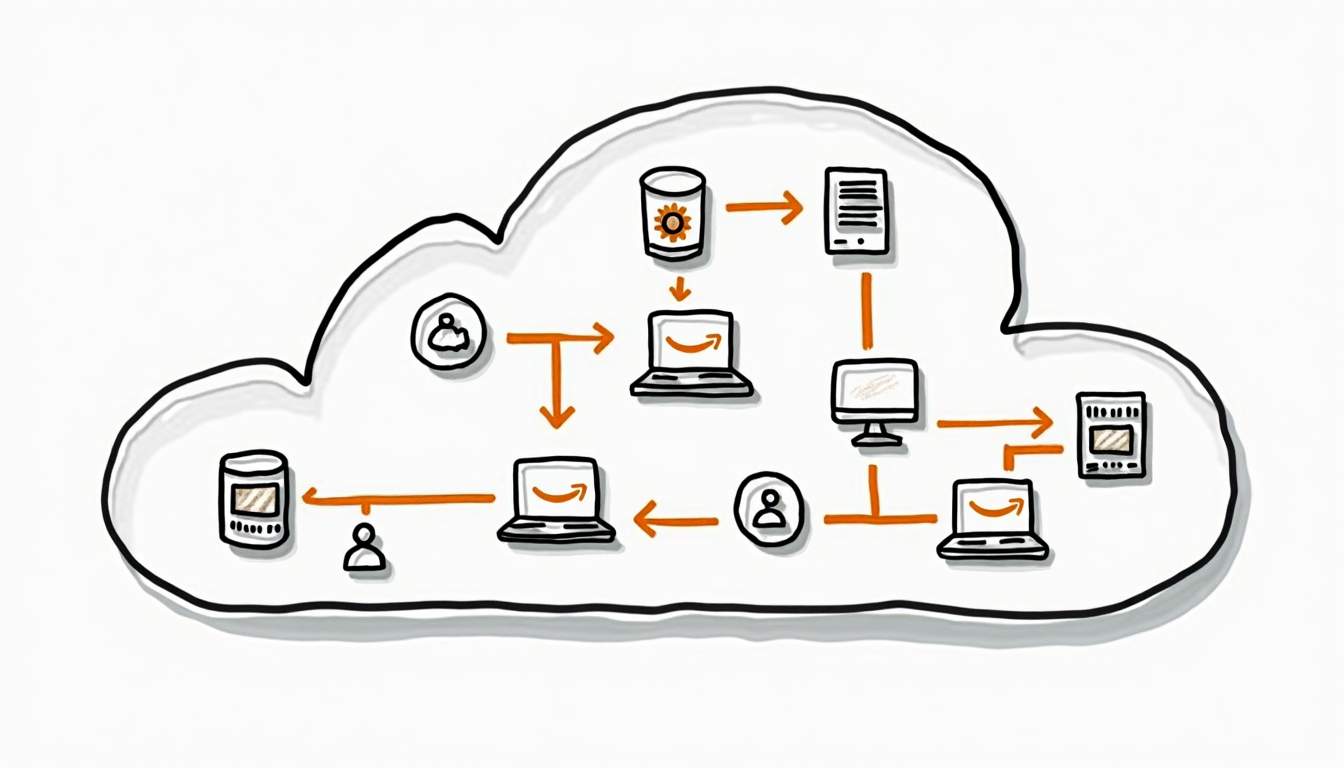
Quick takeaway: AWS Organizations is not just a billing wrapper. Treat it as the control plane for account boundaries, organizational units, service control policies, delegated administration, and shared security services.
AWS Organizations gives teams a way to manage many AWS accounts without turning every permission, bill, and security decision into a manual ticket. The useful question is not “how many accounts should we create?” It is “which boundaries need to be separate enough that a mistake in one place does not damage everything else?”
For the broader route map, see our AWS services for developers guide.
A multi-account strategy answers that question before teams start adding production workloads. It defines where workloads live, who owns each account, what central teams control, and which actions are blocked by policy. Used well, it gives platform and security teams guardrails without forcing every application team into one shared account.
This guide focuses on the strategy layer: AWS Organizations, organizational units, service control policies, account vending, logging, billing, and operational ownership. If you need policy-writing details inside one account, use the RepoNotes guide on AWS IAM policies. If you need role trust and AssumeRole patterns, read AWS IAM roles.
What AWS Organizations Does
AWS Organizations is the AWS service for centrally managing multiple AWS accounts. The AWS documentation describes it as a way to consolidate accounts into an organization and manage them as a single unit. In practice, it becomes the place where cloud teams define account hierarchy, billing relationships, service access, and broad permission boundaries.
| Capability | What It Controls | Why It Matters |
|---|---|---|
| Organization and accounts | The management account plus member accounts | Creates a central place to invite, create, and organize AWS accounts |
| Organizational units | Groups of accounts, usually by environment, business unit, or workload class | Lets teams apply policies to account groups instead of one account at a time |
| Service control policies | Maximum permissions available to accounts or OUs | Prevents risky actions even when local IAM policies are too broad |
| Consolidated billing | Billing relationship across member accounts | Keeps cost ownership visible while preserving account isolation |
| Trusted access | Integration with supported AWS services | Allows services such as AWS Control Tower or Security Hub to operate across accounts |
The management account should not run normal workloads. Keep it for organization administration, billing, and account-level governance. Application workloads belong in member accounts, where you can isolate permissions, limits, logs, and blast radius.
Why Multi-Account Beats One Large Shared Account
A single AWS account is easy at the start. It becomes painful when production, development, experiments, security tooling, and shared infrastructure all live under the same boundary. IAM policies grow messy. Cost attribution gets blurry. A compromised role or over-permissive automation job can reach too much.
Multiple accounts give you harder boundaries. A production account can have stricter guardrails than a sandbox account. A security tooling account can collect logs without also hosting application code. A shared networking account can own connectivity patterns while workload accounts stay focused on applications.
| Boundary | Single-Account Problem | Multi-Account Strategy |
|---|---|---|
| Production isolation | Development roles may sit too close to production resources | Production has its own account, policies, approvals, and monitoring |
| Billing ownership | Teams argue over shared costs after the bill arrives | Accounts map to teams, products, environments, or cost centers |
| Security response | Incident responders must untangle mixed workloads | Security can isolate an affected account while other accounts keep running |
| Experimentation | Sandbox work risks polluting production permissions and quotas | Sandbox accounts get looser limits and shorter lifecycle rules |
| Compliance | Evidence collection is mixed across unrelated systems | Regulated workloads can live in accounts with stricter logging and policy |
Design Organizational Units Around Control Boundaries
Organizational units, or OUs, are not just folders. They are policy boundaries. Design them around the controls you want to apply, not only the org chart. A company may have business-unit OUs, but it usually also needs environment and platform OUs for production, security, infrastructure, and sandbox accounts.
Start with a small OU model. Too many nested OUs create policy debugging work before the platform is mature. A practical first version usually separates security, shared services, production workloads, non-production workloads, and sandbox accounts.
| OU | Typical Accounts | Default Posture |
|---|---|---|
| Security | Log archive, audit, security tooling | Tightly controlled. Central teams own access and retention. |
| Shared services | Networking, CI/CD, artifact repositories, identity integration | Controlled by platform teams, with clear service ownership. |
| Production workloads | Customer-facing or business-critical workloads | Strict change control, stronger monitoring, narrower IAM. |
| Non-production workloads | Development, test, staging | More flexible, but still governed by baseline SCPs. |
| Sandbox | Short-lived experiments and learning accounts | Time-boxed lifecycle, cost limits, blocked risky services. |
The AWS documentation for organizational units is useful for the mechanics. The design decision is yours: each OU should exist because it needs a different policy posture.
Use Service Control Policies as Guardrails, Not IAM Replacements
Service control policies, or SCPs, set the maximum permissions available in affected accounts. They do not grant access. If an SCP allows an action but IAM denies it, the user still cannot do it. If IAM allows an action but an SCP denies it, the action is blocked.
That distinction matters. SCPs are best for organization-level guardrails: block leaving the organization, block disabling security logging, restrict unsupported regions, prevent deletion of core security resources, or stop sandbox accounts from using expensive services. They are not the right tool for every application permission.
- Use SCPs for broad, stable restrictions that should apply across many accounts.
- Use IAM policies and roles for workload-level access inside each account.
- Test SCPs in a non-production OU before applying them to production accounts.
- Keep break-glass access documented and monitored, not hidden in tribal knowledge.
AWS has separate documentation for service control policies. Read it before applying deny policies broadly. A bad SCP can block legitimate operations across an entire OU.
Separate Shared Services From Workload Accounts
A strong multi-account setup separates shared platform services from application workloads. Networking, identity integration, CI/CD runners, security logging, and artifact repositories often need central ownership. Application teams need enough independence to ship without changing platform foundations every week.
For networking topics such as VPC peering or hybrid connectivity, keep the details in the relevant networking guides. RepoNotes already has deeper pages for Amazon VPC peering and AWS Site-to-Site VPN. In this strategy, the key point is ownership: shared networking accounts should make connectivity reusable and auditable, not invisible.
Centralize Logging, Monitoring, and Security Signals
Multi-account strategy fails if every account keeps its own logs and nobody watches the whole estate. Create a log archive or security account early. Use it for organization-level trails, security findings, and audit evidence. AWS CloudTrail concepts and AWS security reference architecture materials are good starting points for the control model.
Centralization does not mean every team loses visibility. Application teams still need workload dashboards and alerts. The difference is that security and platform teams should not depend on each workload account to preserve its own evidence after an incident.
Decide Whether AWS Control Tower Fits
AWS Control Tower builds on AWS Organizations and provides a managed landing zone, account factory, and guardrails. It can save time when a company wants repeatable account vending and baseline governance without assembling every part manually.
Control Tower is not mandatory for every small team. If you have only a few accounts and simple controls, AWS Organizations plus clear SCPs and logging may be enough. If you need repeatable account creation, baseline guardrails, and central governance across growing teams, Control Tower is usually worth evaluating.
A Practical Rollout Plan
Do not migrate everything into a perfect account model on day one. Build a small foundation, move the highest-risk boundaries first, and keep the model understandable. The first version should be boring enough that teams can explain it without a diagram that looks like a subway map.
- Define the account taxonomy: management, security, shared services, production, non-production, and sandbox.
- Create the initial OU structure and apply only baseline SCPs at first.
- Centralize CloudTrail and security findings before moving critical workloads.
- Pick one production workload and one non-production workload as migration pilots.
- Document who can create accounts, who owns each account, and when accounts are closed or archived.
- Review cost allocation tags and billing reports before the first monthly close.
Common Mistakes
- Using the management account for workloads. This mixes governance with application risk.
- Creating too many OUs too early. Complex hierarchy makes policy behavior harder to reason about.
- Writing SCPs as if they were IAM policies. SCPs limit permissions; they do not grant them.
- Leaving logging inside workload accounts only. Incident evidence should survive workload account mistakes.
- Letting every team invent its own account model. Flexibility is useful; inconsistent governance is expensive.
- Ignoring account closure and lifecycle. RepoNotes has a separate guide on closing an AWS account safely when accounts are no longer needed.
FAQ
These are the practical questions teams usually ask before they move from one shared AWS account to a governed multi-account model.
What is AWS Organizations used for?
AWS Organizations is used to centrally manage multiple AWS accounts. Teams use it to group accounts into organizational units, apply service control policies, consolidate billing, and enable trusted access for supported AWS services.
Is AWS Organizations the same as IAM?
No. IAM controls permissions inside an AWS account. AWS Organizations controls how multiple accounts are grouped, governed, and restricted at the organization level. A good multi-account design uses both.
When should a company use multiple AWS accounts?
Use multiple AWS accounts when workloads need isolation for security, billing, compliance, lifecycle, or team ownership. A single shared account becomes hard to govern once production, development, security, logging, and experiments all compete for the same boundaries.
What are service control policies in AWS Organizations?
Service control policies, or SCPs, set the maximum permissions available to accounts in an organization or organizational unit. They do not grant access by themselves. They limit what IAM users and roles can do inside affected accounts.
Should I use AWS Control Tower with AWS Organizations?
AWS Control Tower is useful when you want a managed landing zone with guardrails, account vending, and baseline governance. AWS Organizations is the underlying account management layer. Smaller teams can start with Organizations directly, then add Control Tower when governance needs become more repeatable.
Primary AWS references used for this draft include the AWS Organizations introduction, AWS documentation for OUs, AWS documentation for SCPs, AWS Control Tower documentation, AWS Organizations service integration guidance, AWS CloudTrail concepts, and the AWS Security Reference Architecture.
Bottom Line
AWS Organizations is the right foundation when account boundaries have become part of your security, billing, and operating model. Keep the design simple at first: separate management, security, shared services, production, non-production, and sandbox accounts. Use SCPs for broad guardrails, IAM for account-level permissions, and centralized logging for evidence that should not depend on any one workload account.
The best multi-account strategy is not the one with the most accounts. It is the one where each account has a clear owner, a clear policy posture, and a clear reason to exist.

Leave a Reply