


DevOps automation tools are not interchangeable. Jenkins, GitHub Actions, Terraform, Ansible, Kubernetes, and monitoring tools solve different parts of the delivery pipeline. The useful question is not “what is the best DevOps tool?” but “which bottleneck are we trying to remove: builds, deployments, infrastructure drift, secrets, tests, or incident response?”
This guide compares the main categories of DevOps automation tools, where each one fits, and what to watch before adding another tool to your stack. If your team is still defining ownership between DevOps and platform work, start with Platform Engineer vs DevOps Engineer for the role split, then come back to the tooling choices here.
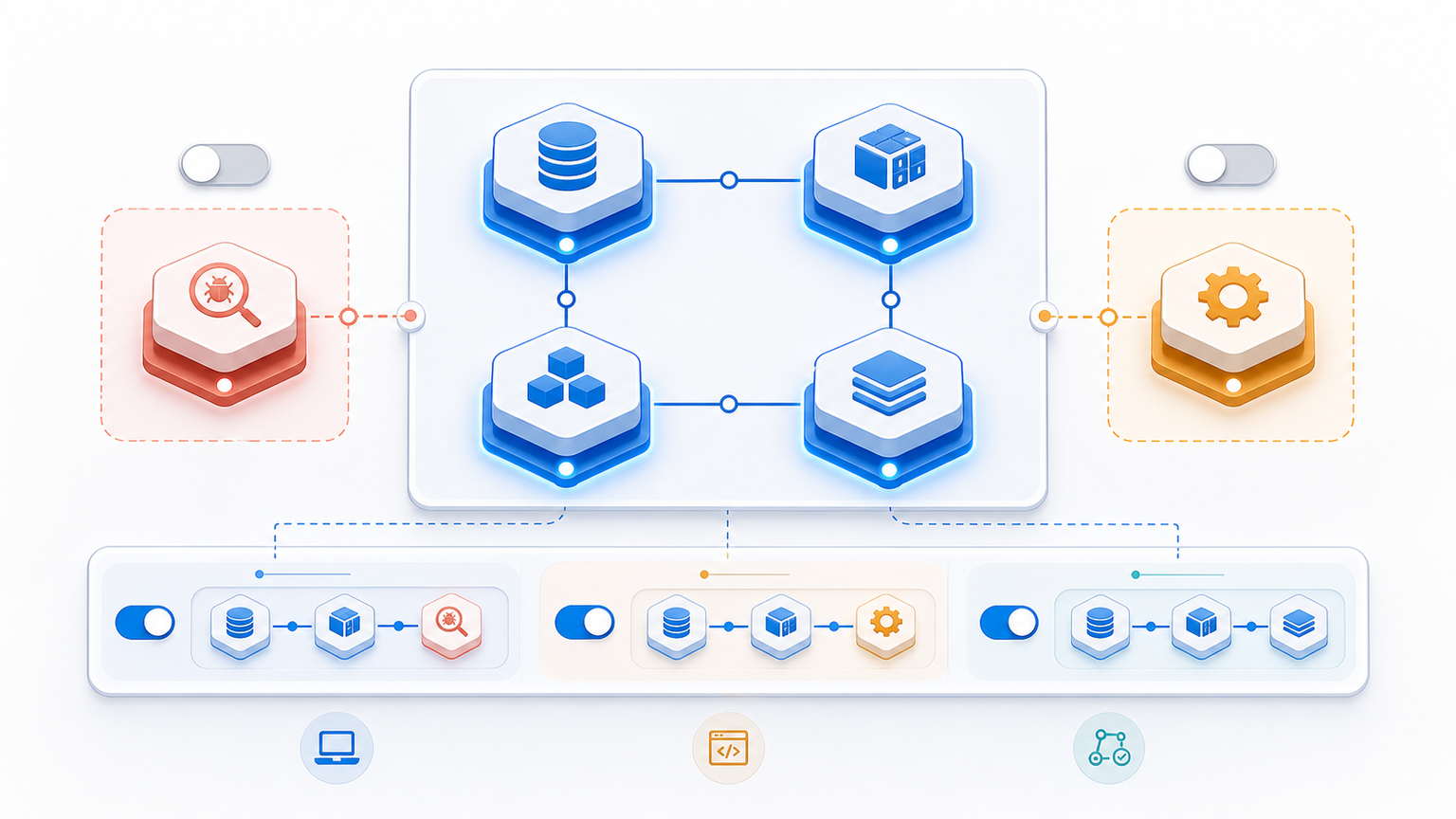
Quick takeaway: Start with the bottleneck, not the tool name. A CI/CD tool will not fix infrastructure drift. Terraform will not fix weak test automation. Monitoring will not fix slow pull-request feedback.
DevOps Automation Tools at a Glance
| Tool / category | Best for | Strength | Watch-out | Good first use case |
|---|---|---|---|---|
| Jenkins | Mature CI/CD and complex pipelines | Flexible plugin ecosystem | Maintenance and plugin sprawl | Existing enterprise build pipelines |
| GitHub Actions | Repository-native CI/CD | Easy adoption inside GitHub | Workflow sprawl if unmanaged | Run tests and builds on pull requests |
| CircleCI | Managed CI/CD | Fast hosted setup | SaaS cost and vendor dependency | Teams that want hosted pipelines without running CI servers |
| Terraform | Infrastructure as code | Repeatable cloud provisioning | State management and review discipline | Provision repeatable cloud resources |
| Ansible | Configuration automation | Agentless server automation | Less ideal for complex app orchestration | Server setup and configuration drift |
| Kubernetes | Container orchestration | Scaling, rollout, and self-healing primitives | Operational complexity | Standardized containerized workloads |
| Prometheus and Grafana | Monitoring and observability | Metrics visibility and dashboards | Alert noise without ownership rules | Service health dashboards and SLO tracking |
How to Choose the Right DevOps Automation Tool
A practical selection process starts with the workflow you want to improve. For many teams, the first bottleneck is slow pull-request feedback or unreliable deployments. In that case, CI/CD automation comes before infrastructure automation. For teams that already deploy often but struggle with environment drift, Terraform or Ansible may create more leverage.
- Build and test bottleneck: prioritize CI/CD tools such as GitHub Actions, Jenkins, or CircleCI.
- Deployment bottleneck: standardize release workflows and rollback procedures before adding more tooling.
- Infrastructure drift: use infrastructure as code with reviewable changes and clear state ownership.
- Configuration drift: use configuration automation for repeatable server and service setup.
- Production visibility: improve metrics, logs, and alert ownership before scaling deployment speed.
CI/CD Automation: Jenkins, GitHub Actions, and CircleCI
Jenkins
Jenkins is still useful when a team needs a highly customizable CI/CD system, self-hosted control, or deep plugin support. It is also a common choice in older enterprise environments where pipelines grew over many years. The trade-off is maintenance: plugin updates, server operations, credentials, and pipeline consistency all need ownership. For a deeper comparison, see Jenkins vs. TeamCity. If you are setting it up from scratch, this Jenkins on Ubuntu setup guide is a useful next step.
GitHub Actions
GitHub Actions is strong when the code already lives in GitHub and the team wants automation close to pull requests, branches, releases, and repository permissions. It is usually easier to adopt than a separate CI server. The main risk is uncontrolled workflow growth: many teams start with one clean pipeline and end up with duplicated YAML across repositories.
CircleCI
CircleCI fits teams that want hosted CI/CD without managing build infrastructure. It can be a good option when speed and managed execution matter more than full control over the CI environment. As with any SaaS CI/CD product, the long-term decision should include cost, secrets handling, and how easily the team can move pipeline logic later.
Infrastructure and Configuration Automation: Terraform and Ansible
Once the delivery pipeline is stable, the next automation layer is the environment itself. Terraform and Ansible both reduce manual infrastructure work, but they solve different problems: Terraform defines and provisions resources, while Ansible configures systems and keeps operational tasks repeatable.
Terraform
Terraform is for provisioning and changing infrastructure through reviewable code. It is useful when cloud resources should be created the same way across environments instead of being clicked together manually. The hard parts are not the syntax; they are state management, module boundaries, permissions, and review discipline. HashiCorp’s Terraform documentation is the safest reference for the core workflow.
Ansible
Ansible is useful for repeatable configuration tasks: installing packages, managing services, applying config files, and reducing drift across servers. It is agentless, which lowers setup friction. It is less ideal as the only answer for complex application orchestration, but it remains a practical choice for operational automation. For hands-on Ansible usage, see Using Ansible Register to Capture Command Output.
Deployment and Runtime Automation: Kubernetes
Kubernetes helps standardize deployment, scaling, rollouts, service discovery, and self-healing for containerized workloads. It can be powerful, but it is rarely the first automation tool a small team should adopt unless the team already has enough operational maturity. Kubernetes adds its own control plane, networking, security, and observability responsibilities.
A good rule: use Kubernetes when you need the platform capabilities it provides, not just because containers are involved. A simpler deployment platform can be better if the main problem is CI/CD consistency or release discipline.
Security and Quality Automation
DevSecOps is not a separate phase after DevOps. It means security checks become part of normal delivery: dependency scanning, secret detection, container image scanning, policy checks, and audit trails. The same applies to quality gates. A fast pipeline that ships untested changes only moves risk faster. For the testing side of the workflow, see DevOps Testing: Best Practices and Tools.
Monitoring and Observability Automation
Monitoring tools such as Prometheus and Grafana do not automate delivery by themselves, but they make automation safer. Teams need visibility into deploy frequency, error rates, latency, saturation, and incident patterns. Without observability, faster deployments can make production issues harder to understand.
This is also where DevOps maturity matters. If the team does not know who owns alerts, what counts as a bad release, or how rollback decisions are made, adding dashboards will not fix the operating model. For a broader maturity view, see Understanding the DevOps Maturity Model.
What to Measure Before and After Automation
Avoid measuring a DevOps automation tool only by whether it was installed. Measure whether it changes the team’s delivery behavior. The DORA research program is a useful reference point for software delivery performance metrics such as deployment frequency, lead time for changes, change failure rate, and time to restore service. See the DORA research overview for the underlying model.
- Lead time for changes: how long it takes a code change to reach production.
- Deployment frequency: how often the team can release safely.
- Change failure rate: how often releases cause incidents, rollbacks, or hotfixes.
- Time to restore service: how quickly the team recovers when something breaks.
- Manual steps removed: where humans no longer need to repeat fragile release tasks.
Common Mistakes When Adding DevOps Automation Tools
- Buying the tool before naming the bottleneck. This leads to more dashboards and YAML, not better delivery.
- Automating a broken process. If approvals, ownership, and rollback rules are unclear, automation can make the confusion faster.
- Ignoring maintenance. CI servers, workflow templates, secrets, runners, and IaC state all need owners.
- Skipping documentation. A pipeline only helps if the next engineer can understand and safely change it.
- Treating security as a final gate. Late security checks slow releases and create frustration. Lightweight checks belong earlier in the workflow.
Recommended Starting Point
For most teams, the best starting point is a small, reliable CI/CD workflow: run tests on every pull request, build artifacts consistently, and deploy through one reviewed path. After that, add infrastructure automation where drift is painful, then improve monitoring and security checks as the release process stabilizes.
Large tool stacks can look mature while hiding weak process. A smaller stack with clear ownership, visible metrics, and repeatable deployment habits is usually more valuable than a long list of tools nobody wants to maintain.
FAQ
What is a DevOps automation tool?
A DevOps automation tool removes manual work from the software delivery lifecycle. Common examples include CI/CD systems, infrastructure-as-code tools, configuration automation, container orchestration, security scanning, and monitoring platforms.
Which DevOps automation tool should a small team start with?
Most small teams should start with repo-native CI/CD, such as GitHub Actions if they already use GitHub, then add infrastructure automation or monitoring once the release pipeline is stable. Starting with too many tools at once usually creates maintenance overhead before it creates speed.
Is Jenkins still worth using compared with GitHub Actions?
Jenkins can still make sense for complex, self-hosted, plugin-heavy, or highly customized pipelines. GitHub Actions is usually easier for teams that want automation close to the repository and do not need to maintain a separate CI server.
What is the difference between CI/CD automation and infrastructure automation?
CI/CD automation focuses on building, testing, and deploying application changes. Infrastructure automation focuses on provisioning and configuring cloud resources, servers, networks, and runtime environments.
Do DevOps automation tools replace DevOps engineers?
No. They remove repetitive manual steps, but engineers still need to design pipelines, manage secrets, control risk, improve observability, and decide which automation is safe for production.

Leave a Reply