


Kubernetes has emerged as the cornerstone of modern cloud-native infrastructure, revolutionizing how organizations deploy, manage, and scale containerized applications. As the standard tool for managing microservices, Kubernetes orchestrates complex workloads across diverse environments, from finance and healthcare to government sectors. At the heart of Kubernetes management lies kubectl, the command-line interface that enables users to interact with Kubernetes clusters effectively.
This comprehensive guide serves as an essential cheat sheet for Kubernetes users, covering the most commonly used kubectl commands organized by category. Whether you are a beginner or an experienced operator, understanding these commands will empower you to manage your Kubernetes environments with confidence and precision.
Understanding Kubectl and Its Role in Kubernetes Management
kubectl is the primary CLI tool designed to communicate with Kubernetes clusters. It allows users to deploy applications, inspect and manage cluster resources, and troubleshoot issues. Given Kubernetes’ complexity and fragmented management landscape, mastering kubectl is crucial for efficient cluster operations.
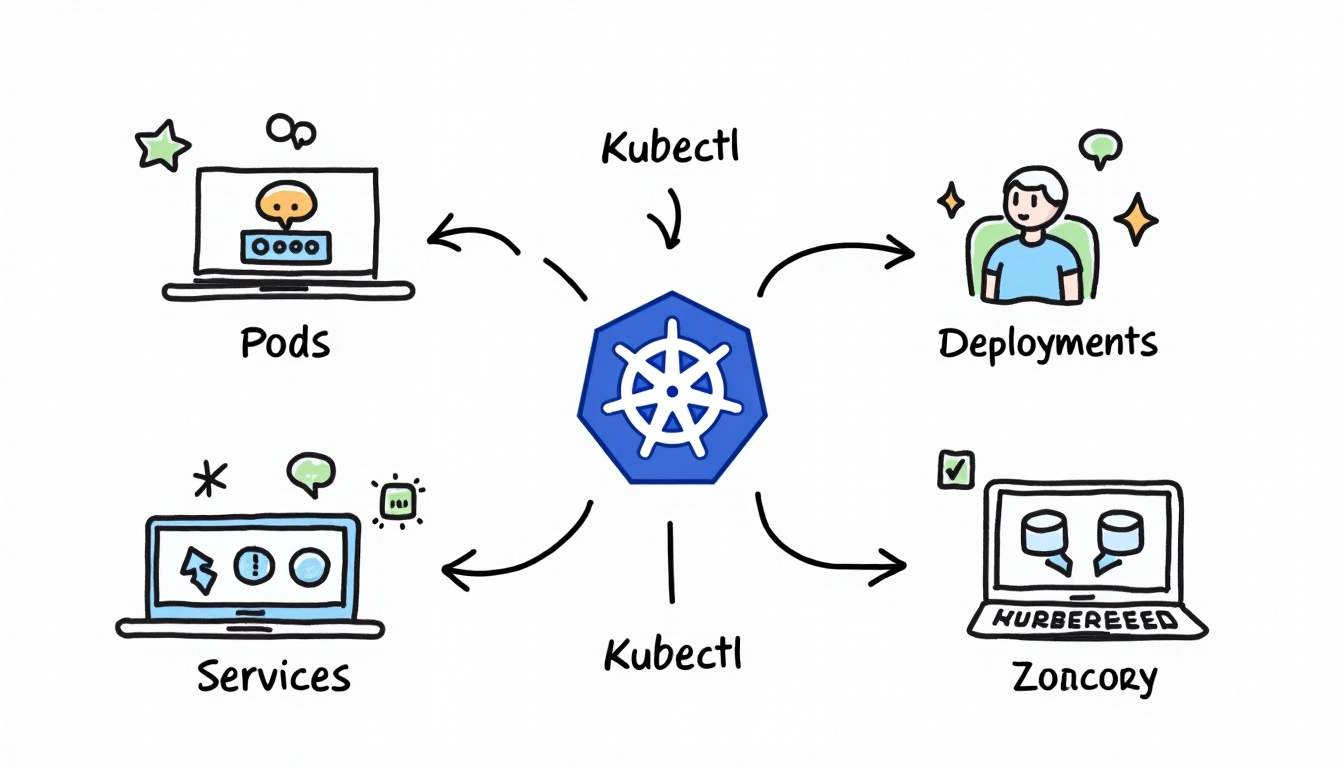
As Kubernetes continues to dominate container orchestration, its management remains a sophisticated task that requires a solid grasp of command-line operations. According to experts, Kubernetes is designed to manage containerized applications in a clustered environment, providing mechanisms for deployment, maintenance, and scaling. This makes kubectl indispensable for administrators and developers alike.
Why Kubectl Commands Matter
While graphical user interfaces and dashboards exist, kubectl remains the most powerful and flexible way to interact with Kubernetes. It provides granular control over resources and supports automation through scripting. Additionally, many advanced Kubernetes tools and frameworks build on top of kubectl, making it a fundamental skill for anyone working with Kubernetes.
One of the key advantages of using kubectl is its ability to manage resources in a declarative manner. Users can define the desired state of their applications and resources in YAML or JSON files, which can then be applied to the cluster using kubectl apply. This approach not only simplifies the deployment process but also enhances version control and collaboration among team members. Moreover, kubectl supports a variety of commands that allow users to view logs, execute commands in running containers, and even port-forward traffic to local development environments, making it an essential tool for debugging and testing.
Furthermore, kubectl is continuously evolving, with new features and enhancements being introduced in each Kubernetes release. For instance, the introduction of features like context switching allows users to easily manage multiple clusters from a single command line, streamlining workflows for developers who work in diverse environments. Additionally, plugins can be added to kubectl to extend its functionality, enabling users to customize their command-line experience and integrate with other tools in their DevOps toolchain. This flexibility not only enhances productivity but also empowers teams to tailor their Kubernetes management practices to fit their specific needs.
Essential Kubectl Commands Cheat Sheet
Below is a categorized cheat sheet of essential kubectl commands that every Kubernetes user should know. These commands cover resource management, cluster inspection, configuration, and troubleshooting.
Cluster and Node Management
Managing the cluster and nodes is the first step in maintaining a healthy Kubernetes environment. Understanding the state of your nodes and cluster can help in optimizing performance and ensuring that resources are utilized effectively.
kubectl cluster-info– Displays cluster information, including the master and services endpoints.kubectl get nodes– Lists all nodes in the cluster along with their status.kubectl describe node <node-name>– Provides detailed information about a specific node.kubectl cordon <node-name>– Marks a node as unschedulable to prevent new pods from being assigned.kubectl drain <node-name>– Safely evicts all pods from a node for maintenance.
Additionally, it’s important to monitor the health of your nodes regularly. Using commands like kubectl get nodes -o wide can provide extra details such as the node’s IP address and the version of Kubernetes it’s running. This can be particularly useful when troubleshooting network issues or ensuring compatibility with your applications.
Pod and Workload Management
Pods are the smallest deployable units in Kubernetes, and managing them effectively is critical for application reliability. Understanding how to interact with pods can significantly enhance your ability to deploy and maintain applications.
kubectl get pods– Lists all pods in the current namespace.kubectl get pods --all-namespaces– Lists pods across all namespaces.kubectl describe pod <pod-name>– Shows detailed information about a specific pod.kubectl logs <pod-name>– Retrieves logs from a pod’s containers.kubectl exec -it <pod-name> -- /bin/bash– Opens an interactive shell inside a running pod.kubectl delete pod <pod-name>– Deletes a pod, often triggering its replacement if managed by a controller.
Moreover, utilizing labels and selectors can help you manage and filter pods more effectively. For instance, you can use kubectl get pods -l app=<app-name> to list all pods associated with a specific application, making it easier to monitor and manage your workloads.
Deployment and Service Commands
Deployments and services form the backbone of application management in Kubernetes. They allow you to define how your applications are run and accessed, ensuring high availability and scalability.
kubectl get deployments– Lists all deployments in the current namespace.kubectl describe deployment <deployment-name>– Provides detailed information about a deployment.kubectl apply -f <file.yaml>– Creates or updates resources defined in a YAML file.kubectl rollout status deployment <deployment-name>– Monitors the rollout status of a deployment.kubectl scale deployment <deployment-name> --replicas=<number>– Scales a deployment to the specified number of replicas.kubectl get services– Lists all services in the current namespace.kubectl describe service <service-name>– Shows detailed information about a service.
Furthermore, understanding the difference between ClusterIP, NodePort, and LoadBalancer services is crucial for exposing your applications correctly. Using kubectl expose deployment <deployment-name> --type=LoadBalancer --name=<service-name> can create a service that makes your application accessible from outside the cluster, which is essential for production environments.
Namespace and Context Management
Namespaces help organize cluster resources, and contexts allow users to switch between different clusters or user configurations. This organization is vital for multi-tenant environments where resources need to be separated for different teams or projects.
kubectl get namespaces– Lists all namespaces in the cluster.kubectl create namespace <namespace-name>– Creates a new namespace.kubectl config get-contexts– Lists all available contexts.kubectl config use-context <context-name>– Switches the active context.
Additionally, you can set a default namespace for your context using kubectl config set-context --current --namespace=<namespace-name>. This can streamline your workflow by reducing the need to specify the namespace in every command, allowing you to focus on managing resources more efficiently.
Configuration and Secrets
Managing configuration data and secrets securely is a vital part of Kubernetes administration. Proper handling of sensitive information is crucial for maintaining security and compliance within your applications.
kubectl get configmaps– Lists all ConfigMaps in the current namespace.kubectl describe configmap <configmap-name>– Shows details of a ConfigMap.kubectl get secrets– Lists all Secrets in the current namespace.kubectl describe secret <secret-name>– Provides detailed information about a Secret.
Moreover, creating secrets from files or literals can be done using commands like kubectl create secret generic <secret-name> --from-file=<file-path>, which allows you to manage sensitive data such as API keys or passwords conveniently. This ensures that your applications can access the necessary credentials without exposing them in your source code.
Debugging and Troubleshooting
Effective troubleshooting is essential for maintaining application uptime and performance. Understanding how to diagnose and resolve issues quickly can save significant time and resources.
kubectl get events– Lists recent events in the cluster, useful for diagnosing issues.kubectl describe <resource-type> <resource-name>– Provides detailed information about any resource.kubectl top nodes– Displays resource usage metrics for nodes.kubectl top pods– Shows resource usage for pods.
In addition to these commands, leveraging the kubectl port-forward command can help you access services running in your cluster directly from your local machine. This is particularly useful for debugging applications that are not exposed to the outside world, allowing you to interact with them as if they were running locally.
Advancements in Kubernetes Management: The Role of AI and Automation
Despite its widespread adoption, Kubernetes management remains complex and fragmented. New developments are emerging to simplify cluster operations and reduce human error. One notable advancement is KubeIntellect, an innovative system powered by large language models (LLMs) that supports natural language interaction across the full spectrum of Kubernetes API operations.

KubeIntellect integrates memory checkpoints, human-in-the-loop clarification, and dynamic task sequencing into a structured orchestration framework. This approach enhances Kubernetes management by enabling users to issue commands in natural language, which the system then translates into precise Kubernetes operations.
In studies, KubeIntellect achieved a 93% tool synthesis success rate and demonstrated 100% reliability across 200 natural language queries. These results highlight the potential for AI-driven tools to streamline Kubernetes workflows, reduce the learning curve, and improve operational efficiency.
Implications for Kubernetes Users
For Kubernetes users, these advancements suggest a future where managing clusters could become more intuitive and accessible. While mastering kubectl remains essential today, integrating AI-powered tools like KubeIntellect may soon complement traditional command-line operations, allowing users to focus more on strategic tasks rather than routine management.
Best Practices for Using Kubectl Effectively
To maximize the benefits of kubectl, consider the following best practices:
- Use Namespaces Strategically: Organize workloads and resources using namespaces to isolate environments such as development, testing, and production.
- Leverage YAML Files: Define resources declaratively in YAML files and use
kubectl applyto maintain consistent cluster states. - Automate Routine Tasks: Script common
kubectlcommands to automate deployments, scaling, and monitoring. - Monitor Resource Usage: Regularly check node and pod metrics to prevent resource exhaustion and performance bottlenecks.
- Secure Sensitive Data: Use Kubernetes Secrets for managing sensitive information and avoid exposing credentials in plaintext.
- Stay Updated: Keep your Kubernetes CLI and cluster components updated to benefit from the latest features and security patches.
Conclusion
Kubernetes has firmly established itself as the foundation of cloud-native infrastructure, orchestrating containerized applications across industries. Mastering kubectl commands is indispensable for anyone involved in Kubernetes management, offering the control and flexibility needed to deploy, maintain, and scale applications effectively.
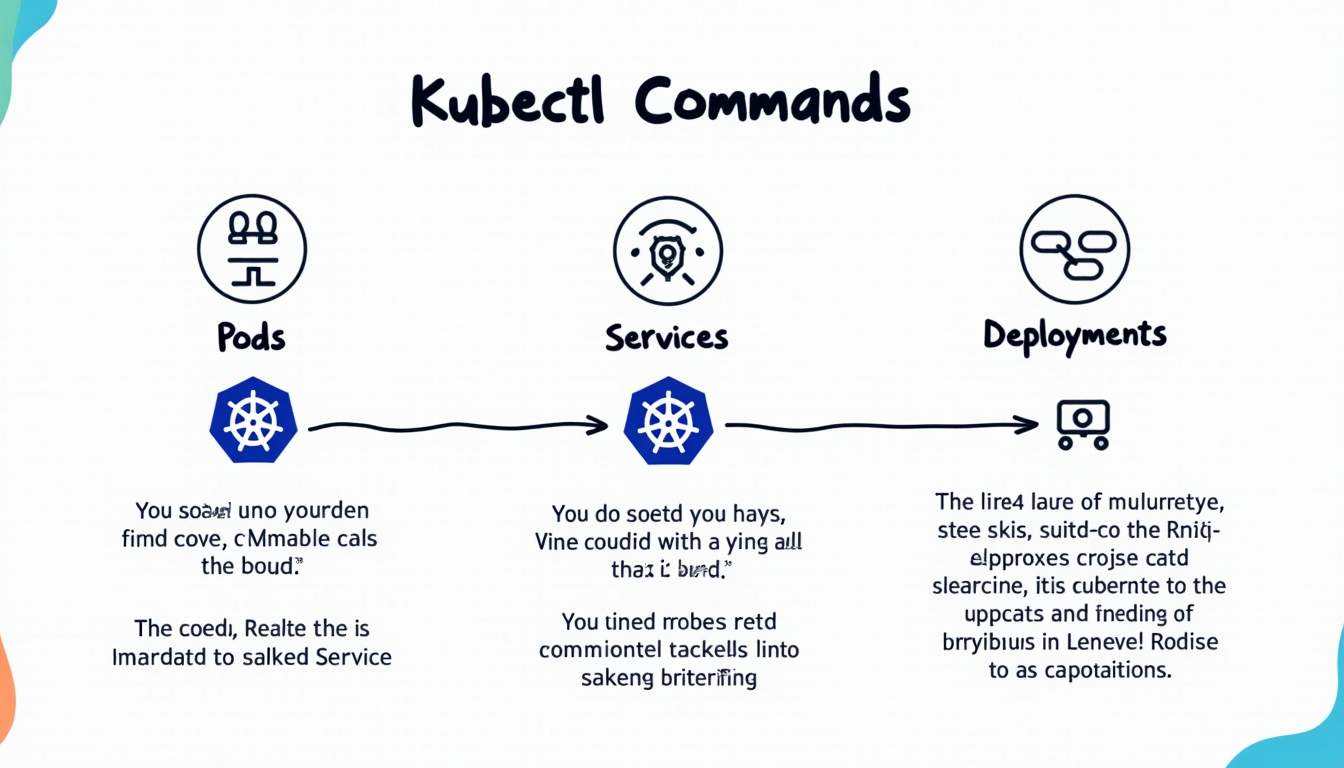
This cheat sheet provides a solid foundation for navigating Kubernetes clusters through the command line, from managing nodes and pods to configuring deployments and troubleshooting issues. As the ecosystem evolves, tools like KubeIntellect promise to further simplify Kubernetes management by leveraging AI-driven natural language interfaces.
Ultimately, combining strong command-line skills with emerging automation technologies will empower Kubernetes users to operate more efficiently and confidently in increasingly complex cloud environments.






Leave a Reply