


In the rapidly evolving world of containerization, Docker remains a cornerstone technology that simplifies application deployment and management. Among its many tools, Docker Compose and Dockerfile stand out as fundamental components that developers use to build, configure, and run containerized applications. However, understanding the differences between these two—and knowing when to use each—can be crucial for efficient development and deployment workflows.
This article dives deep into the key differences between Docker Compose and Dockerfile, enriched with real-world examples and insights from recent industry research. Whether you are a developer, DevOps engineer, or tech leader, this guide will help you grasp how these tools fit into modern containerized environments.
Understanding Dockerfile: The Blueprint for Container Images
A Dockerfile is essentially a script containing a set of instructions to build a Docker image. It defines the base image, software dependencies, environment variables, file copies, and commands to run inside the container. Think of it as the blueprint that tells Docker how to assemble your application’s environment.
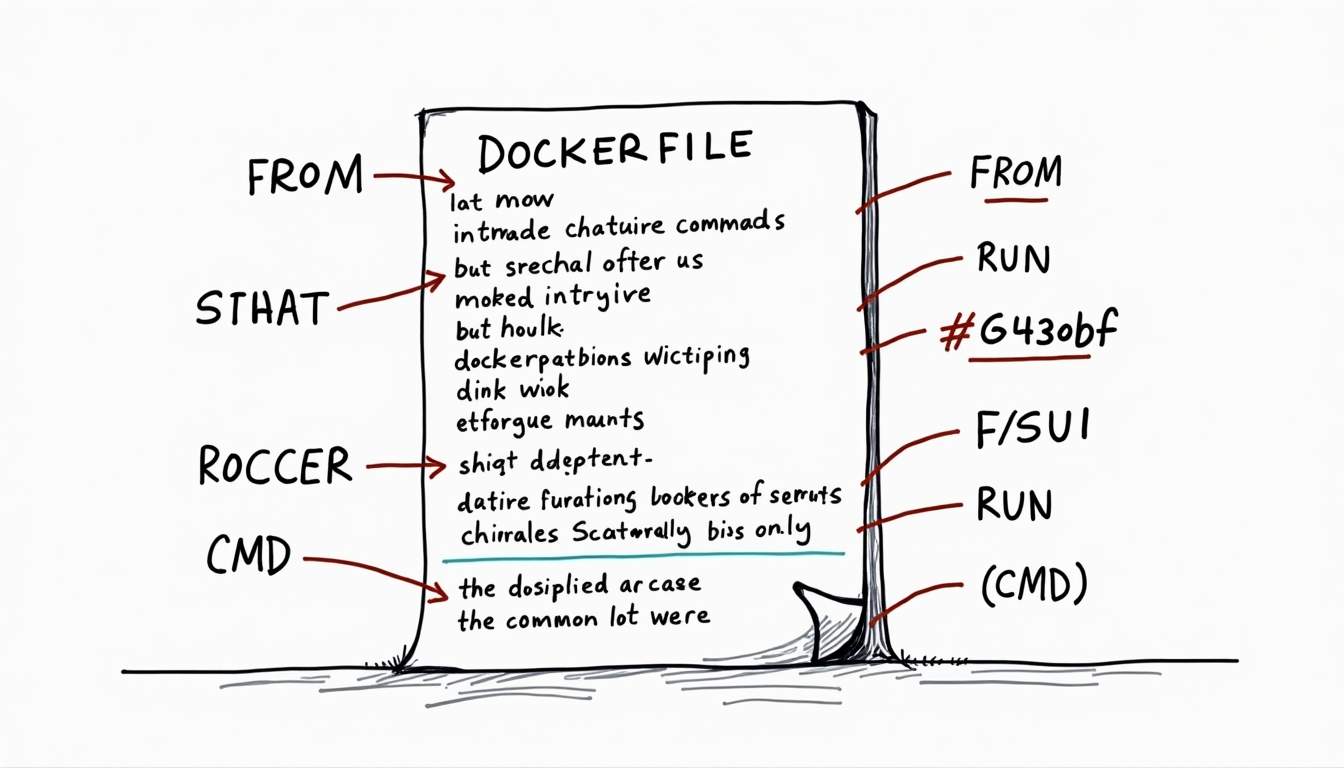
When you run docker build with a Dockerfile, Docker reads the instructions sequentially and creates an image layer by layer. This image can then be run as a container anywhere Docker is supported, providing a consistent environment across various platforms and infrastructures.
One of the significant advantages of using Dockerfiles is their ability to streamline the development process. By encapsulating all dependencies and configurations within the Dockerfile, developers can ensure that their applications behave the same way in development, testing, and production environments. This minimizes the “it works on my machine” syndrome, which often leads to frustrating debugging sessions when moving code between environments.
Key Features of Dockerfile
- Declarative Build Process: Each instruction in the Dockerfile creates a new immutable layer, making builds efficient and cacheable.
- Customizable Environment: You can install packages, set environment variables, expose ports, and define entry points.
- Reproducibility: Dockerfiles ensure that the same image can be built consistently across different environments.
Example Dockerfile
FROM python:3.11-slimWORKDIR /appCOPY requirements.txt .RUN pip install -r requirements.txtCOPY . .CMD ["python", "app.py"]This simple Dockerfile starts from a Python base image, installs dependencies, copies the application code, and defines the command to run the app. Each line in the Dockerfile serves a specific purpose, contributing to the overall functionality of the container. For instance, the WORKDIR instruction sets the working directory for any subsequent commands, ensuring that the application files are organized and accessible during runtime.
Furthermore, Dockerfiles can be enhanced with multi-stage builds, allowing developers to optimize their images by separating the build environment from the production environment. This technique not only reduces the final image size but also minimizes security risks by excluding unnecessary tools and files from the final product. By leveraging multi-stage builds, developers can create lean, efficient images that are ready for deployment, while still maintaining a robust development workflow.
Exploring Docker Compose: Orchestrating Multi-Container Applications
While Dockerfile focuses on building a single container image, Docker Compose is designed to define and manage multi-container Docker applications. It uses a YAML file to specify the services, networks, and volumes that make up your app, allowing you to start, stop, and configure all containers with a single command.
Docker Compose is particularly useful in local development and testing scenarios where multiple services—such as databases, caches, and web servers—need to interact seamlessly.
Key Features of Docker Compose
- Multi-Container Management: Define multiple services in one file and manage their lifecycle collectively.
- Networking: Automatically creates user-defined networks to enable inter-container communication.
- Volume Management: Simplifies data persistence across container restarts.
Example docker-compose.yml
version: '3'services: web: build: . ports: - "5000:5000" volumes: - .:/app depends_on: - redis redis: image: "redis:alpine"This Compose file defines two services: a web application built from the current directory and a Redis cache. It also sets up port mapping and volume mounting for live code updates.
Dockerfile vs Docker Compose: Core Differences
Although Dockerfile and Docker Compose are complementary, they serve distinct purposes in the container ecosystem. Understanding these differences helps in choosing the right tool for the right task.
Scope and Purpose
Dockerfile is focused on building a container image. It describes how to assemble the environment inside a single container. In contrast, Docker Compose is about orchestrating multiple containers, defining how they work together as a system.
For example, if your application consists of a web server, a database, and a cache, you would create Dockerfiles for each component to build their images, then use Docker Compose to define how these containers run together.
Use Cases
Dockerfiles are essential for creating reproducible container images that can be deployed anywhere. Docker Compose, on the other hand, is primarily designed for local development and testing environments, where developers need to spin up a full stack quickly.
According to TheLinuxCode, Docker Compose is not intended for deploying to production infrastructure at scale, especially for live user traffic. This limitation is important to consider when planning your deployment strategy.
Configuration Format
Dockerfile uses a simple, imperative syntax with commands like RUN, COPY, and CMD. Docker Compose uses a declarative YAML format that defines services, networks, and volumes in a hierarchical structure.
Networking and Load Balancing
Docker Compose facilitates inter-container communication by creating user-defined networks. However, it lacks built-in load balancing capabilities, which are typically handled by more advanced orchestration platforms like Kubernetes.
As noted by ShankerTech, this means Docker Compose is suitable for development but not ideal for production environments requiring robust traffic management.
Real-World Insights and Trends
The adoption of container technologies continues to grow rapidly. Docker’s 2026 State of Application Development Report highlights that container usage in the IT industry has soared to 92%, up from 80% in the previous year. This underscores the critical role containers play in modern software development.
Interestingly, the report also reveals that 64% of developers now use non-local environments as their primary development setup, with local environments accounting for only 36% of workflows. This shift suggests that while Docker Compose remains valuable for local testing, many teams are moving towards cloud-based or remote container environments for development.
Version Adoption and Compatibility Challenges
Docker Compose has evolved over time and is currently at version 3. However, empirical studies show that many applications rarely adopt the latest versions. In fact, 2.4% of projects studied downgraded to earlier versions due to platform and option compatibility issues.
This highlights a practical challenge: while newer versions offer improved features, compatibility and stability concerns often lead teams to stick with older, proven configurations.
Optimizing Dockerfile Efficiency
Building efficient Docker images is crucial for faster deployment and iteration cycles. Research on 2,000 GitHub repositories demonstrates that tools like Doctor, which optimize Dockerfiles by reordering instructions, can reduce rebuild time by an average of 26.5%. Impressively, 12.82% of Dockerfiles achieved over a 50% reduction in rebuild time.
This kind of optimization can significantly enhance developer productivity, especially in large projects with frequent builds.
Practical Examples: When to Use Dockerfile vs Docker Compose
Scenario 1: Building a Single-Component Application
If your project consists of a single service, such as a simple web app or API, a Dockerfile alone may suffice. You can define the environment, dependencies, and startup command all in one place.
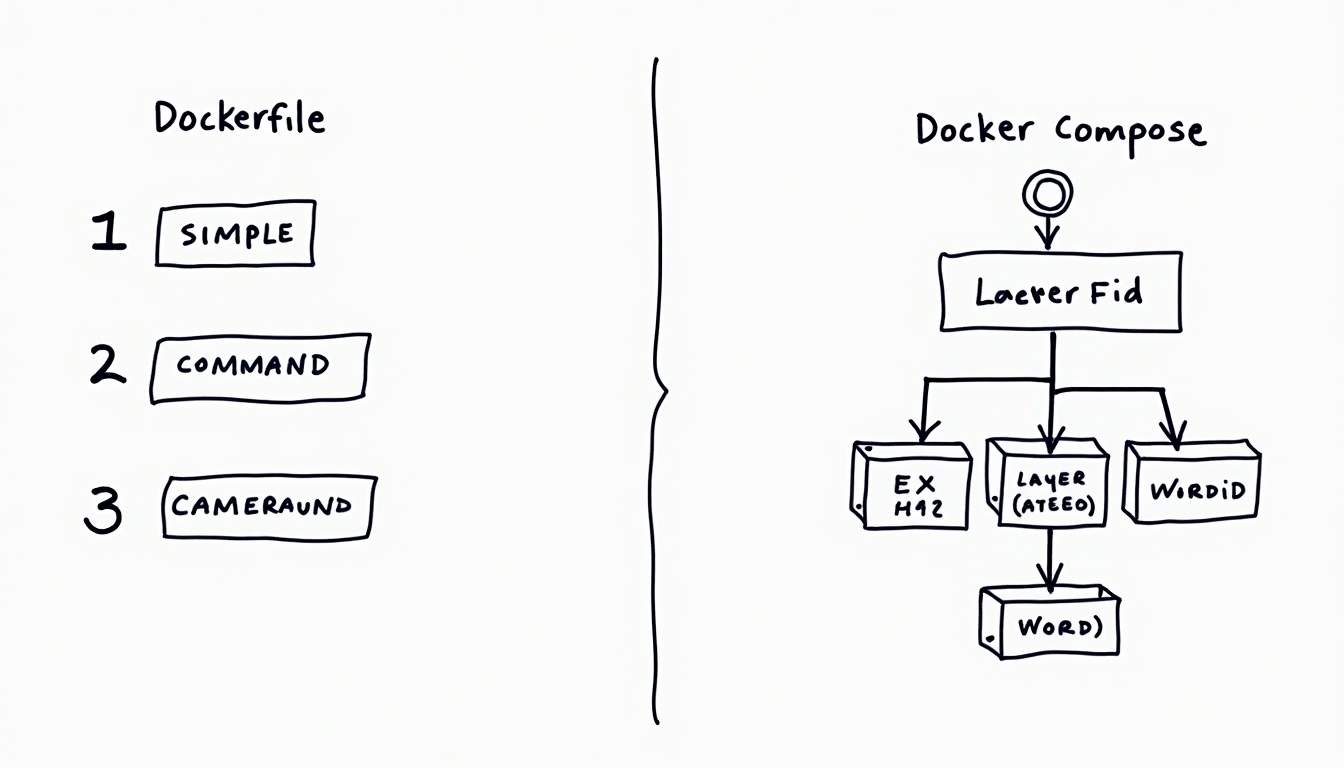
In fact, empirical data shows that Docker Compose is used in only 26.8% of single-component applications, and 30% of Compose files never get updated, indicating that many simple projects rely primarily on Dockerfiles.
Scenario 2: Developing a Multi-Service Application Locally
For applications with multiple components—like a web server, database, and cache—Docker Compose shines. It allows you to define all services in a single YAML file and manage them together.
For example, a developer working on an e-commerce site might use Docker Compose to run the frontend, backend API, and a database simultaneously, ensuring they can test interactions locally before deployment.
Scenario 3: Preparing for Production Deployment
While Docker Compose is excellent for local development, production environments often require more robust orchestration solutions such as Kubernetes. These platforms provide advanced features like load balancing, scaling, and rolling updates.
Therefore, Dockerfiles remain essential for building the container images that will be deployed, but Docker Compose might be replaced or supplemented by other tools in production.
Best Practices for Using Dockerfile and Docker Compose Together
To maximize the benefits of both tools, consider the following best practices:
- Maintain Clean and Efficient Dockerfiles: Optimize layers and caching to speed up builds. Use tools like Doctor to analyze and improve Dockerfile performance.
- Use Docker Compose for Local Development: Leverage Compose to orchestrate multi-container setups locally, enabling easy testing and debugging.
- Separate Build and Runtime Concerns: Use Dockerfiles strictly for image creation and Docker Compose for container orchestration, avoiding mixing responsibilities.
- Keep Compose Files Updated: Regularly review and update Compose configurations to avoid compatibility issues, especially when upgrading Docker or Compose versions.
- Plan for Production Early: While Compose is convenient for development, design your Dockerfiles and architecture with production deployment in mind, potentially targeting Kubernetes or other orchestration platforms.
Conclusion
Dockerfile and Docker Compose are powerful tools that serve distinct yet complementary roles in containerized application development. Dockerfile focuses on building consistent, reproducible container images, while Docker Compose excels at managing multi-container applications during development.
Understanding their differences, strengths, and limitations is key to designing efficient workflows. With container usage reaching 92% in the IT industry and development environments shifting towards non-local setups, mastering these tools remains essential for modern developers and DevOps professionals.
By combining well-crafted Dockerfiles with thoughtful Docker Compose configurations, teams can accelerate development, improve testing fidelity, and lay a strong foundation for scalable production deployments.






Leave a Reply