

In today’s data-driven world, managing and analyzing time-series data efficiently is crucial for businesses across industries. Whether it’s monitoring IoT devices, tracking application metrics, or analyzing financial market trends, the ability to store and query time-stamped data at scale can unlock powerful insights. AWS Timestream, Amazon’s fully managed time-series database service, is designed specifically to meet these demands.
This article explores what AWS Timestream is, why it stands out in the time-series database market, and provides a detailed guide on how to set it up for your projects. By the end, you’ll have a clear understanding of how to leverage Timestream’s capabilities to handle massive volumes of time-series data with ease.
What is AWS Timestream?
AWS Timestream is a serverless, fully managed time-series database service optimized for storing and analyzing time-stamped data. Unlike traditional relational databases, Timestream is purpose-built to handle the unique challenges of time-series data, such as high write throughput, efficient data compression, and fast querying of temporal data.
One of the defining features of AWS Timestream is its ability to automatically scale to accommodate fluctuating workloads. This serverless architecture can handle throughput fluctuations up to 10,000 times, which is particularly beneficial for SaaS applications and IoT environments where data volumes can vary dramatically throughout the day. This elasticity allows businesses to focus on developing their applications without worrying about the underlying infrastructure, enabling rapid innovation and deployment.
Major companies like BMW and Netflix rely on AWS Timestream to process over 100 trillion events monthly, underscoring its robustness and scalability in production environments. This level of adoption highlights Timestream’s capability to meet the demands of both high-volume and mission-critical applications. Furthermore, Timestream’s ability to handle diverse data sources—from sensor data in manufacturing to user interaction logs in streaming services—demonstrates its versatility across various industries.
Key Features of AWS Timestream
Some standout features that make AWS Timestream a compelling choice for time-series data include:
- Serverless and Scalable: Automatically adjusts capacity to handle data ingestion and query loads without manual intervention.
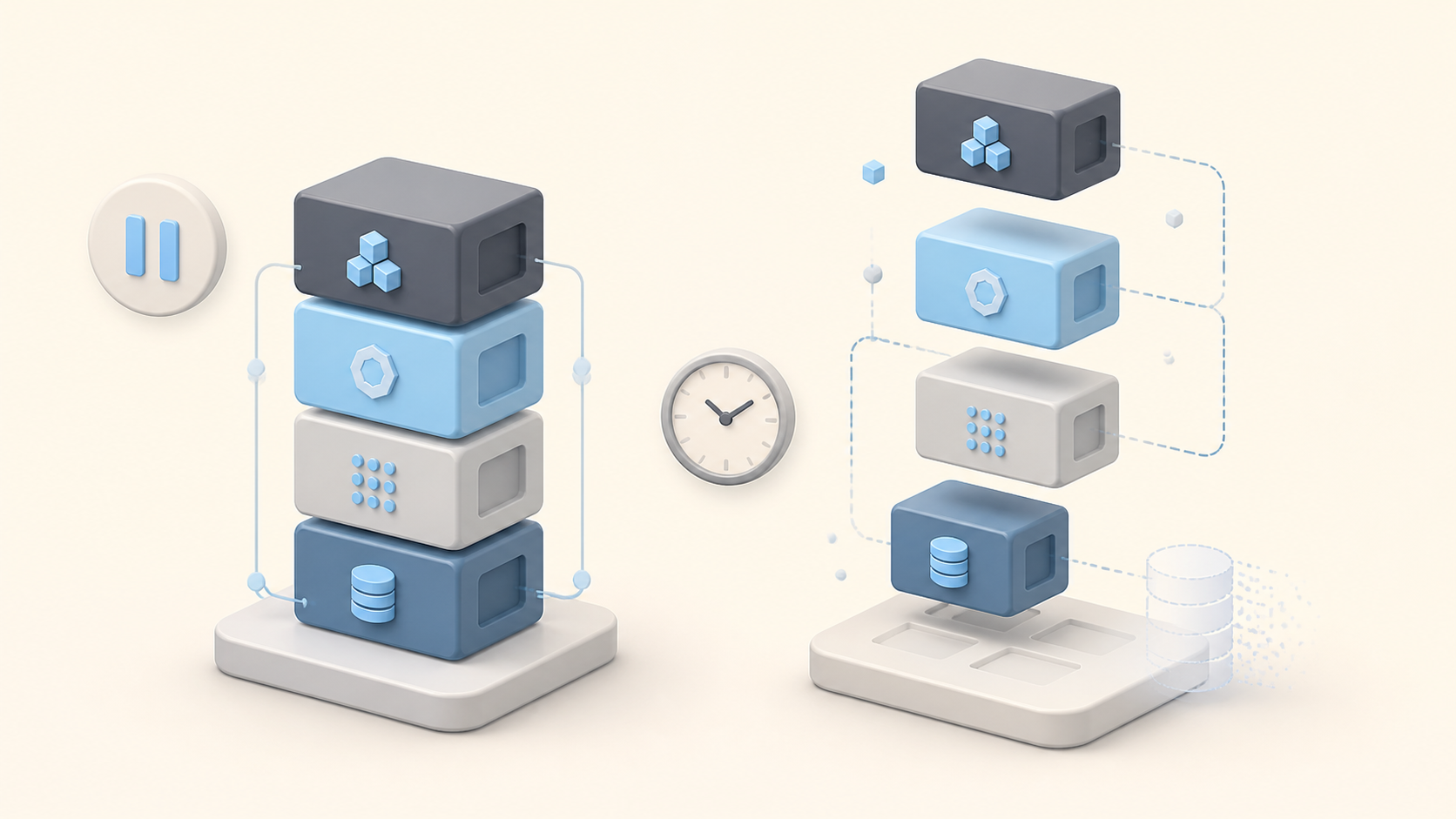
- Storage Tiering: Data is automatically moved between a memory store for recent data and a cost-optimized magnetic store for historical data, balancing performance and cost.
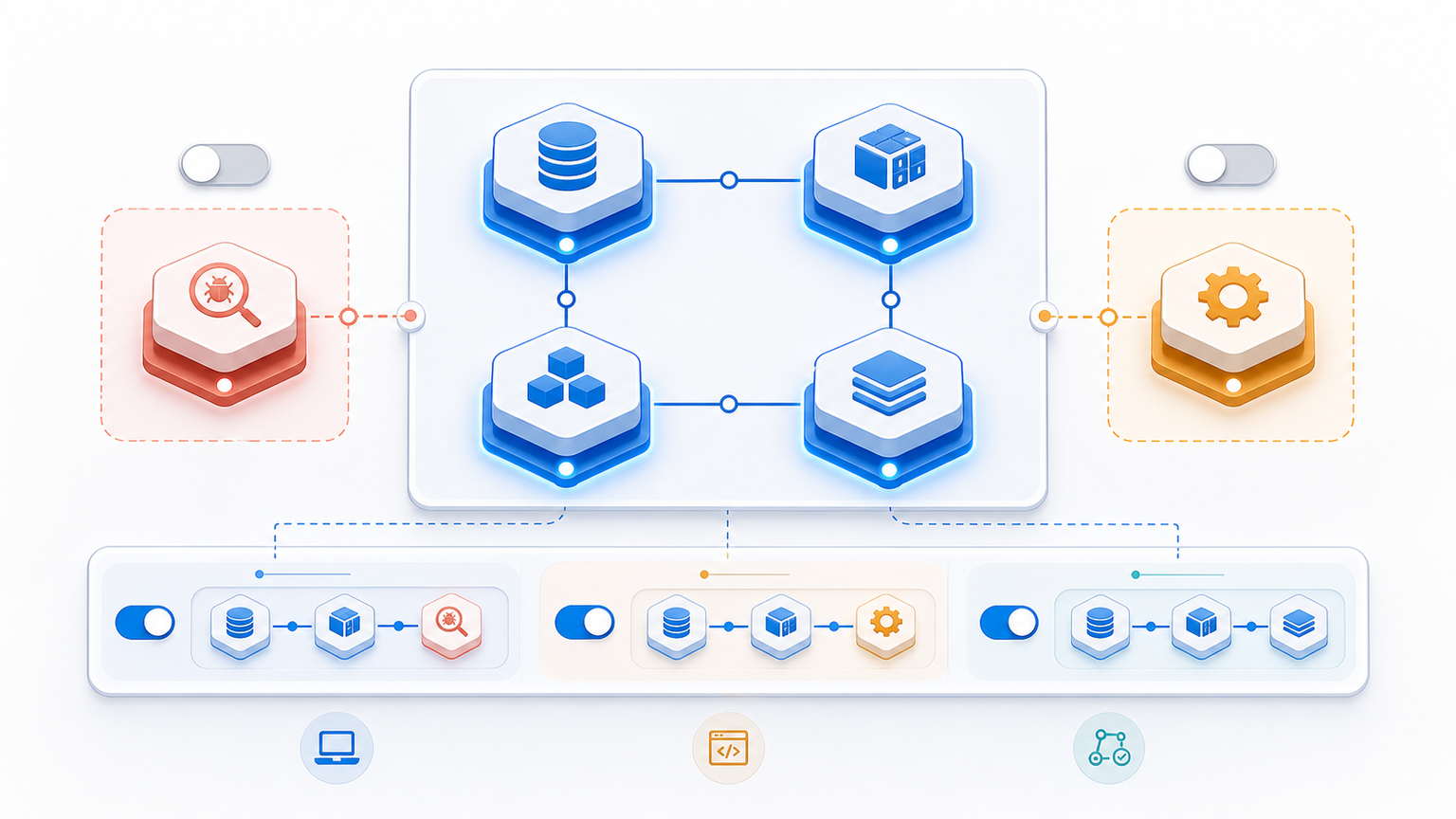
- Integration with AWS Ecosystem: Seamlessly integrates with AWS Lambda, Kinesis, CloudWatch, and other services, enabling complex data processing workflows.
- Query Optimization: Features like query insights help optimize query performance and reduce costs by providing detailed analytics on query execution.
Additionally, Timestream supports a rich set of query capabilities that allow users to perform complex analytical tasks with ease. Users can leverage SQL-like syntax to extract insights from their time-series data, making it accessible even to those who may not have extensive programming experience. This democratization of data analysis empowers teams across organizations to derive valuable insights without heavy reliance on data engineering resources.
Moreover, AWS Timestream is designed with security and compliance in mind. It offers encryption at rest and in transit, ensuring that sensitive data is protected from unauthorized access. The service also integrates with AWS Identity and Access Management (IAM) to provide fine-grained access control, allowing organizations to manage who can access their time-series data and how they can interact with it. This focus on security is crucial for industries that handle sensitive information, such as finance and healthcare, where regulatory compliance is paramount.
Why Choose AWS Timestream for Time-Series Data?
Time-series data presents unique challenges that traditional databases often struggle to address efficiently. AWS Timestream’s architecture and features are specifically designed to overcome these challenges, making it a preferred choice for many organizations.
Handling Massive Data Volumes
Time-series data can grow exponentially, especially with the proliferation of IoT devices and real-time monitoring systems. AWS Timestream’s ability to process over 100 trillion events monthly demonstrates its capacity to handle extremely large datasets. This makes it suitable for enterprises that require reliable data ingestion and storage at scale. Moreover, the platform’s ability to automatically scale resources in response to fluctuating workloads ensures that businesses can maintain high performance without manual intervention, allowing teams to focus on deriving insights rather than managing infrastructure.
Cost Efficiency Through Storage Scaling
In June 2026, AWS introduced storage scaling functions for Amazon Timestream for InfluxDB, allowing users to dynamically adjust storage tiers and capacity based on their needs. This enhancement enables organizations to optimize costs by storing recent data in faster, more expensive memory, while archiving older data in cheaper magnetic storage. Furthermore, this tiered storage approach not only reduces costs but also enhances query performance for frequently accessed data, ensuring that businesses can access critical insights without incurring unnecessary expenses.
Superior Performance with Advanced Forecasting
Beyond storage and querying, AWS is innovating in time-series forecasting. A study published in January 2026 evaluated AWS Chronos, a transformer-based forecasting framework, against traditional models like ARIMA and Prophet. The findings highlighted Chronos’ superior performance for longer-term predictions, illustrating AWS’s commitment to advancing time-series analytics. This capability is particularly beneficial for sectors like finance and supply chain management, where accurate forecasting can significantly impact decision-making and operational efficiency, leading to improved resource allocation and reduced waste.
Seamless Integration with AWS Services
AWS Timestream is designed to work harmoniously with other AWS services. For example, it can ingest streaming data from Kinesis, trigger serverless functions with Lambda, and integrate with CloudWatch for monitoring and alerting. This tight integration simplifies building end-to-end data pipelines and real-time analytics applications. Additionally, the compatibility with machine learning services such as SageMaker allows organizations to apply predictive analytics directly on their time-series data, fostering a more data-driven culture and enabling teams to harness the power of AI for enhanced insights and automation.
How to Set Up AWS Timestream: A Step-by-Step Guide
Setting up AWS Timestream is straightforward, especially for users familiar with the AWS Management Console. The following steps will guide you through creating a Timestream database, configuring tables, and ingesting data.
Step 1: Create a Timestream Database
Begin by logging into the AWS Management Console and navigating to the Timestream service. Click on “Create database.” You will be prompted to choose between a standard or memory-optimized database. For most use cases, the standard option suffices, balancing performance and cost.
Provide a name for your database and review the settings before creating it. The database acts as a container for your time-series tables.
Step 2: Create Tables Within the Database
After creating the database, the next step is to create tables, which store the actual time-series data. Click on the database you just created and select “Create table.”
When configuring the table, you can specify retention properties that determine how long data remains in the memory store versus the magnetic store. For example, you might keep recent data in memory for fast queries and older data in magnetic storage to save costs.
Step 3: Ingest Data into Timestream
Data ingestion can be done through various methods, including AWS SDKs, the Timestream Write API, or integration with AWS services like Kinesis Data Firehose. When writing data, each record must include a timestamp, dimensions (metadata), and measure values (metrics).
For IoT applications, you might stream sensor data directly into Timestream using Kinesis, while for application monitoring, you could push custom metrics via Lambda functions.
Step 4: Query Your Data
AWS Timestream supports a SQL-like query language optimized for time-series data. You can run queries directly from the AWS Console or programmatically via SDKs.
In October 2024, AWS introduced query insights for Timestream, which helps users optimize query performance by analyzing query execution patterns and suggesting improvements. This feature is invaluable for reducing costs and improving response times, especially in complex analytical workloads.
Step 5: Monitor and Maintain
Use AWS CloudWatch to monitor Timestream metrics such as write throughput, query latency, and errors. Setting up alarms can help proactively manage performance issues.
Since Timestream is serverless, maintenance tasks like patching and scaling are handled by AWS, freeing you to focus on application logic and data analysis.
Best Practices for Using AWS Timestream
To maximize the benefits of AWS Timestream, consider the following best practices:
Optimize Data Retention Settings
Carefully configure retention policies to balance performance and cost. Keep frequently accessed data in memory for faster queries and archive older data in magnetic storage.
Leverage Integration with Other AWS Services
Build comprehensive data pipelines by integrating Timestream with AWS Lambda for processing, Kinesis for streaming ingestion, and CloudWatch for monitoring. This approach enhances automation and scalability.
Use Query Insights to Improve Efficiency
Regularly review query insights to identify inefficient queries and optimize them. This helps reduce costs and improves application responsiveness.
Design Schema Thoughtfully
Define dimensions and measures that align with your analytical goals. Proper schema design can significantly improve query performance and simplify data management.
Conclusion
AWS Timestream is a powerful solution for organizations looking to manage and analyze time-series data at scale. Its serverless architecture, seamless AWS integration, and advanced features like storage scaling and query insights make it an ideal choice for diverse applications ranging from IoT to SaaS monitoring.
By following the setup steps and best practices outlined in this article, businesses can harness the full potential of AWS Timestream to gain real-time insights, optimize operations, and drive innovation.
As the time-series database market continues to evolve, AWS Timestream’s ongoing enhancements and strong industry adoption position it as a leading platform for future-ready data analytics.

Leave a Reply