


In the world of IT automation, ensuring that your managed nodes are reachable and properly configured is a fundamental step before executing complex tasks. Ansible, a widely adopted automation tool, offers a simple yet powerful way to verify connectivity through its ping modules. This article explores how to use Ansible’s ping capabilities effectively to test connectivity across different environments, including Linux, Windows, and network devices.
Understanding the Role of Ansible Ping Modules
Before diving into practical usage, it’s important to understand what Ansible’s ping modules actually do. Unlike the traditional ICMP ping used in networking, Ansible’s ping modules are designed to test the ability to connect to a remote host and verify that the required environment is set up for Ansible to operate. This capability is crucial for ensuring that automation tasks can be executed without interruption, as it allows users to confirm that their infrastructure is responsive and properly configured before proceeding with more complex operations.
The Classic Ansible Ping Module
The standard Ansible ping module is a trivial test module that always returns pong when it successfully contacts a remote node. This response confirms two critical things: that Ansible can log in to the target machine and that a usable Python interpreter is available on the remote system. This module is included in all Ansible installations as part of ansible-core and is maintained by the Ansible Core Team, ensuring stability and reliability. Its simplicity makes it an essential tool for both beginners and seasoned users, as it provides immediate feedback on connectivity issues that could hinder automation workflows.
Because the classic ping module is flagged as a stable interface, users can rely on it without worrying about backward-incompatible changes. This makes it an ideal first step in any automation playbook to quickly verify connectivity and environment readiness. Additionally, the module’s lightweight nature means it incurs minimal overhead, allowing for rapid testing across multiple hosts in a large-scale deployment, which is particularly beneficial in dynamic environments where hosts may frequently change.
Ping Modules for Specialized Environments
While the classic ping module works well for most Linux-based systems, Ansible also provides specialized ping modules for other environments:
- win_ping: Tailored for Windows targets, this module functions similarly to the classic ping but is designed to handle Windows-specific connection and environment checks. It ensures that the necessary WinRM (Windows Remote Management) service is running and that the target machine is properly configured to accept connections from Ansible, making it a vital tool for Windows administrators.
- net_ping: Designed for network devices, this module tests reachability by sending ping requests from the network device itself to a specified remote destination. It supports parameters such as
count,dest,source,state, andvrf, making it highly flexible for network automation tasks. This is particularly useful in scenarios where traditional ping methods may not provide accurate results due to routing or firewall configurations.
It’s important to note that the net_ping module is flagged as a preview feature, meaning its interface may change in the future and it is not guaranteed to be backward compatible. It is supported on platforms that use the ansible_network_os designation. As network automation continues to evolve, users should stay informed about updates to this module, as enhancements could significantly improve their ability to manage complex network environments. Furthermore, understanding the nuances of these specialized modules can empower users to troubleshoot connectivity issues more effectively, leading to smoother automation processes across diverse infrastructures.
How to Use the Classic Ansible Ping Module
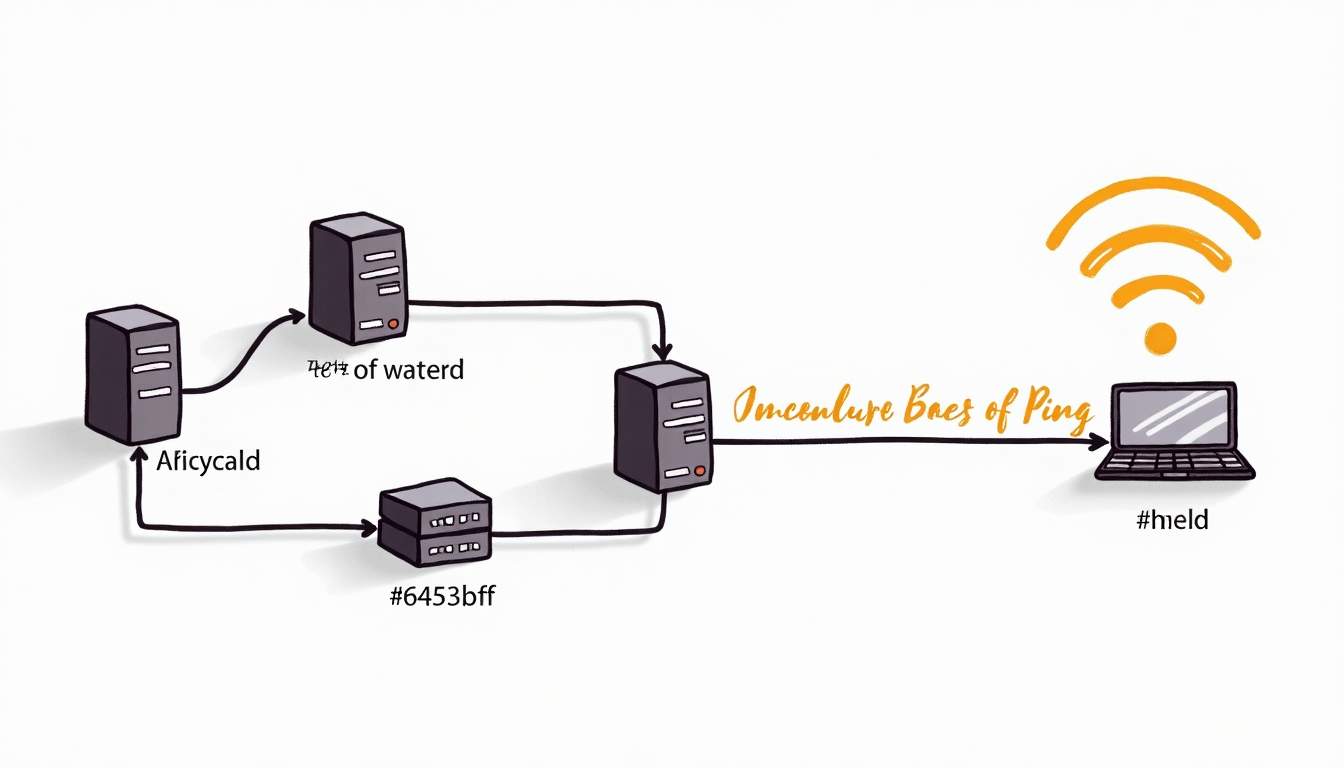
Using the classic Ansible ping module is straightforward and an excellent first step in any automation workflow. Here’s how to use it effectively:
Basic Usage
To test connectivity to a host or group of hosts defined in your Ansible inventory, simply run:
ansible all -m pingThis command attempts to connect to all hosts in the inventory and returns pong for each successful connection. If a host fails, Ansible will provide error details to help diagnose the issue.
Interpreting Results
The pong response confirms that Ansible can authenticate to the remote machine and that Python is installed and accessible. If the ping fails, common issues might include:
- SSH connectivity problems
- Incorrect inventory or host configuration
- Missing or misconfigured Python interpreter on the remote node
Addressing these issues is essential before proceeding with more complex automation tasks. Additionally, it’s beneficial to ensure that the SSH keys are properly set up and that the necessary permissions are granted to the user attempting the connection. This can save time and prevent frustration later in the deployment process.
Use Cases for the Classic Ping Module
The classic ping module is ideal for:
- Quickly verifying that hosts are reachable and ready for Ansible playbooks
- Debugging inventory or connection problems
- Ensuring that Python dependencies are met on Linux-based systems
Moreover, the ping module can serve as a preliminary check before executing more resource-intensive tasks, such as software installations or configuration changes. By confirming connectivity first, you can avoid potential failures during execution that could arise from unreachable hosts. This proactive approach not only enhances the reliability of your automation efforts but also streamlines the overall workflow, allowing for quicker troubleshooting and adjustments as needed.
Furthermore, in larger environments where multiple hosts are managed, the classic ping module can be invaluable for monitoring the health of your infrastructure. Regularly running the ping command can help identify hosts that may have gone offline or are experiencing intermittent connectivity issues. This practice can be integrated into routine maintenance schedules, ensuring that your systems remain responsive and operational, ultimately contributing to a more stable and efficient IT environment.
Testing Connectivity on Windows with win_ping
Windows environments require a different approach due to their unique connection methods and environment requirements. Ansible’s win_ping module serves as the Windows counterpart to the classic ping module.
How win_ping Works
Instead of relying on SSH and Python, win_ping uses Windows Remote Management (WinRM) to connect to Windows hosts. It verifies that Ansible can authenticate and communicate with the Windows target, returning a pong response on success.
Running win_ping
To test connectivity to Windows hosts, use the following command:
ansible windows -m win_pingHere, windows refers to the group name in your inventory containing Windows hosts. Successful execution confirms that WinRM is properly configured and that Ansible can manage the Windows environment.
Common Challenges and Tips
Setting up WinRM can be tricky for newcomers. It’s important to ensure that:
- WinRM is enabled and configured on the Windows hosts
- Proper authentication methods (such as Kerberos or NTLM) are in place
- Firewall rules allow WinRM traffic
Using win_ping as a diagnostic tool helps identify connectivity issues early in the automation pipeline.
Leveraging net_ping for Network Device Connectivity
Network automation is a growing field where Ansible plays a crucial role. Testing connectivity from network devices themselves requires a different approach than traditional host-based ping tests. This is where Ansible’s net_ping module comes into play.
What net_ping Does
The net_ping module sends ICMP echo requests from a network device to a specified remote destination. Unlike the classic ping module, which tests Ansible’s ability to connect to a host, net_ping tests the network device’s ability to reach another device or endpoint.
Key Parameters
Some of the important parameters supported by net_ping include:
dest: The destination IP address or hostname to ping.count: Number of ping packets to send.source: The source interface or IP address on the network device to use.state: Whether to enable or disable the ping operation.vrf: The Virtual Routing and Forwarding instance to use for the ping.
These parameters provide flexibility for complex network topologies and testing scenarios.
Using net_ping in Practice
To use net_ping, your playbook might include a task like this:
- name: Test reachability from network device ansible.netcommon.net_ping: dest: 8.8.8.8 count: 5 source: GigabitEthernet0/1This task sends five ping requests from the specified interface on the network device to the Google DNS server at 8.8.8.8. The module then reports success or failure based on the responses received.
Considerations and Limitations
Since net_ping is flagged as a preview feature, it’s important to use it with caution in production environments. Its interface may change, and backward compatibility is not guaranteed. However, it remains a valuable tool for network engineers looking to integrate network reachability tests into their automation workflows.
Best Practices for Using Ansible Ping Modules
To maximize the effectiveness of Ansible’s ping modules, consider the following best practices:

1. Use Ping Modules Early in Playbooks
Including a ping task at the beginning of your playbook helps verify that all target hosts are reachable and properly configured. This can prevent wasted time running tasks on unreachable hosts.
2. Tailor Ping Module Choice to Your Environment
Choose the appropriate ping module based on your target environment:
- Use
pingfor Linux/Unix hosts - Use
win_pingfor Windows hosts - Use
net_pingfor network devices
3. Handle Failures Gracefully
Incorporate error handling in your playbooks to manage ping failures. For example, use conditional checks to skip tasks on unreachable hosts or notify administrators of connectivity issues.
4. Keep Modules Updated
Since Ansible continuously evolves, keep your Ansible installation updated to benefit from the latest fixes and improvements, especially for preview modules like net_ping.
5. Document Your Connectivity Checks
Maintain clear documentation of your connectivity testing procedures and any custom parameters you use. This helps team members understand and troubleshoot your automation workflows more easily.
Conclusion
Testing connectivity is a foundational step in any automation strategy, and Ansible’s ping modules provide a simple yet effective way to accomplish this across diverse environments. Whether verifying access to Linux servers with the classic ping module, checking Windows host readiness with win_ping, or validating network device reachability using net_ping, these tools help ensure your automation runs smoothly.

By understanding the nuances of each module and following best practices, IT professionals can confidently incorporate connectivity tests into their Ansible playbooks, reducing errors and improving operational efficiency.
For more detailed information, refer to the official Ansible documentation:






Leave a Reply