

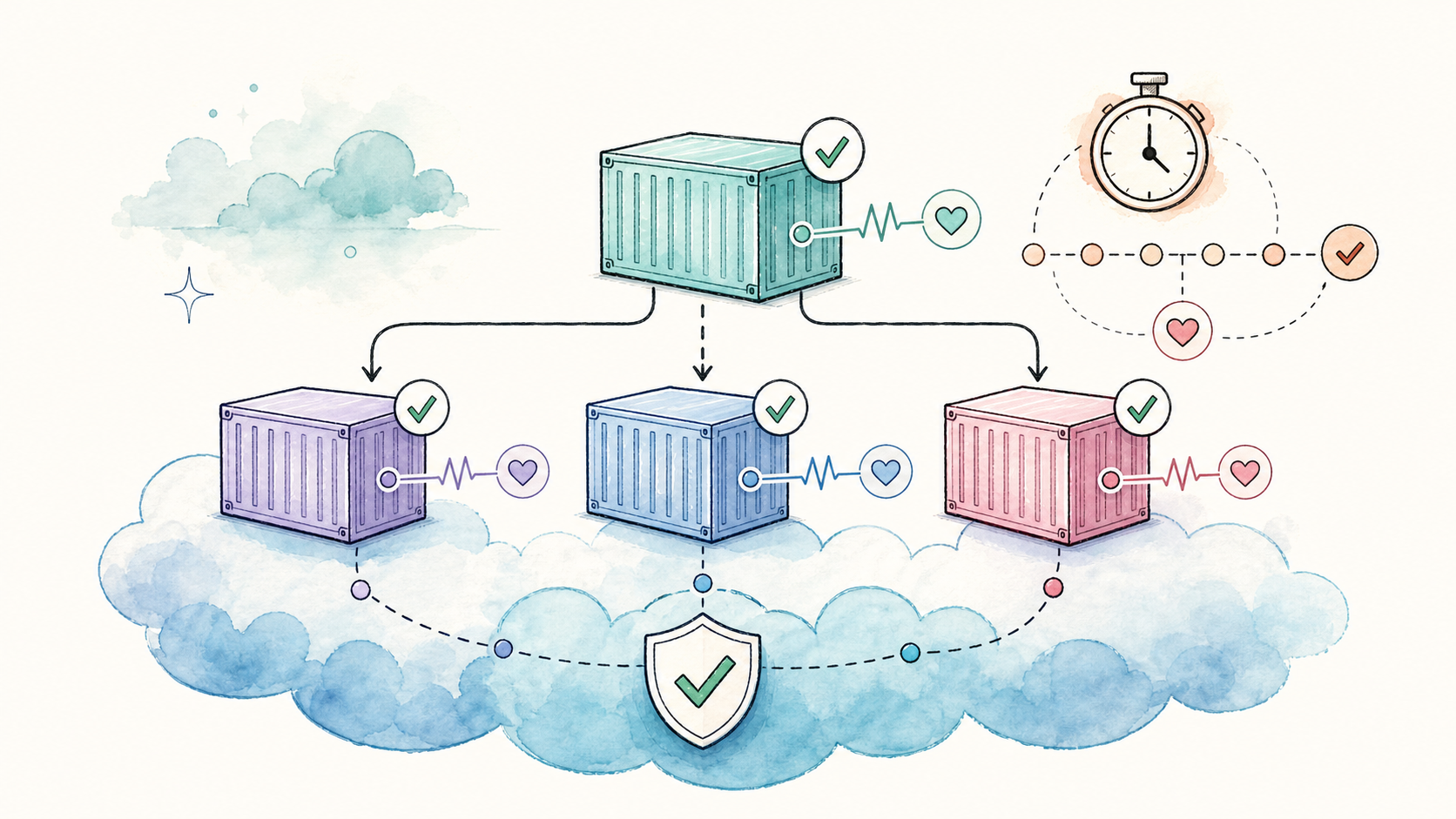
A container that shows Up in docker ps isn’t necessarily working. The process might be running but the application inside could be stuck, returning errors, or still initializing. Docker health checks fill this gap – they tell you (and Docker) whether a container is actually healthy.
This guide is part of our Docker containers complete guide and fits alongside Docker Compose Up, Compose Restart Policy, and the Compose shutdown cluster (Stop, Down, Down -v).
How Docker Health Checks Work
A health check is a command that Docker runs inside the container at a set interval. Based on the exit code, Docker assigns one of three states:
| State | Meaning |
| starting | Initial grace period; failures don’t count yet |
| healthy | The last N checks passed (where N = `retries`) |
| unhealthy | The last N checks failed consecutively |
Exit codes are simple:
– 0 – success, container is healthy
– 1 – failure, container is unhealthy
– 2 – reserved (don’t use this)
Docker emits a health_status event on every state change, which orchestrators and monitoring tools can react to. The last 5 check outputs (first 4096 bytes each) are stored and visible via docker inspect.
HEALTHCHECK in a Dockerfile
Add a HEALTHCHECK instruction to bake health monitoring directly into your image:
FROM nginx:alpine

HEALTHCHECK \
  --interval=30s \
  --timeout=5s \
  --start-period=10s \
  --retries=3 \
  CMD curl -f http://localhost/ || exit 1Code language: Dockerfile (dockerfile)
Health check options
| Option | Default | What it does |
| `–interval` | 30s | Time between checks |
| `–timeout` | 30s | Max time a single check can take |
| `–start-period` | 0s | Grace period before failures count |
| `–start-interval` | 5s | Check interval during start period |
| `–retries` | 3 | Consecutive failures before marking unhealthy |
To disable a health check inherited from a base image, use HEALTHCHECK NONE.
When to use Dockerfile vs Compose: Put the health check in the Dockerfile if every instance of the image should be monitored the same way (production, staging, local dev). Use Compose when the check varies by environment – for example, a different port or endpoint per deployment.
Healthcheck in Docker Compose
Compose health checks work the same way but are defined in docker-compose.yml:
services:
  web:
    image: nginx:alpine
    healthcheck:
      test: ["CMD", "curl", "-f", "http://localhost"]
      interval: 30s
      timeout: 10s
      retries: 3
      start_period: 40sCode language: YAML (yaml)
Two formats for the test command:
– CMD (exec form): ["CMD", "curl", "-f", "http://localhost"] – no shell, faster, no variable expansion
– CMD-SHELL: ["CMD-SHELL", "curl -f http://localhost || exit 1"] – runs inside /bin/sh, supports pipes and $VARIABLES
Use CMD-SHELL when you need shell features like || exit 1, pipes, or environment variable interpolation. Use CMD (exec form) for simple commands where you want to avoid shell overhead.
Full Compose example with depends_on
services:
  db:
    image: postgres:18
    environment:
      POSTGRES_USER: app
      POSTGRES_DB: appdb
    healthcheck:
      test: ["CMD-SHELL", "pg_isready -U app -d appdb"]
      interval: 10s
      retries: 5
      start_period: 30s
      timeout: 10s

  redis:
    image: redis:7-alpine
    healthcheck:
      test: ["CMD", "redis-cli", "ping"]
      interval: 10s
      timeout: 5s
      retries: 3

  app:
    build: .
    depends_on:
      db:
        condition: service_healthy
      redis:
        condition: service_started
    ports:
      - "3000:3000"Code language: YAML (yaml)
Here app waits for PostgreSQL to be healthy before starting, while Redis only needs to be started (not necessarily healthy).
depends_on with service_healthy
By default, depends_on only controls startup order – Compose waits for a dependency to be *running*, not *ready*. A database container might be running but still initializing its data directory for 20 more seconds. Without a health check, your app connects too early and fails.
The condition attribute fixes this:
| Condition | Behavior |
| `service_started` | Wait for the container to start (default) |
| `service_healthy` | Wait for the health check to pass |
| `service_completed_successfully` | Wait for a one-shot container to exit with code 0 |
You can also add restart: true under depends_on (Compose v2.17.0+). When the dependency restarts, the dependent service restarts too – useful for keeping connection pools fresh.
Practical Healthcheck Recipes
Web service (HTTP)
healthcheck:
  test: ["CMD", "curl", "-f", "http://localhost:8080/health"]
  interval: 30s
  timeout: 5s
  retries: 3Code language: YAML (yaml)
The -f flag makes curl exit with code 22 on HTTP errors (4xx/5xx). Combine with a dedicated /health or /healthz endpoint that verifies database and cache connectivity, not just “the process is running.”
Web service (wget, for Alpine without curl)
healthcheck:
  test: ["CMD-SHELL", "wget -qO- http://127.0.0.1:3000/health > /dev/null 2>&1 || exit 1"]
  interval: 30s
  timeout: 10s
  retries: 3Code language: YAML (yaml)
Use 127.0.0.1 instead of localhost in Alpine – Alpine’s /etc/hosts can resolve localhost to ::1 (IPv6), while your app may only bind to 0.0.0.0 (IPv4).
PostgreSQL
healthcheck:
  test: ["CMD-SHELL", "pg_isready -U $${POSTGRES_USER} -d $${POSTGRES_DB}"]
  interval: 10s
  timeout: 10s
  retries: 5
  start_period: 30sCode language: YAML (yaml)
Note the double $$ – Compose uses $ for variable interpolation. $$ escapes it so the literal $POSTGRES_USER reaches the shell inside the container.
Redis
healthcheck:
  test: ["CMD", "redis-cli", "ping"]
  interval: 10s
  timeout: 5s
  retries: 3Code language: YAML (yaml)
Redis PING returns PONG when the server is ready. Minimal, fast, and reliable.
TCP port check (no extra tools needed)
healthcheck:
  test: ["CMD-SHELL", "timeout 5 bash -c '</dev/tcp/localhost/5432' || exit 1"]
  interval: 30s
  timeout: 10s
  retries: 3Code language: YAML (yaml)
Uses bash’s built-in TCP redirection. Works when you don’t have curl, wget, pg_isready, or redis-cli in the image – but requires bash (not present in Alpine by default).
Reading Health Status
docker ps
The STATUS column shows health state directly:
$ docker ps
CONTAINER ID   STATUS                    ...
a1b2c3d4e5f6   Up 2 minutes (healthy)   ...Code language: Bash (bash)
docker inspect
Get detailed health info as JSON:
docker inspect --format='{{json .State.Health}}' my-container | jqCode language: Bash (bash)Output:
{
  "Status": "healthy",
  "FailingStreak": 0,
  "Log": [
    {
      "Start": "2026-06-16T10:15:00.123456Z",
      "End": "2026-06-16T10:15:00.234567Z",
      "ExitCode": 0,
      "Output": "  % Total    % Received ...\n"
    }
  ]
}Code language: JSON / JSON with Comments (json)
The Log array holds the last 5 check results. FailingStreak tells you how many consecutive failures have occurred – a spike here often signals a real problem.
Quick one-liner for health status only
docker inspect --format='{{.State.Health.Status}}' my-containerCode language: Bash (bash)Returns healthy, unhealthy, or starting.
Common Mistakes and How to Fix Them
Missing curl in Alpine images
Problem: Health check uses curl but the Alpine image doesn’t include it. The container shows unhealthy with error curl: not found.
Fix – install curl in your Dockerfile:
FROM node:alpine
RUN apk add --no-cache curlCode language: Dockerfile (dockerfile)
Alternative – use wget (included in Alpine by default):
healthcheck:
  test: ["CMD-SHELL", "wget -qO- http://127.0.0.1:3000/health > /dev/null || exit 1"]Code language: YAML (yaml)
start_period too short
Problem: Your app needs 45 seconds to start but start_period is set to 10s. The container gets marked unhealthy before initialization finishes.
Fix: Set start_period to slightly more than your app’s worst-case startup time:
healthcheck:
  start_period: 60s
  interval: 10sCode language: YAML (yaml)
If the health check passes before start_period ends, the container switches to healthy immediately – the grace period is a maximum, not a minimum.
localhost resolves to IPv6 in Alpine
Problem: curl http://localhost:3000 fails because Alpine resolves localhost to ::1 (IPv6), but your app listens on IPv4.
Fix: Use 127.0.0.1 explicitly:
healthcheck:
  test: ["CMD", "curl", "-f", "http://127.0.0.1:3000/health"]Code language: YAML (yaml)
docker-compose.yml version field removed
Problem: The top-level version field is obsolete in modern Compose V2. The field is ignored, and health checks plus depends_on with condition work without it.
Fix: Remove the version: line. Modern Compose ignores it.
FAQ
What’s the difference between HEALTHCHECK in Dockerfile and healthcheck in Compose?
Dockerfile HEALTHCHECK bakes the health check into the image — every container from that image gets it. Compose healthcheck overrides or adds a health check for a specific service in a specific deployment. Use Compose when the check differs per environment (staging port vs production port).
Does an unhealthy container get restarted automatically?
No — Docker does not restart a container just because it becomes unhealthy. The health status is informational. To auto-restart unhealthy containers, use an external tool like willfarrell/autoheal or Kubernetes (which has liveness probes for exactly this). You can also combine restart: unless-stopped with health checks, but unless-stopped only reacts to the main process exiting — not to health status.
How often should I run health checks?
The default interval is 30 seconds. For critical services, 10–15 seconds is reasonable. Avoid running checks every 1–2 seconds — each check spawns a process, and excessive checks add CPU overhead. Match the interval to how fast you need to detect failures.
Can I use an HTTP endpoint that checks database connectivity?
Yes, and you should. A /health endpoint that returns 200 because the web framework is running doesn\u2019t tell you if the database is reachable. Build a /healthz endpoint that pings the database, cache, and any other critical dependency. Return 200 only when everything is connected.
Why does my health check need || exit 1?
The health check command itself might return a non-zero exit code on failure (like curl with -f), but if you\u2019re chaining commands or using a shell script, the exit code of the pipeline or script might not propagate. Adding || exit 1 ensures any non-zero exit becomes code 1, which Docker interprets as unhealthy.






Leave a Reply