


In today’s fast-paced software development landscape, continuous integration and continuous delivery (CI/CD) have become essential practices for teams aiming to deliver high-quality software rapidly and reliably. Jenkins, a leading open-source automation server, dominates the CI/CD market with approximately 44% of the global share as of 2023. Its extensibility through plugins is a core reason for its widespread adoption and success.
With Jenkins Pipeline usage growing by 79% between June 2021 and June 2023, it’s clear that organizations are embracing automation to accelerate software delivery while enhancing quality and security. To help teams maximize Jenkins’ potential, this article explores the top 10 must-have Jenkins plugins that can transform your CI/CD pipelines and drive success.
Why Jenkins Plugins Matter for CI/CD
Jenkins’ power lies in its flexibility. By integrating plugins, development teams can tailor their CI/CD workflows to fit specific project needs, improve automation, and enhance collaboration. Plugins extend Jenkins’ core capabilities, enabling everything from source code management and build triggers to advanced reporting and security. With over 1,800 plugins available in the Jenkins ecosystem, teams can select tools that best align with their technology stack and operational requirements, ensuring that their CI/CD pipelines are not only efficient but also effective in addressing unique challenges.
Gerard McMahon, Head of ALM Tools and Platforms at Fidelity Investments, highlights that Jenkins Pipeline “helps enterprises substantially improve the process of building and delivering software while reducing risks, improving feature velocity and driving greater end-to-end quality and efficiency.” This underscores the importance of leveraging the right plugins to unlock these benefits. For instance, plugins like the Git plugin facilitate seamless integration with version control systems, allowing teams to automate code retrieval and streamline the build process. Similarly, testing plugins such as JUnit and Selenium can be integrated to automate testing phases, ensuring that quality checks are consistently applied throughout the development cycle.
Moreover, the Jenkins community is incredibly active, continuously developing and updating plugins to meet the evolving needs of modern software development. This means that teams not only benefit from a wide array of existing tools but also gain access to cutting-edge features as they become available. The ability to customize Jenkins with plugins also fosters a culture of innovation, as teams can experiment with new tools and methodologies without overhauling their entire CI/CD pipeline. This adaptability is crucial in today’s fast-paced development environment, where the ability to pivot quickly can be a significant competitive advantage.
“`htmlTop 10 Jenkins Plugins for CI/CD Success
1. Pipeline
The Pipeline plugin is foundational for modern Jenkins users. It allows developers to define their entire build, test, and deployment process as code using a domain-specific language (DSL). This code-centric approach promotes transparency, version control, and repeatability.
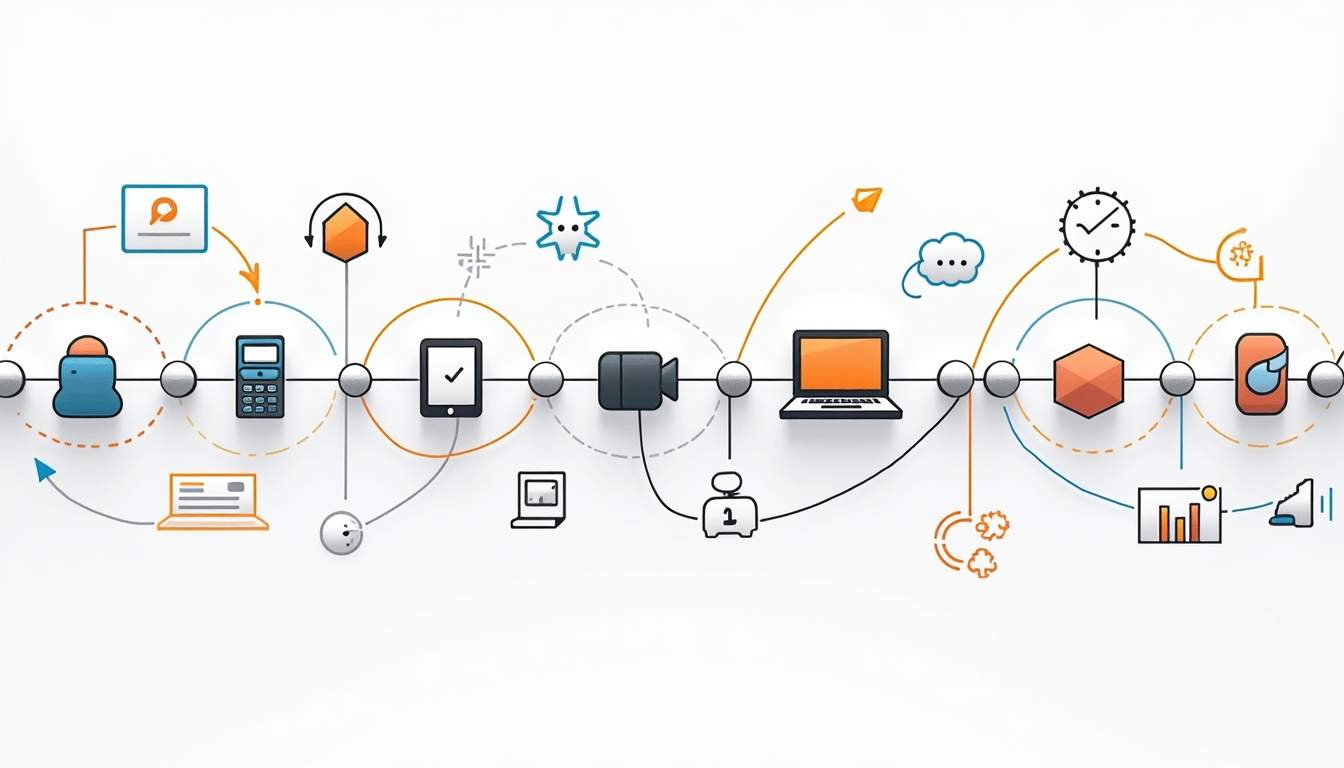
With Jenkins Pipeline, teams can create complex workflows with parallel stages, conditional logic, and integration with other plugins. The surge in Jenkins Pipeline usage by 79% over two years reflects its critical role in automating CI/CD processes. Furthermore, the ability to visualize the entire pipeline process helps teams identify bottlenecks and optimize their workflows, leading to improved efficiency and faster delivery times.
2. Git Plugin
Source code management is at the heart of CI/CD, and the Git Plugin integrates Jenkins seamlessly with Git repositories. It supports polling, webhook triggers, and multi-branch pipelines, enabling Jenkins to automatically build and test code changes as soon as they are committed.
This plugin is indispensable for teams using GitHub, GitLab, Bitbucket, or other Git-based platforms, ensuring continuous feedback and faster iteration cycles. Additionally, the Git Plugin allows for better collaboration among team members by enabling features such as pull requests and code reviews, which are essential for maintaining code quality and fostering a culture of shared responsibility.
3. Blue Ocean
Blue Ocean reimagines the Jenkins user experience with a modern, intuitive interface designed for pipeline visualization. It provides clear, real-time insights into pipeline status, test results, and logs, making it easier for developers and stakeholders to track progress.
Its visual pipeline editor also simplifies pipeline creation and modification, reducing the learning curve for new users and accelerating adoption. By offering a more engaging and user-friendly interface, Blue Ocean encourages teams to embrace CI/CD practices and enables less technical stakeholders to understand the development process, thus promoting a culture of transparency and collaboration across the organization.
4. Credentials Binding Plugin
Security is paramount in CI/CD pipelines, especially when dealing with sensitive information like API keys, passwords, and tokens. The Credentials Binding Plugin allows Jenkins to securely store and inject credentials into build jobs without exposing them in logs or scripts.
With Jenkins’ 2024 LTS release enhancing security protocols and increasing automated vulnerability scanning coverage by 33%, integrating secure credential management plugins is more important than ever. This plugin not only safeguards sensitive information but also simplifies the management of credentials across various environments, allowing teams to focus on development without compromising security.
5. Docker Pipeline
Containerization is a key enabler of consistent build environments and scalable deployments. The Docker Pipeline plugin integrates Docker commands into Jenkins pipelines, allowing builds to run inside containers and simplifying the creation, testing, and deployment of containerized applications.
This plugin is especially valuable for teams adopting microservices architectures or leveraging Docker for development and production environments. By facilitating the use of containers, the Docker Pipeline plugin helps teams ensure that their applications run consistently across different environments, thereby reducing the “it works on my machine” syndrome and enhancing overall reliability.
6. JUnit Plugin
Automated testing is a cornerstone of CI/CD, and the JUnit Plugin provides comprehensive support for publishing and visualizing test results. It parses JUnit XML reports and displays trends over time, helping teams monitor test stability and quickly identify regressions.
Studies show that higher levels of test automation maturity correlate with improved product quality and shorter release cycles, making this plugin essential for maintaining high standards. Additionally, the JUnit Plugin integrates seamlessly with other testing frameworks, allowing teams to consolidate their testing efforts and gain deeper insights into their code quality and performance metrics.
7. Email Extension Plugin
Effective communication is critical in CI/CD workflows. The Email Extension Plugin enhances Jenkins’ built-in email capabilities by allowing highly customizable notifications based on build status, test results, or other criteria.
Timely alerts keep developers informed of failures or successes, enabling swift responses and minimizing downtime. This plugin also supports HTML emails and can be configured to send notifications to different stakeholders, ensuring that everyone involved in the project stays informed about the latest developments and can act promptly when issues arise.
8. Slack Notification Plugin
For teams using Slack as their collaboration hub, this plugin integrates Jenkins notifications directly into Slack channels. It supports customizable messages, interactive buttons, and alerts for build events, fostering real-time communication and collaboration.
Integrating CI/CD feedback into daily communication tools helps maintain team alignment and accelerates issue resolution. The Slack Notification Plugin also allows teams to create dedicated channels for specific projects or builds, enhancing organization and ensuring that relevant information is easily accessible to all team members.
9. SonarQube Scanner Plugin
Quality assurance extends beyond testing to include code quality and security analysis. The SonarQube Scanner Plugin integrates Jenkins with SonarQube, a popular platform for static code analysis, enabling automated inspection of code quality, technical debt, and vulnerabilities during the build process.
With Jenkins’ recent focus on security enhancements, integrating tools like SonarQube aligns perfectly with the goal of delivering secure, robust software. By providing continuous feedback on code quality, this plugin empowers developers to address issues proactively, ultimately leading to a more maintainable codebase and a higher standard of software delivery.
10. Build Timeout Plugin
Long-running or stuck builds can waste resources and delay delivery. The Build Timeout Plugin allows teams to set time limits on builds, automatically aborting those that exceed thresholds.
This helps maintain pipeline efficiency and prevents bottlenecks, ensuring that resources are available for active, productive builds. Furthermore, by monitoring build durations, teams can identify patterns and optimize their processes, leading to a more streamlined workflow and improved overall productivity.
“`Maximizing Jenkins Plugin Benefits for Agile Teams
As agile methodologies continue to drive software development, Jenkins plugins play a vital role in enabling rapid feedback loops, continuous testing, and secure deployments. The Continuous Integration Software Market is projected to grow significantly, fueled by AI-driven testing modules and enhanced security features that many Jenkins plugins help facilitate.

For very small software development entities, adopting accessible tools like Jenkins and Docker combined with micro-pipeline practices can overcome common CI/CD implementation challenges. Plugins tailored to these environments help democratize automation and quality assurance, making CI/CD achievable regardless of team size.
Conclusion
Jenkins remains a heavyweight in the CI/CD space, holding a dominant market share and continuing to evolve with community-driven innovations. Leveraging the right plugins is essential to unlocking its full potential, enabling teams to automate workflows, improve software quality, and accelerate delivery.
From pipeline orchestration and source control integration to security, testing, and notifications, the top 10 Jenkins plugins outlined here provide a comprehensive toolkit for CI/CD success. By thoughtfully selecting and configuring these plugins, organizations can build resilient, efficient, and secure pipelines that meet the demands of modern software development.
As Jenkins continues to innovate—highlighted by its recent long-term support release with advanced security protocols—staying current with plugin ecosystems will be key to maintaining competitive advantage and delivering exceptional software outcomes.






Leave a Reply