

Containerization has revolutionized software development, enabling developers to package applications and their dependencies into portable, consistent units. While Docker has long been the dominant player in this space, Podman has emerged as a compelling alternative, especially for those seeking enhanced security and performance. This guide introduces beginners to using Podman with Dockerfiles, providing a clear path to harnessing Podman’s capabilities while leveraging existing Dockerfile knowledge.
Understanding Podman and Its Advantages
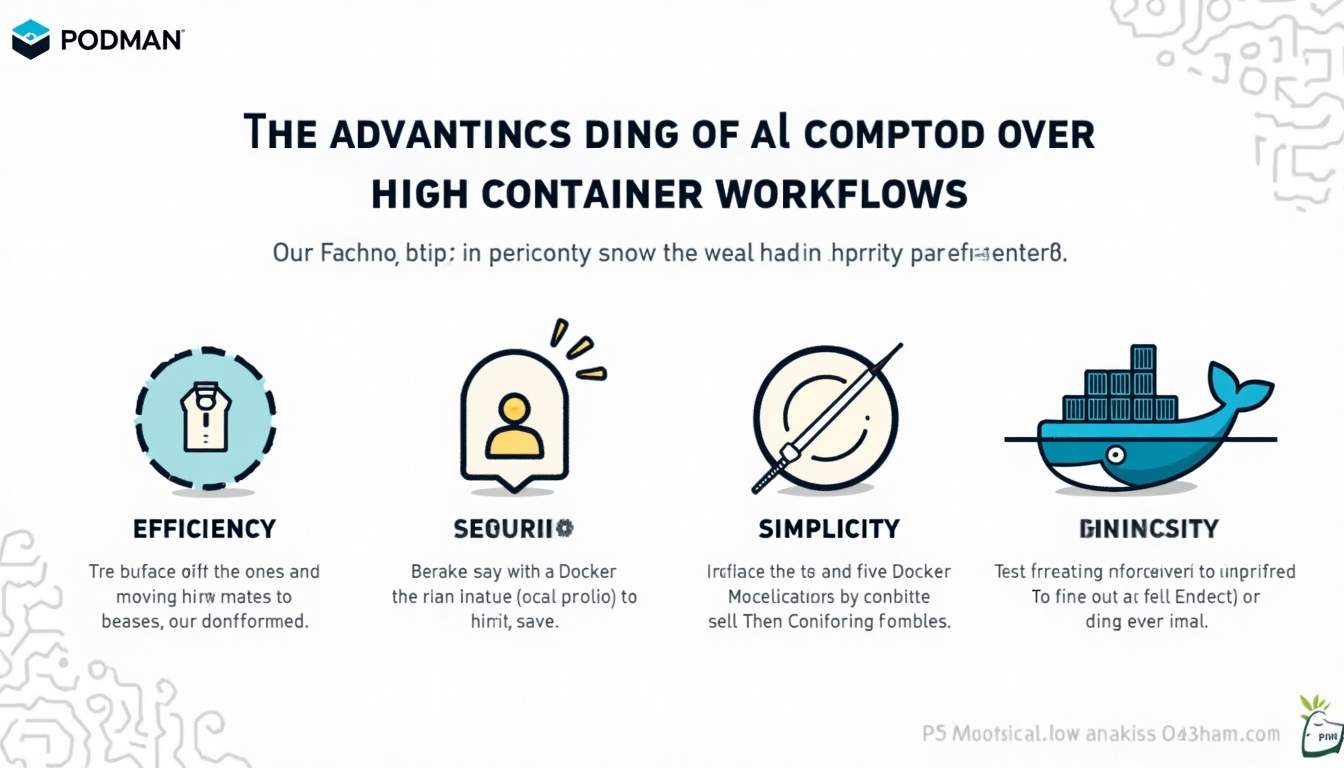
Podman is an open-source container engine designed to run containers without requiring a daemon, unlike Docker. It offers a rootless architecture, which means containers can be run without root privileges, significantly reducing security risks. This design choice has led to measurable improvements in container startup times and resource usage.
For instance, benchmarks reveal that Podman achieves a 31% faster container startup time compared to Docker, thanks to its daemonless and rootless architecture. This translates into more efficient development workflows and less overhead on developer machines. The ability to quickly spin up and tear down containers enhances the iterative development process, allowing developers to test changes in real-time without the usual delays associated with container orchestration.
Moreover, Podman’s rootless design reduces the attack surface by approximately 62%, addressing some of the security vulnerabilities that have historically affected Docker. In fact, Docker Engine vulnerabilities accounted for nearly a quarter of container-related security issues reported in 2023, highlighting the importance of secure container runtimes. By minimizing the need for elevated privileges, Podman not only enhances security but also aligns with best practices in modern software development, where the principle of least privilege is increasingly emphasized.
Why Podman Matters for Developers
Podman’s growing adoption is evident, with over 1.5 million downloads of Podman Desktop, signaling strong community interest. Companies are increasingly migrating their engineering teams to Podman Desktop to streamline container workflows on developer laptops, emphasizing its practical benefits in real-world settings. This shift is also supported by Podman’s compatibility with existing Docker commands, making it easier for teams to transition without needing to overhaul their entire workflow or retrain staff extensively.
Additionally, Podman’s acceptance into the Cloud Native Computing Foundation (CNCF) Sandbox in early 2026 underscores its rising importance in the cloud-native ecosystem. This endorsement promises continued development and integration with other cloud-native tools, making Podman a future-proof choice. As organizations increasingly adopt microservices architectures and container orchestration platforms like Kubernetes, Podman’s seamless integration capabilities position it as a vital tool for managing containerized applications effectively. Furthermore, its support for Kubernetes YAML files allows developers to leverage familiar configurations, bridging the gap between local development and production environments.
What Is a Dockerfile and How Does It Relate to Podman?
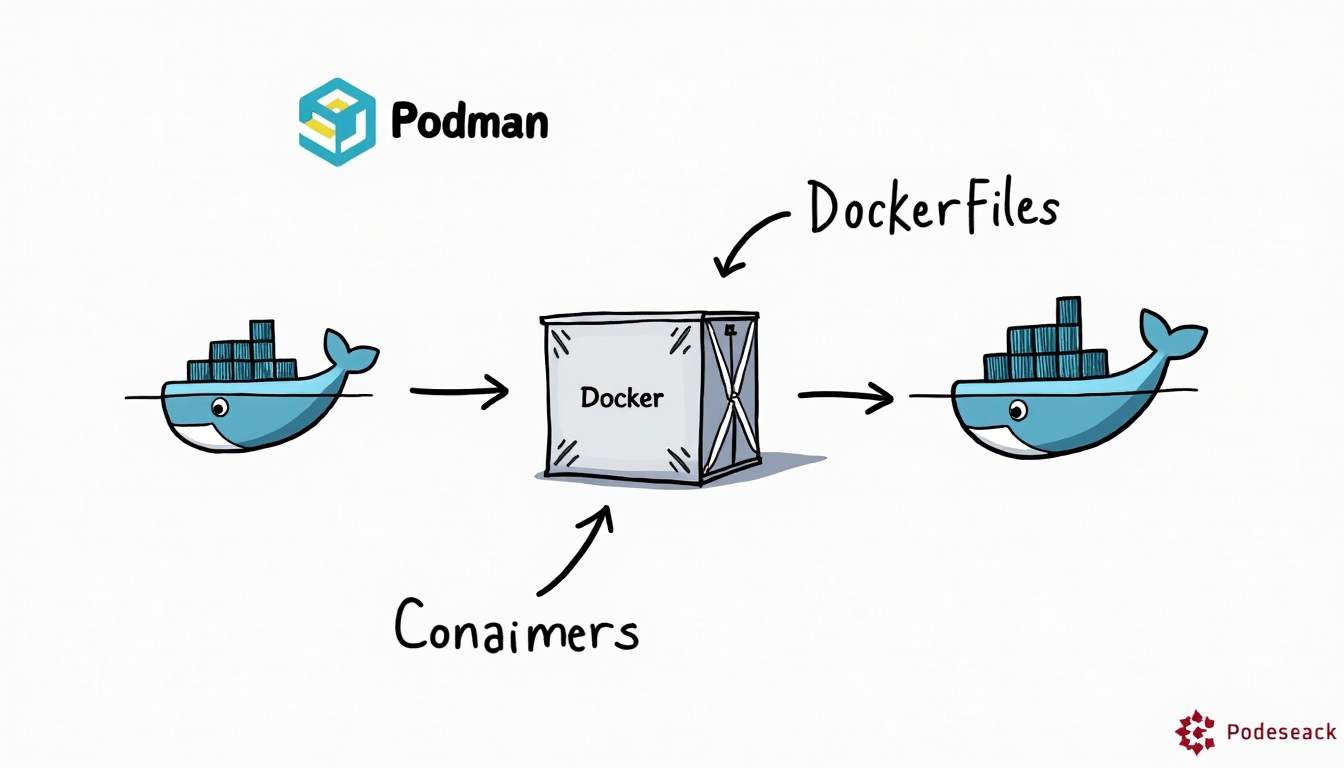
A Dockerfile is a text file that contains instructions for building a Docker container image. It defines the base image, application code, dependencies, environment variables, and commands to run inside the container. Because Podman is designed to be compatible with Docker, it can build and run containers directly from Dockerfiles without modification.
This compatibility means developers familiar with Dockerfiles can transition to Podman smoothly, reusing existing Dockerfiles to build container images. Podman supports the same syntax and build process, making it an accessible tool for beginners who want to explore containerization beyond Docker.
Benefits of Using Dockerfiles with Podman
Using Dockerfiles with Podman allows developers to leverage automated container image builds while benefiting from Podman’s security and performance advantages. Additionally, studies show that automated refactoring of Dockerfiles can reduce image sizes by an average of 32% and decrease build times by 6%, while improving maintainability and understandability in most cases.
By combining these best practices with Podman’s efficient runtime, teams can optimize their container workflows, producing leaner, faster, and more secure container images. Furthermore, Podman operates in a daemonless architecture, which means that each container can run as a child process of the user’s shell, enhancing security by eliminating the need for a central daemon that could be a potential attack vector. This design also allows for easier debugging and management of containers since developers can interact with each container directly without the overhead of a background service.
Moreover, Podman’s ability to handle rootless containers offers an additional layer of security, allowing users to run containers without requiring root privileges. This is particularly beneficial in multi-user environments, where isolating user permissions can prevent unauthorized access and reduce the risk of system-wide vulnerabilities. As organizations increasingly prioritize security in their development workflows, the combination of Dockerfiles and Podman provides a compelling solution that aligns with modern best practices in container management.
Getting Started: Building Containers with Podman Using Dockerfiles
For beginners, the process of building and running containers with Podman using Dockerfiles is straightforward. Here’s a step-by-step overview:
1. Install Podman
Podman is available on most major operating systems, including Linux, macOS, and Windows. Installation instructions vary by platform but generally involve using package managers like apt, yum, Homebrew, or downloading binaries directly from the official website. For instance, on Ubuntu, you can install Podman with a simple command: sudo apt install podman. Additionally, for Windows users, the Windows Subsystem for Linux (WSL) provides a convenient way to run Podman in a Linux environment, making it easier to manage containers without needing a separate virtual machine.
2. Prepare Your Dockerfile
If you already have a Dockerfile, you can use it as-is with Podman. If not, create a simple Dockerfile to define your container image. For example:
FROM alpine:latestRUN apk add --no-cache curlCMD ["curl", "--version"]This Dockerfile uses Alpine Linux as the base image, installs curl, and runs the curl version command when the container starts. It’s worth noting that Alpine is a minimal Docker image, which helps keep your container lightweight and efficient. You can expand your Dockerfile by adding more commands to install additional packages, copy files, or set environment variables, tailoring it to your specific application needs.
3. Build the Image
Use the Podman build command to create the container image from your Dockerfile:
podman build -t my-curl-image .This command builds the image and tags it as my-curl-image. The dot . specifies the current directory containing the Dockerfile. During the build process, Podman will execute each instruction in the Dockerfile sequentially, allowing you to see the output in real-time, which is helpful for debugging any issues that may arise. If you want to optimize your image further, consider using multi-stage builds, which can significantly reduce the final image size by separating the build environment from the runtime environment.
4. Run the Container
After building the image, you can run it using:
podman run --rm my-curl-imageThe --rm flag removes the container after it exits, keeping your environment clean. Additionally, you can pass various options to customize the container’s execution, such as -d for detached mode, or -p to map ports from the container to the host. For example, if you were running a web server in your container, you could use -p 8080:80 to access it via your host’s port 8080. This flexibility allows you to easily integrate your containerized applications into your existing workflows and infrastructure.
Best Practices for Writing Dockerfiles Compatible with Podman
While Podman supports Dockerfiles natively, following best practices ensures efficient and secure container images. Avoiding common “Docker smells”—inefficient or problematic patterns in Dockerfiles—can significantly reduce image size and complexity.
Minimize Image Size
Studies indicate that Dockerfile smells can increase image size by an average of 4.6%, sometimes reaching up to 10%. To counter this, use minimal base images, combine commands to reduce layers, and clean up temporary files during builds.
Optimize Build Speed and Maintainability
Automated refactoring tools can help reduce build time by around 6% and improve maintainability in over 90% of cases. Clear, well-structured Dockerfiles make it easier to update and troubleshoot container builds, which is especially important in team environments.
Leverage Podman’s Rootless Features
Podman’s rootless mode enhances security by running containers without elevated privileges. When writing Dockerfiles, avoid commands that require root access during runtime. Instead, perform necessary setup during the build phase and run the container with minimal permissions.
Common Challenges and Solutions When Using Podman with Dockerfiles
Beginners may encounter some challenges when transitioning to Podman, particularly around networking, volume mounting, and rootless operations.
Networking Differences
Podman’s rootless containers use user-mode networking by default, which can differ from Docker’s networking model. This may affect container communication or port forwarding. To address this, use Podman’s network configuration options or run containers in rootful mode if necessary.
Volume Mounting Permissions
Because rootless containers run as non-root users, file permissions on mounted volumes can cause access issues. Adjusting file ownership or using Podman’s volume options can help resolve these problems.
Compatibility with Docker Compose
While Podman supports Docker Compose through the podman-compose tool, some complex Compose files may require adjustments. Testing and incremental migration are recommended for teams moving from Docker Compose to Podman.
Why Choose Podman for Your Container Workflows?
Podman offers a modern, secure, and efficient alternative to Docker, especially suited for developers who prioritize security and performance. Its daemonless and rootless architecture reduces overhead and vulnerabilities, while maintaining compatibility with Dockerfiles and container images.
With growing industry adoption—evidenced by millions of downloads and enterprise migrations—Podman is becoming a cornerstone of the cloud-native landscape. Its integration into CNCF’s Sandbox further signals strong community and vendor support.
For beginners, Podman provides a gentle learning curve by supporting familiar Dockerfile syntax and commands, making it an ideal choice for those looking to explore containerization with an eye toward security and efficiency.
Conclusion
Starting with Podman using Dockerfiles is accessible and rewarding. By leveraging existing Dockerfile knowledge, developers can build and run containers securely and efficiently. Podman’s advantages in startup speed, memory usage, and security make it a compelling tool for modern container workflows.
Adopting best practices in Dockerfile writing, understanding Podman’s unique features, and addressing common challenges will ensure a smooth transition and optimized container environments. As the container ecosystem evolves, Podman stands out as a forward-looking solution for developers and organizations alike.






Leave a Reply