

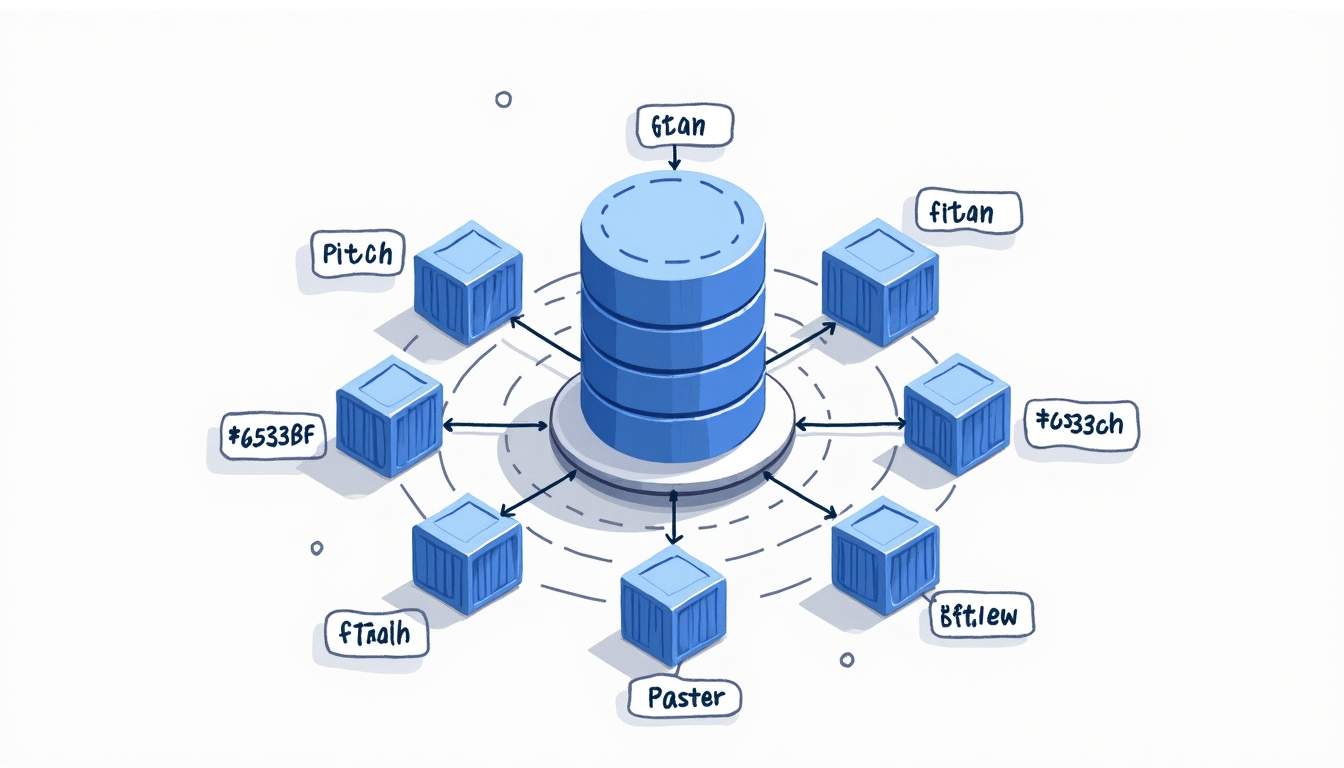
Pods vs containers stops being confusing once you separate two things: what runs vs what Kubernetes schedules.
A container is the runnable unit (a process with isolation). A Pod is the smallest thing Kubernetes places on a node; it can run one or more containers that share the same IP/localhost and mounted volumes.
That mental model helps you make day-to-day calls like “sidecar or separate service?”, “what do I scale?”, and “why did this restart?”.
Understanding Containers: The Foundation of Modern Applications
A container packages your app into something that can start the same way on any machine: the process, the filesystem it sees, and the runtime isolation around it. In practice, it’s just a process (or a few processes) running with constraints.
In Kubernetes you almost never run “a container” directly. Kubernetes runs containers inside Pods and then manages Pods as the unit of placement, restarts, and scaling.
Why Containers Matter
They make builds and deployments predictable: the image is the artifact, and a container is how that artifact runs. This is why logs, health checks, and restarts are usually discussed at the container level — even when you deploy as Pods.
What Is a Kubernetes Pod?
A Pod is Kubernetes’ scheduling unit. When you say “run my app on the cluster”, Kubernetes places a Pod on a node, and the containers inside that Pod start there.
Key properties of a Pod:
- Shared network namespace: containers in the Pod share the same IP address and can talk via
localhost. - Shared volumes: containers can mount the same volume and exchange files.
- Shared fate: containers are deployed, restarted, and rescheduled together (as one unit).
How Pods Differ from Containers
A container is the runtime boundary; a Pod is the Kubernetes boundary. A single Pod can run one container (very common) or a small group that must stay together. If two components need independent scaling or releases, they usually belong in separate Pods and communicate through Services and DNS, not localhost.
Why Kubernetes Uses Pods Instead of Managing Containers Directly
If you want the deeper mechanics, see what kubelet does on each node and how the Kubernetes control plane works.
Kubernetes needs one object it can place onto a node, wire into networking/storage, and restart when something goes wrong. That object is the Pod.
- Scheduling: the scheduler places a Pod on a node based on resource requests and constraints.
- Co-location: if two containers must share
localhostor a mounted volume, a Pod keeps them together. - Shared lifecycle: the Pod is replaced when you roll out changes (via Deployments/ReplicaSets), rather than “patched in place”.
Rule of thumb: default to one container per Pod. Use multi-container Pods only when the containers are tightly coupled and should scale/deploy together.
When to Use One Container vs Multiple Containers in a Pod
Most workloads are simplest as “one app container in one Pod”. You still scale it by running more Pods (not “more containers inside the same Pod”).
Reach for multiple containers in one Pod when they need the same lifecycle and local access:
- Sidecar proxy (e.g., Envoy) that must share localhost traffic with the app.
- Log/metrics sidecar that tails files from a shared volume.
- Config reloader that watches a mounted config and signals the main process.
If the components can be deployed or scaled independently, put them in separate Pods and connect them with a Service — that’s the Kubernetes-native boundary.
Scheduling and Resources: What Kubernetes Actually Tracks
This is where people mix up Pod vs container and then get surprised by behavior in production:
- Placement happens at the Pod level: the scheduler places the Pod on a node using the Pod’s constraints and the sum of container requests.
- Limits are per container: one container can get OOM-killed without the whole Pod disappearing (but the Pod may restart depending on policy).
- Controllers replace Pods: Deployments/ReplicaSets create new Pods on rollout; you don’t “fix” a Pod by hand long-term.
A quick debug checklist
When something looks off, start from the Pod and drill down into containers: describe the Pod, then check events, container restarts, and logs.
Kubernetes Pods and Containers: Key Takeaways
Here’s the practical version you can use when deciding how to model a workload:
Quick takeaway: A container is your runnable unit. A Pod is Kubernetes’ wrapper that can run one or more containers together with shared networking and storage.
| Concept | What it is | What shares | How you scale |
|---|---|---|---|
| Container | Process + filesystem + runtime isolation | Nothing by default | Run more containers (often via a controller) |
| Pod | Kubernetes scheduling unit that runs 1+ containers together | Network namespace (same IP), volumes, localhost | Scale via more Pods (Deployment/ReplicaSet) |
Common trap: Treating a Pod like a “VM you SSH into” leads to brittle workflows. In Kubernetes, pods are meant to be replaced, not repaired in place.
apiVersion: v1
kind: Pod
metadata:
  name: demo-pod
spec:
  containers:
    - name: app
      image: nginx:1.27
      ports:
        - containerPort: 80

Code language: YAML (yaml)
apiVersion: v1
kind: Pod
metadata:
name: app-with-sidecar
spec:
containers:
- name: app
image: my-app:1.0
- name: log-sidecar
image: busybox:1.36
command: ["sh", "-c", "tail -n+1 -F /var/log/app.log"]
volumeMounts:
- name: app-logs
mountPath: /var/log
volumes:
- name: app-logs
emptyDir: {}
Code language: YAML (yaml)# Show pods in a namespace
kubectl get pods -n my-namespace
# Inspect a pod (includes the containers inside it)
kubectl describe pod my-pod -n my-namespace
# Stream logs from a specific container inside a pod
kubectl logs my-pod -c app -n my-namespace
Code language: Bash (bash)Quick check: If two processes must share
localhostand the same mounted volume, put them in the same Pod. If they can scale or deploy independently, keep them in separate Pods.
To summarize the distinctions and their significance:
- Containers are the runtime environments that package applications and their dependencies.
- Pods are Kubernetes constructs that group one or more containers sharing networking and storage resources.
- Pods provide a management layer that simplifies scheduling, scaling, and lifecycle handling of containers.
- Using Pods allows containers to work closely together, enabling complex application architectures.
- The Kubernetes ecosystem continues to grow rapidly, with enterprises adopting managed services to handle Pods and containers at scale.
FAQ
Common questions that come up when you move from “Docker containers” to “Kubernetes Pods”.
Can a Pod run just one container?
Yes. It’s very common to run one app container per Pod and scale by adding more Pods via a Deployment.
Do containers in the same Pod share an IP address?
Yes. They share the same network namespace, so they use one Pod IP and can talk to each other via localhost (on different ports).
When should I use a sidecar container?
Use a sidecar when it must share the Pod’s lifecycle and have local access (same localhost traffic or the same mounted volume). If it can scale or deploy independently, use a separate Pod.
What do I scale in Kubernetes: containers or Pods?
You scale Pods. A Deployment/ReplicaSet changes the number of Pods. Containers are just what runs inside each Pod.
Conclusion: Mastering Pods and Containers for Effective Kubernetes Use
Kubernetes doesn’t schedule containers. It schedules Pods. Containers are what runs inside that unit.
Use that to guide everyday decisions:
- Scale Pods (Deployments/ReplicaSets). Don’t try to “scale containers” inside a single Pod.
- Default to one container per Pod. Add a sidecar only when it must share
localhostor a mounted volume and should ship/roll back together. - When debugging, start at the Pod (events, scheduling, restarts), then drill into the specific container logs.
Once that mental model clicks, most Kubernetes behavior (rollouts, restarts, networking, and resource limits) becomes predictable and you spend less time fighting the platform.






Leave a Reply